
I Stopped Debugging Shopify Size Charts One Product Page at a Time
Sizing issues used to arrive in my inbox as isolated chores: a support question about a jacket, a new product page with an old chart, an international customer asking for inches, or a merchandiser wondering whether a collection had coverage. I would open the product, hunt for the table, and make a one-off fix. The work felt small, but it never ended.
The outcome I wanted was not a prettier size chart. I wanted fewer surprise checks per launch and fewer reasons to debug product pages individually. My fix was to treat sizing as a small exception queue: most of the catalog should resolve automatically, while the handful of products that genuinely need attention become visible.
Supra Size Chart gave me the building blocks for that approach: central charts, reusable measurement guides, and assignment rules that can target products, collections, product types, vendors, or tags. The important part is the operating model around those features.
The old workflow hid the real problem
A pasted table in a product description creates a false sense of completion. It works until a fit changes, a new colourway behaves differently, a product moves into a collection, or the same table needs a correction in twenty places. Then every request becomes a page-level investigation.
I now ask a simpler question: should this product inherit a known size-guide pattern, or is it a real exception? That changes the work from maintaining hundreds of pages to maintaining a few well-defined rules and a review list.
This is closely related to the system I described in my size-chart maintenance workflow, but the practical payoff here is faster diagnosis when the catalog changes.
1. Define the chart families before writing rules
I start with fit behavior, not collection names. A unisex heavyweight tee, a slim women’s top, a relaxed hoodie, and a one-size accessory may all be merchandised together, but they do not necessarily share a measurement story.
For each family, I record three things:
- The chart the shopper should see.
- The measurement guide that explains where to measure.
- The catalog signal that should assign it: product type, tag, vendor, collection, or a specific product.
A useful rule of thumb: use the broadest stable signal you trust. Product type works well when it is governed consistently. A dedicated tag is safer when a small fit group cuts across product types. A product-level rule is a deliberate exception, not the default.
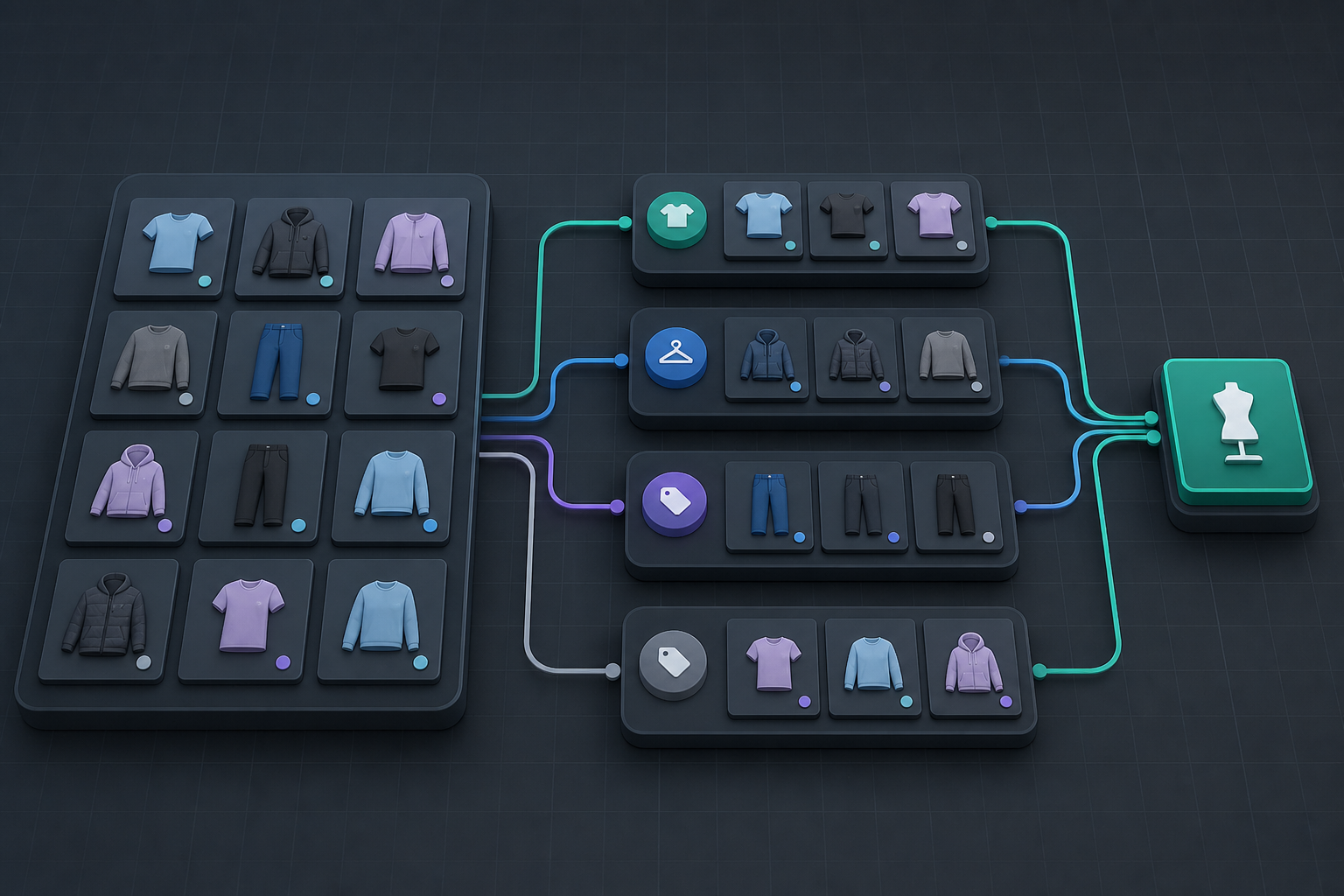
If product families are still fuzzy, this guide to matching Shopify size charts to product families is the exercise I would do before touching the rule editor. It is much cheaper to resolve ambiguous fit groups once than to revisit them through support tickets.
2. Make specificity an intentional escape hatch
Rules are powerful because they are live: a product added to a matching collection or given the right tag can be covered without another content edit. But that only stays predictable when I reserve specific rules for products that truly deserve them.
My hierarchy is simple:
- A store-wide default exists for anything temporarily unclassified.
- Broad rules cover stable families.
- Specific product rules handle unusual cuts, limited editions, or a manufacturer-provided chart.
- Every specific rule gets a short reason in my merchandising notes.
That last point prevents exceptions from becoming a shadow system. If I cannot explain why a product needs a special chart, it is usually a sign that the product data or family definition needs work. A release check like this four-part size-chart gate catches those weak spots before a collection goes live.
3. Review exceptions, not every page
My review queue is intentionally boring. Before a launch or after a meaningful catalog import, I sample:
- New products with no confident family signal.
- Products carrying conflicting tags or collections.
- Any item with a specific override.
- Items whose fit, vendor, or source chart changed.
For each one, I check the displayed chart, the measurement guide, and whether metric and imperial units are appropriate for the audience. I do not need to inspect every ordinary tee once the governing rule is working. I need to inspect the cases where the rule cannot speak with confidence.
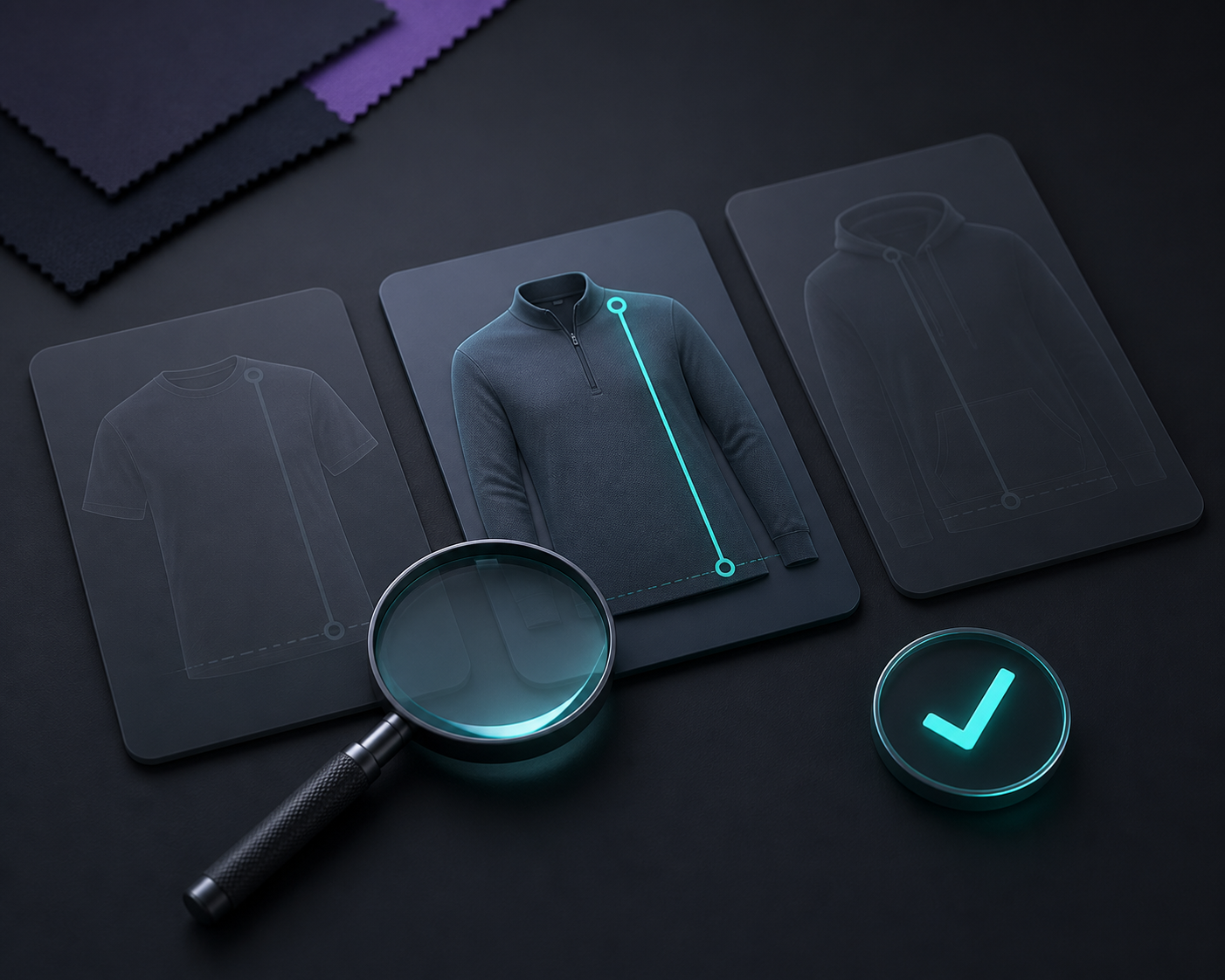
This is where the exception queue earns its keep. It gives the team a finite list that can be cleared, assigned, or held for a merchandiser’s decision. It also makes a useful difference between a data-quality problem and a genuine product exception.
4. Keep the chart data portable enough to trust
I am skeptical of any operational system that only works while a particular app is installed. With Supra Size Chart, the chart data lives in the store’s Shopify metaobjects and can be imported or exported as CSV or JSON. That means I can keep a backup, review a batch outside the storefront, and avoid turning a product description into the only copy of critical size information.
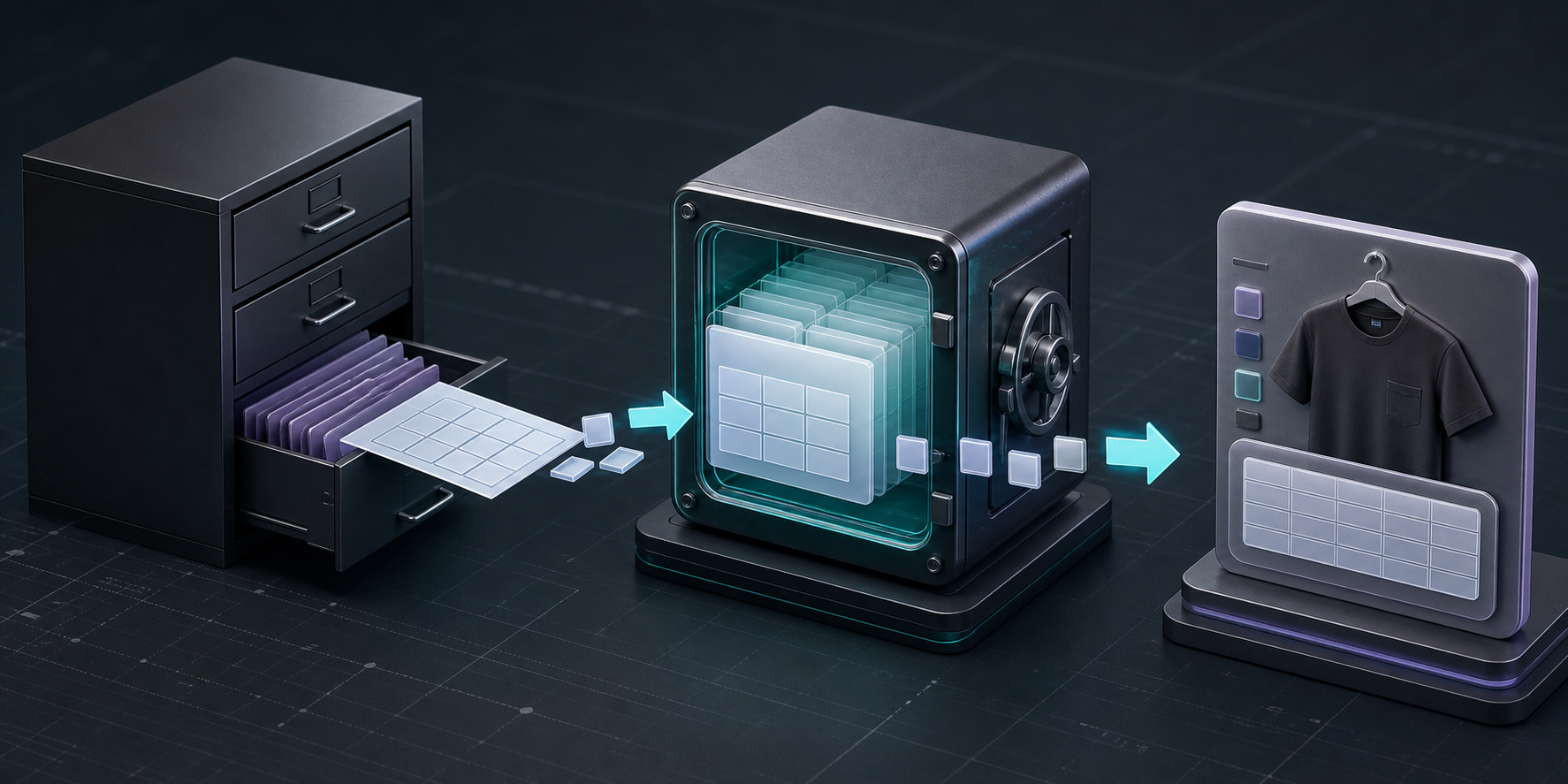
Portability does not replace a review process, but it makes the process less fragile. If your team maintains charts across regions or seasonal lines, I would pair exports with a small change log: what changed, why, which family it affects, and who checked the storefront. The same discipline matters when you split size guides by product family, because a clean split is only useful if future products land in the right branch.
The trade-off I accept
This approach takes a little upfront categorization. You have to decide what your product types and tags actually mean, and you may uncover catalog inconsistencies you would rather not see. I think that is a good trade: a few explicit decisions now versus endless quiet corrections in product HTML later.
It is also why I would not start by building a complicated dashboard. Start with one family, one reusable chart, one measurement guide, and one assignment rule. Add a specific override only when the product is genuinely different. Then review the exceptions around the next launch.
My practical next step
If you are still opening product pages one by one to fix sizing, pick the family that creates the most questions and move its chart into a shared system first. Supra Size Chart on the Shopify App Store is free, with unlimited charts, rules, display modes, and CSV/JSON export, so there is no plan calculation standing in the way of a small pilot.
The goal is not to eliminate judgment. It is to spend that judgment on the few products that need it—and let the ordinary catalog stay ordinary.