
I Turned Shopify Size Charts Into a Maintained Operating System
Size charts become expensive long before anyone notices them. The cost is not the table itself; it is the slow catalog drift around it: a new fit arrives, a collection changes, a chart gets copied into a description, and the one version a shopper sees is no longer the version the merchandising team meant to publish.
I used to treat sizing as a copywriting task. Now I treat it as an operating system with inputs, rules, a storefront output, and a small recurring maintenance loop. That shift matters because the outcome I care about is not merely a prettier table. It is fewer sizing questions, fewer avoidable wrong-size orders, and far less time chasing duplicated product-page HTML.
Supra Size Chart is the tool I would use for that system because it keeps charts centrally managed, assigns them through catalog rules, and stores the underlying information in Shopify metaobjects instead of trapping it inside a widget. It is also free, which removes the usual argument for postponing the cleanup.
The system I wanted: one owner, one source, many storefront contexts
The key design decision was separating chart data from where a chart appears. A product description can explain fabric or fit, but it should not be the database for every measurement row.
My working model is simple:
- A chart is the canonical data set: sizes, garment measurements, units, and any notes.
- A measurement guide explains where those measurements come from.
- A rule decides which product, collection, product type, vendor, or tag receives the chart.
- The theme app block decides how the shopper encounters it: inline, accordion, or modal.
That separation makes an ordinary catalog change less risky. If a new color joins an existing collection, the rule can cover it without someone remembering to paste a size table. If a supplier revises a garment measurement, I update the chart once rather than searching every product page.
Start with a measurement contract, not a spreadsheet cleanup
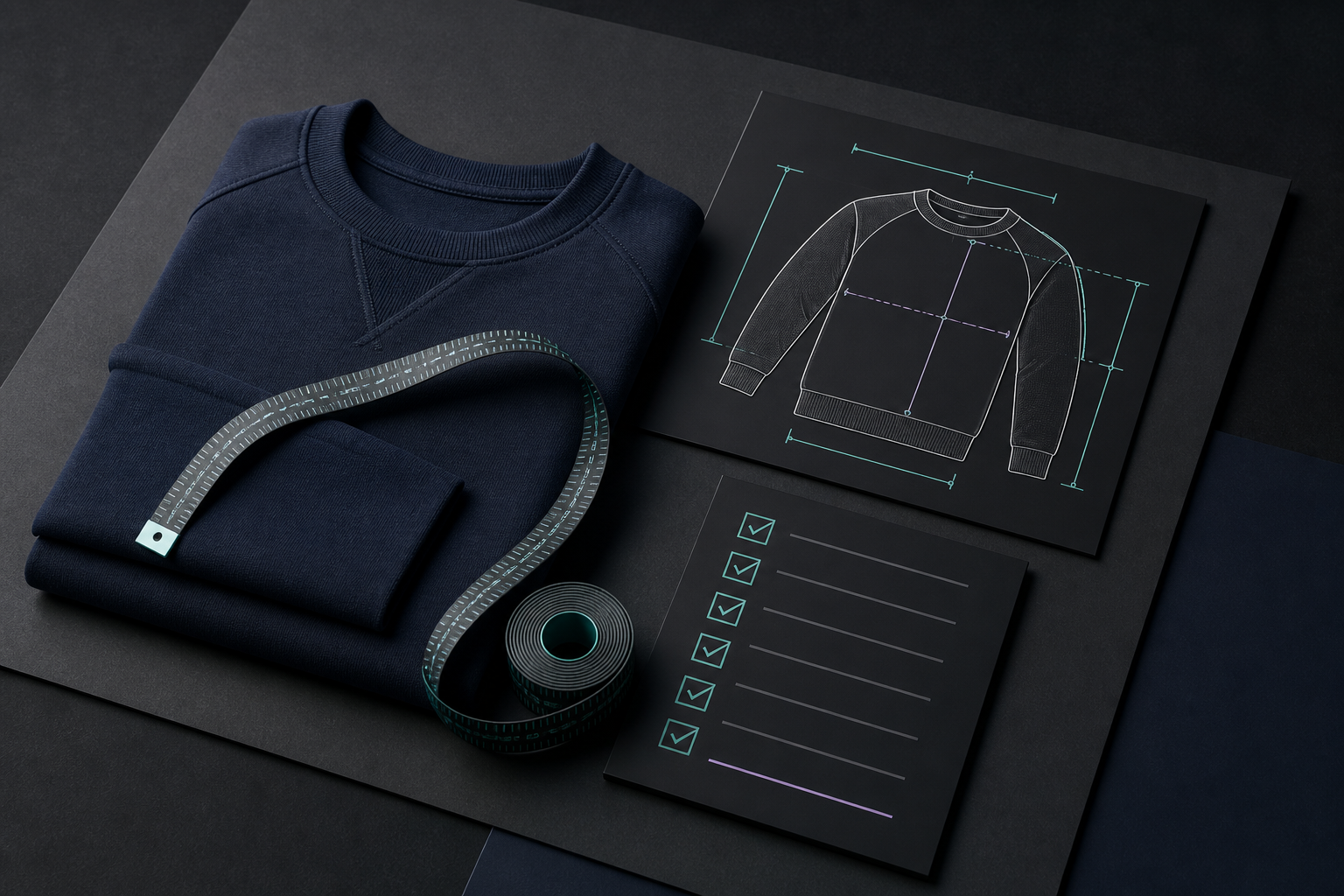
Before importing anything, I write down what each product family means by a measurement. For a t-shirt, that might mean chest width measured flat, body length, and sleeve length. For trousers, rise and inseam need their own definitions. The goal is to make the numbers reproducible for the next person who measures the garment.
This is where a labelled measurement guide earns its place. A grid can tell a shopper that Medium is 52 cm across the chest; it cannot tell them whether that means a body measurement or a garment laid flat. Supra Size Chart lets a merchant pair a reusable guide with the chart, then add labelled measurement lines to a garment silhouette. That is a small bit of explanation with a large operational payoff: your internal measurement process and the shopper’s interpretation stay aligned.
For every chart, I would check four things:
- Scope: Is this a shared product-family chart or a fit-specific exception?
- Source: Was it measured from the current sample, supplier specification, or an old exported sheet?
- Units: Are columns consistently metric or imperial, and is the shopper-facing toggle appropriate?
- Owner: Who reviews a changed measurement before it reaches the storefront?
A chart with unknown provenance is not a source of truth. It is just a nicer-looking risk.
Use rules to reduce maintenance, but keep exceptions visible
Rules are where this becomes a system instead of a weekly checklist. I prefer assigning a base chart to an intentional catalog group—say, a product type or collection—then creating more specific rules only for genuine fit differences. A tailored shirt should not quietly inherit the relaxed tee chart just because both happen to share a vendor.
The useful question is not “how many rules can I create?” It is “what change should automatically receive coverage?” If products added to a collection should share sizing, use the collection rule. If a vendor’s catalog has stable measurements, use a vendor rule. If a capsule needs a temporary fit chart, a tag can keep that exception explicit and removable.

I found the same pattern useful when matching size charts to product families without a maintenance mess: reuse should be the default, while exceptions should be named rather than buried in product descriptions. If you are starting from a scattered catalog, an initial size-chart system audit is a practical first pass.
Design for the shopper’s decision, not the merchant’s data model
Once the data is reliable, the product page still needs to help someone decide. I use these trade-offs:
- Inline table: best when sizing is a major purchase question and the chart is short.
- Accordion: best when a product page already has dense merchandising content but the chart should remain easy to find.
- Modal trigger: useful for a complex guide that benefits from a focused view without making the page feel long.
The display mode should not change the data source. That is why I like a theme-native block: it can adopt the store’s visual language while the measurements remain centrally managed. Server-rendered markup also avoids turning a basic sizing answer into a heavyweight client-side widget.
For international shoppers, I would offer a metric/imperial toggle when the chart makes sense in both systems. The point is clarity, not a false sense of precision. Keep the original measurement process clear, state whether values are garment or body measurements, and use notes for fit guidance such as “designed for an oversized fit.”

My 20-minute maintenance loop
I do not need to re-audit every chart every week. I need a lightweight recurring check that catches the changes most likely to create drift:
- Review new products and confirm the intended rule covers them.
- Review any new supplier sheet or updated sample measurement.
- Open one product from each major family and test the actual storefront display.
- Check the measurement guide against the chart’s columns and notes.
- Export CSV or JSON before a substantial catalog or theme change.
The export step matters to me more than it sounds. With charts stored in Shopify metaobjects and exportable as CSV or JSON, the data remains merchant-owned and portable. That is an operational hedge: the useful work is still yours if the theme changes, the app changes, or the catalog grows.
This loop also gives a better starting point for a collection launch. Instead of treating the launch as the moment to discover sizing debt, I can use a focused size-chart release gate and refresh only the charts affected by the new products. For a more collection-oriented reset, this seasonal sizing refresh workflow is the companion process I would use.
The practical next move
If your size guides currently live in product descriptions, do not try to fix the whole catalog in one sitting. Pick one product family with recurring sizing questions. Define the measurement contract, build one central chart and guide, assign it with a rule, and test it on three real product pages.
Then install Supra Size Chart and use that small pilot to establish the pattern. A reliable size-chart system is not glamorous, but it turns a high-friction shopper decision into routine catalog maintenance—and that is exactly the kind of automation I trust.