
How I Decide Which Shopify Products Need AI Avatar Videos First
When I have a long Shopify catalog, I do not start by making a video for the hero product and calling it a day. I rank the catalog first.
That matters because video is still a cost decision, not just a creative one. If I spend time on the wrong SKU, I get a nice-looking asset that does not change conversion, explain the product better, or justify the production effort. When I spend that time on the right product, one video can help ads, product pages, launches, and email without forcing me back into another shoot.
That is where Supra UGC Maker fits my workflow. It gives me a way to turn one product brief into AI avatar videos with different scenes, scripts, speech, and product references, then reuse those assets without rebuilding everything from scratch.
The filter I use before I touch video
I give each product a quick score before I make anything. I am looking for products that are worth the creative effort, not just products that are easy to film.
- Margin or AOV. If the product cannot absorb a few test variants, I am probably too early for video.
- Explanation complexity. If the product needs sizing help, texture cues, setup steps, bundle logic, or a before-and-after story, video does more work than static images.
- Traffic pressure. New launches and paid campaigns raise the stakes. If a product is about to get spend, I want more than stills.
- Seasonality. Short windows reward speed. If the sale or launch window is tight, I care more about getting a usable video out fast than polishing one perfect ad.
- Creative fatigue. When my static image set starts flattening out, video often buys me another round of tests before I need a bigger refresh.
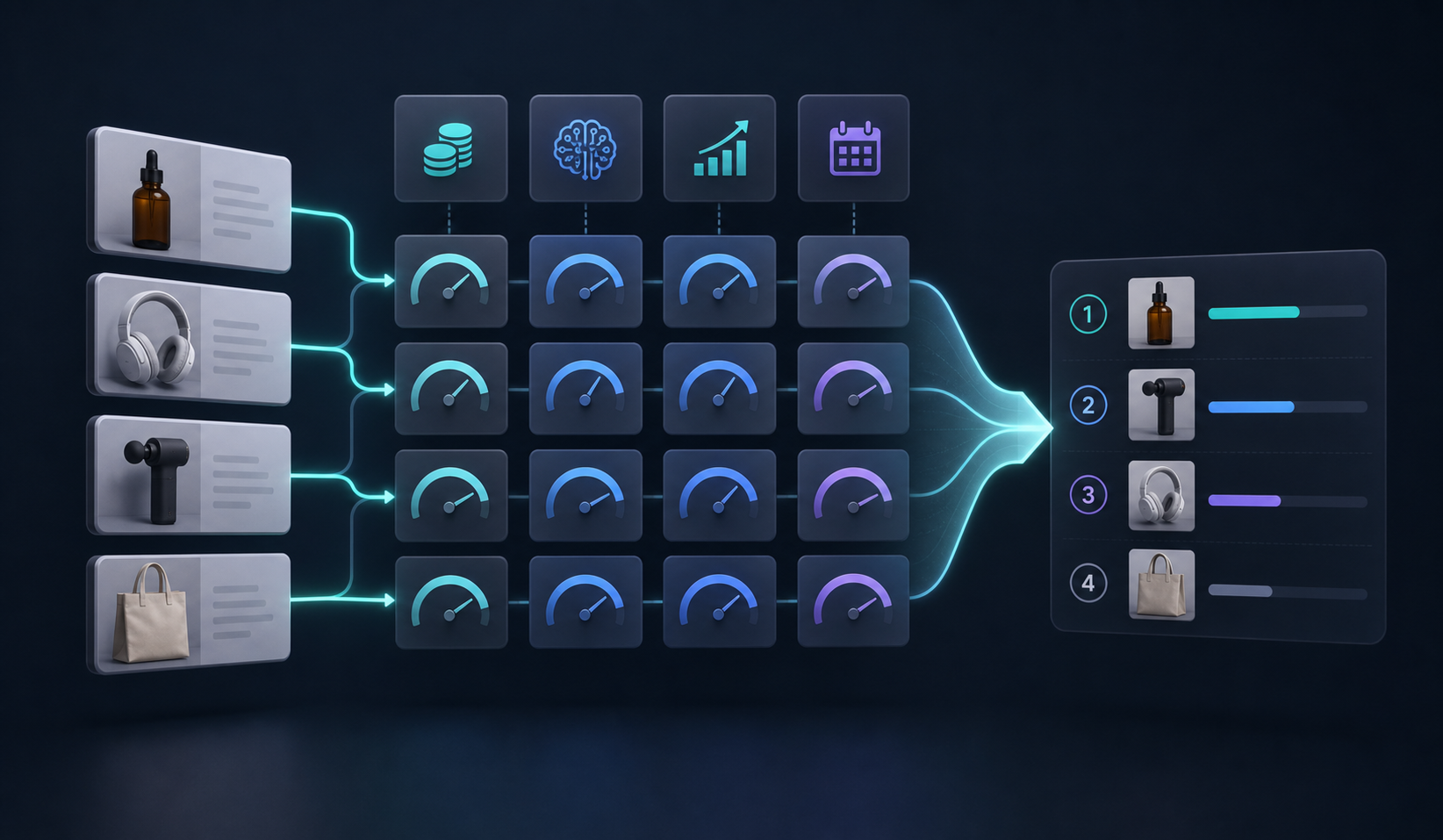
My rule is simple: if three or more of those checks are true, the product moves into my video queue. If only one or two are true, I usually keep it in static creative until the product has more traction.
That is the same logic I use when I think about product-page videos versus ads. Some products need persuasion. Others need explanation. A few need both.
What Supra UGC Maker changes
The reason I use Supra UGC Maker instead of treating video as a one-off production project is that it breaks the work into pieces I can control.
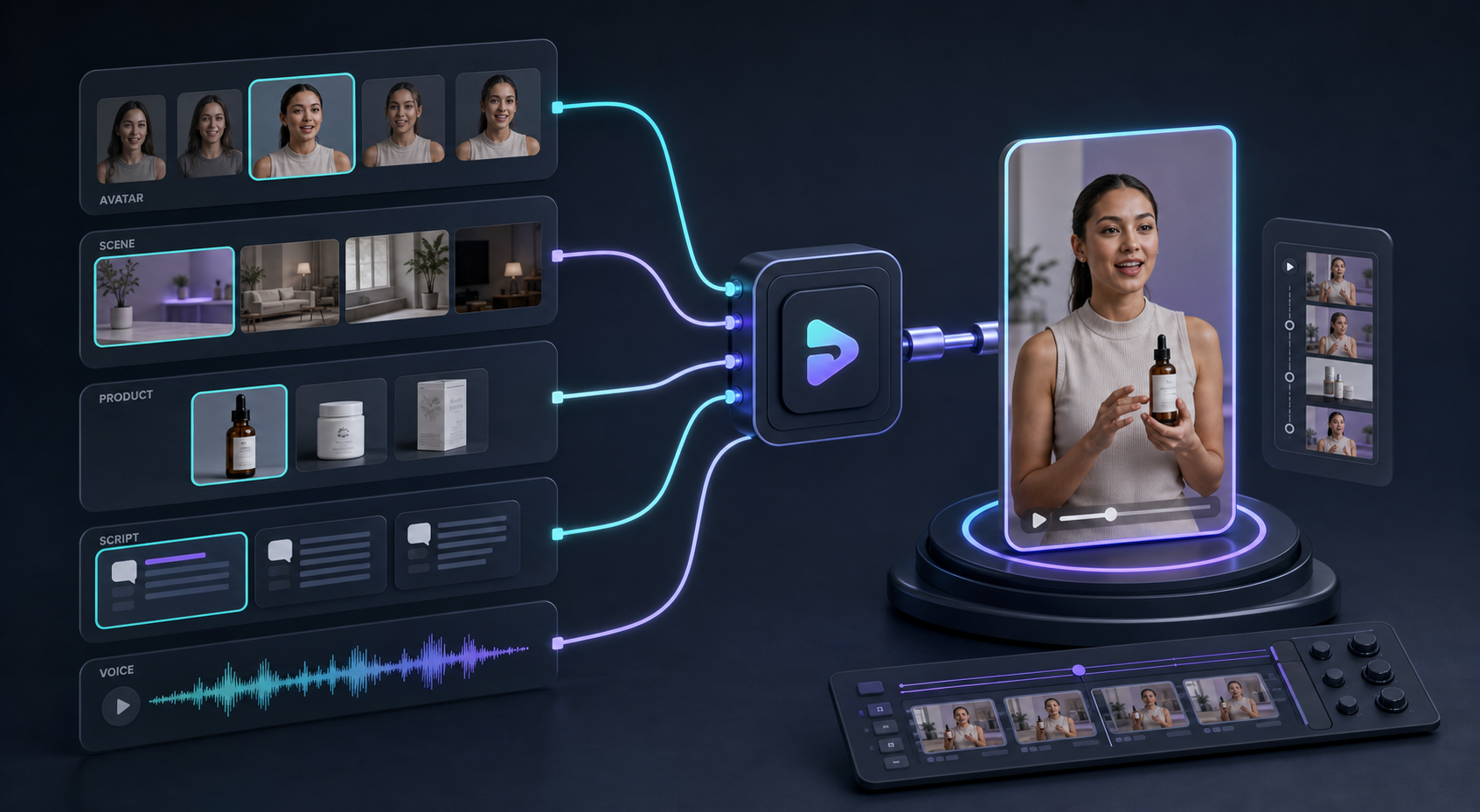
I can choose a preset avatar or generate a custom AI model. I can pick a scene, feature a Shopify product, write the script, and choose the voice or tone. I can preview scenes before I generate clips, then reorder, trim, update, and regenerate only the parts that need work.
That matters because most of the cost in ecommerce video is not the final render. It is the setup tax. If I need to restart every time I change a hook, a background, or a line of copy, I end up making too few tests.
With a reusable project structure, I can keep the core brief stable and vary the parts that actually matter. That is the difference between making one video and building a repeatable creative system.
The Shopify App Store listing also says the app works with Shopify Admin, AI image models, AI video models, GPT-Image, Nano Banana, Seedance, and Veo3. In practice, that means I can move from product context to a video concept without stitching together a bunch of separate tools.
The workflow I actually use
When a product clears my filter, I do not try to make ten versions at once. I make one useful core version first, then branch from there.
- I write the one promise.
- I choose the first hook.
- I pick the avatar and scene for the job.
- I generate three versions from the same base idea.
- I only regenerate the weak link.
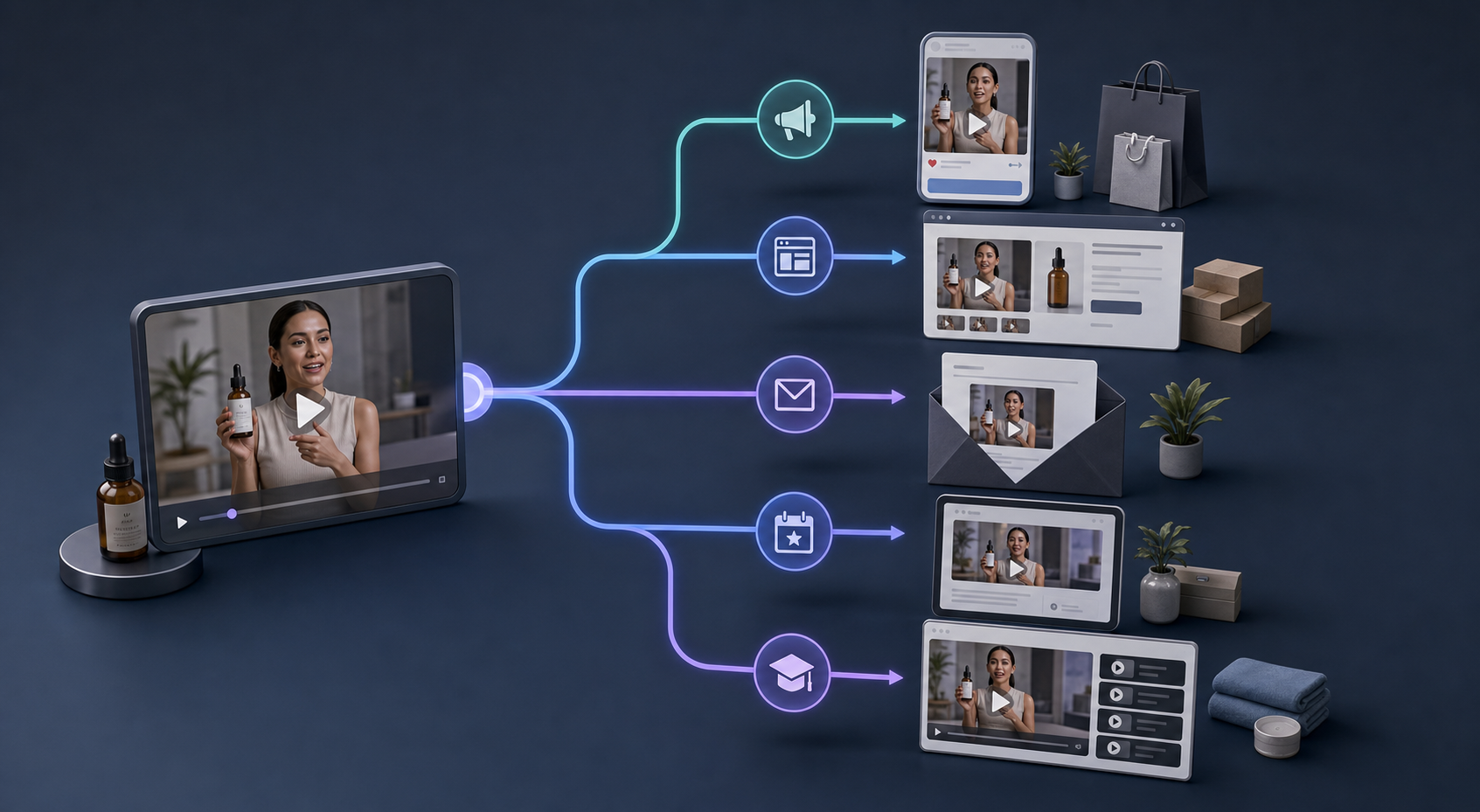
That workflow is why I think in terms of creative systems instead of isolated assets. I want one source brief to produce enough variations that I can test hooks without waiting for a new shoot.
If you want the broader no-shoot argument, I also wrote about How to Create UGC-Style Product Videos for Shopify Without Hiring Influencers. The point is not that AI replaces every creator relationship. The point is that it lets me move faster on the cases where speed and scale matter more than a custom production day.
When I still skip AI avatar video
I do not use this format for every SKU.
If the product is low-margin and low-AOV, I am usually better off improving the listing first. If the product needs a real demonstrator or a deeply human testimonial, I want a creator-led asset instead of an avatar. And if I do not yet understand the product well enough to write a good script, video is premature.
That is the trade-off I try to keep visible. AI avatar videos are useful when the goal is faster testing, clearer product explanation, and more creative volume. They are less useful when the goal is a highly personal endorsement or a trust signal that should come from a real person.
For that reason, I treat the format as a lever, not a default.
The part that usually makes the biggest difference
The biggest win is not the avatar. It is the discipline of deciding which products deserve video in the first place.
Once I know the product has enough margin, enough complexity, or enough launch pressure, Supra UGC Maker gives me a fast path from brief to usable creative. That lets me test more hooks, reuse more of the setup, and keep the work tied to revenue questions instead of production theater.
If you want to try the workflow yourself, start with the Supra UGC Maker landing page or install it from the Shopify App Store. My advice is to pick one product, make one core video, and then use the result to decide where the next three variations should go.
That is usually enough to tell me whether the format is worth scaling.