
How I Build a Shopify UGC Video Test Matrix
I keep running into the same launch problem: the product is ready, but the short-form video stack is not. One hook is never enough, the product page still feels static, and I do not want to schedule a creator shoot every time a campaign changes.
That is why I keep coming back to Supra UGC Maker and its Shopify App Store listing. The app is set up around the parts I actually need: avatar, scene, script, voice, product reference, and reusable projects.
What I want is not one perfect video. I want a small test matrix that can give me a few believable angles fast, so I can see which version is worth more spend.
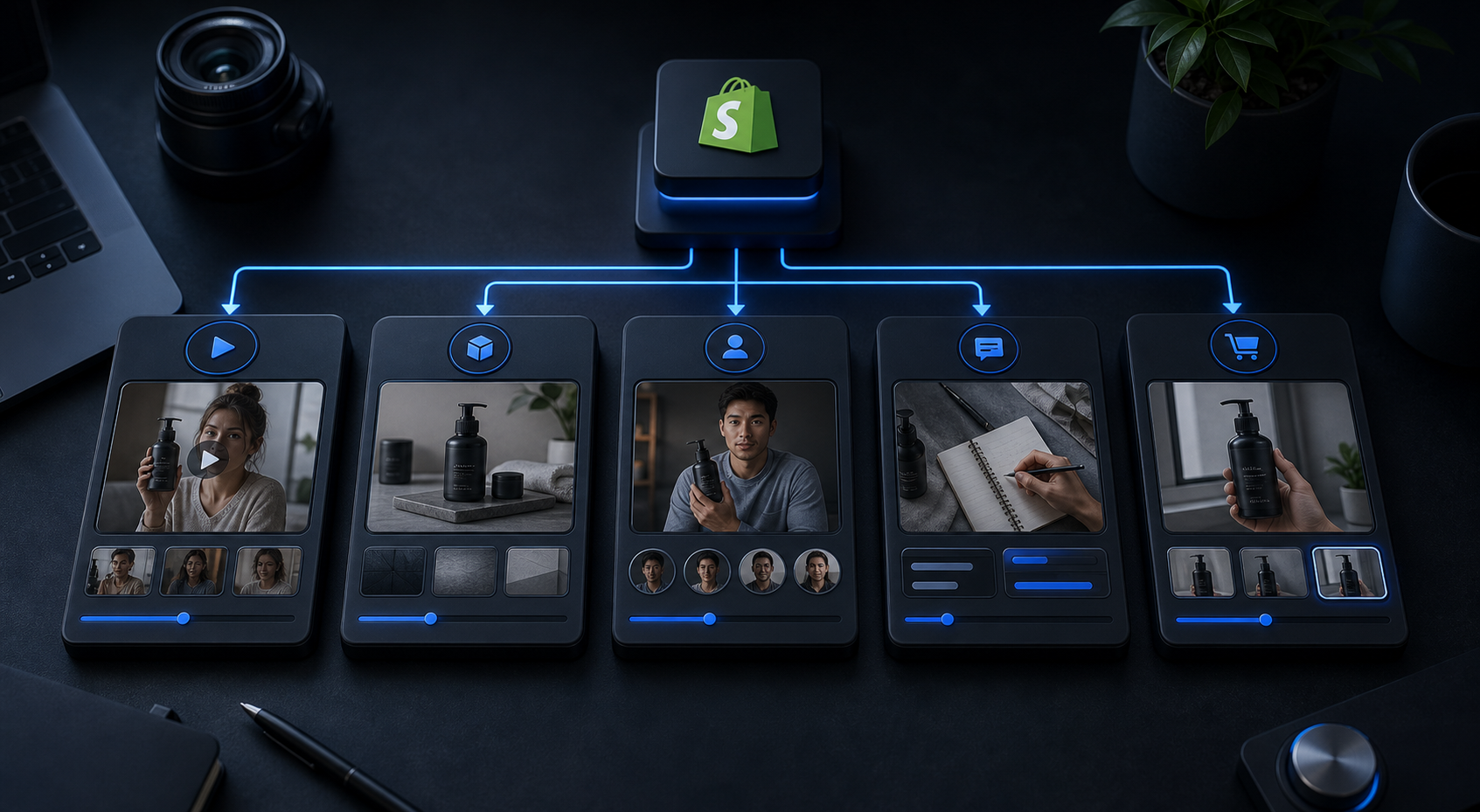
I start with the job, not the avatar
Before I pick a face or a background, I decide what the clip has to do. Ads need a hook. Product pages need clarity. Email needs a faster story. Seasonal promos need speed over polish.
That is why this workflow feels more useful than a one-off “make me a UGC video” request. It makes me name the job first. If I want a framework for that part, I would pair this with How to Turn One Shopify Product Brief Into Better UGC Videos and How to Build a Shopify UGC Video Ad Matrix Without a Shoot. Both posts are about the same thing from slightly different angles: stop starting from blank creative.
My first question is usually simple:
- Is this clip trying to stop the scroll?
- Is it trying to explain the product?
- Is it trying to support a launch page or email?
Once I know the job, the rest gets easier. I can choose the avatar, scene, script, and voice with a little more discipline instead of improvising every time.
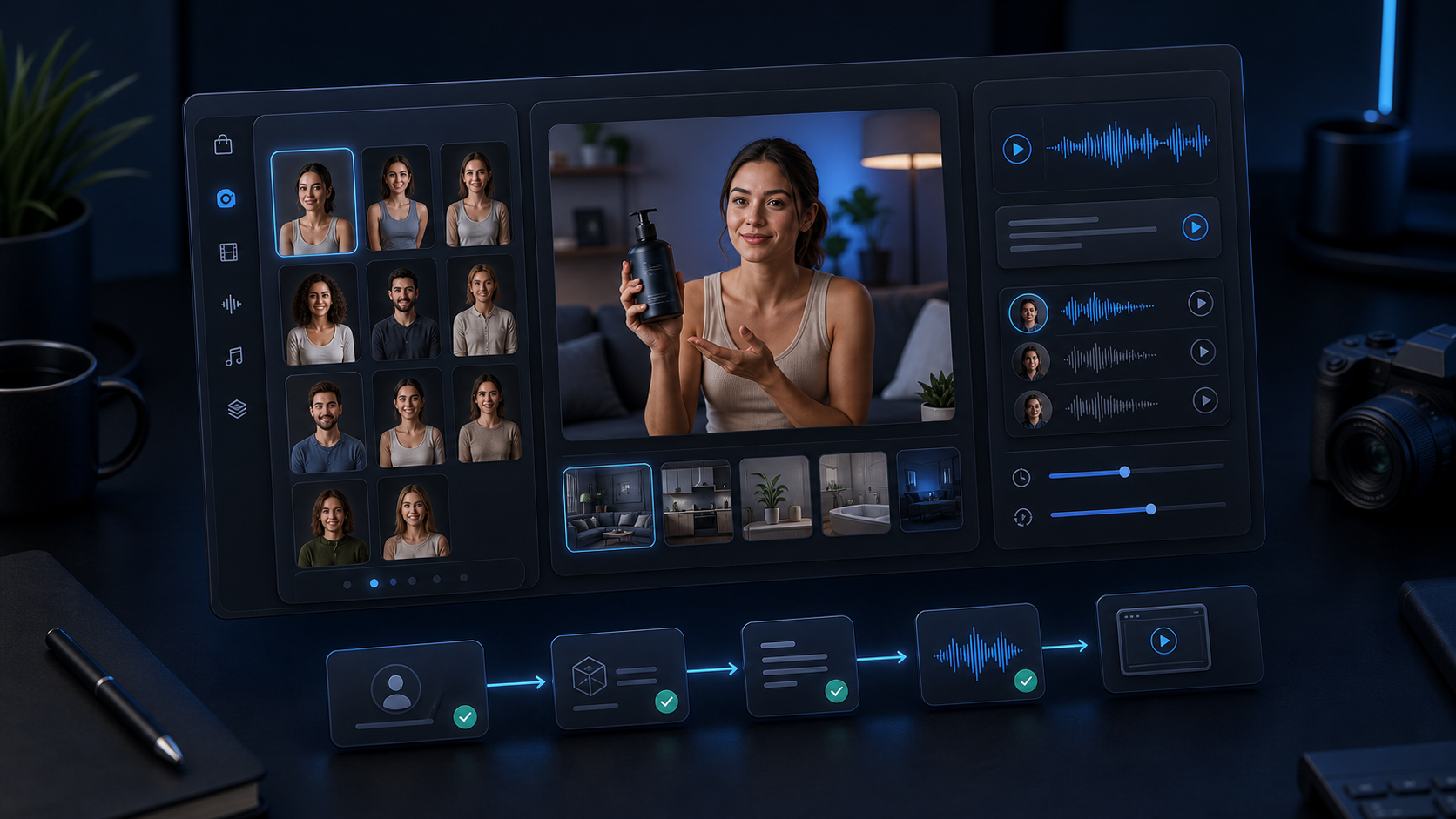
My default test matrix
For a first pass, I keep the matrix small:
- One product
- Three hooks
- One avatar family
- Two scene families
- One voice style
The three hooks I use most often are:
- The plain explanation
- The objection answer
- The proof-forward demo
That gives me enough variation to learn something without turning the test into production bloat. It is also close to the way I think about How I Build a Shopify UGC Hook Matrix From One Product, where the point is not volume for its own sake. The point is to make each variation answer a different question.
Scene choice matters more than I expected
The product brief says I can choose studio, outdoor, boutique, or brand-specific settings. I would not try all of them in one campaign. I would choose one neutral scene, one contextual scene, and one premium scene only when the brand can support it.
That is the part that keeps the videos from feeling random. The avatar is only half the signal. The scene tells the shopper whether the product belongs in a clean catalog, a lifestyle moment, or a brand-led narrative.
If I want a good companion read, I usually point to How to Create UGC-Style Shopify Product Videos Without a Shoot and How I Built a Shopify UGC Ad Testing Matrix. They cover the same idea with less emphasis on the matrix itself and more on the creative angle.
For me, the tradeoff is straightforward: I would rather have three coherent variations than ten random ones. Coherence makes the testing easier to trust.
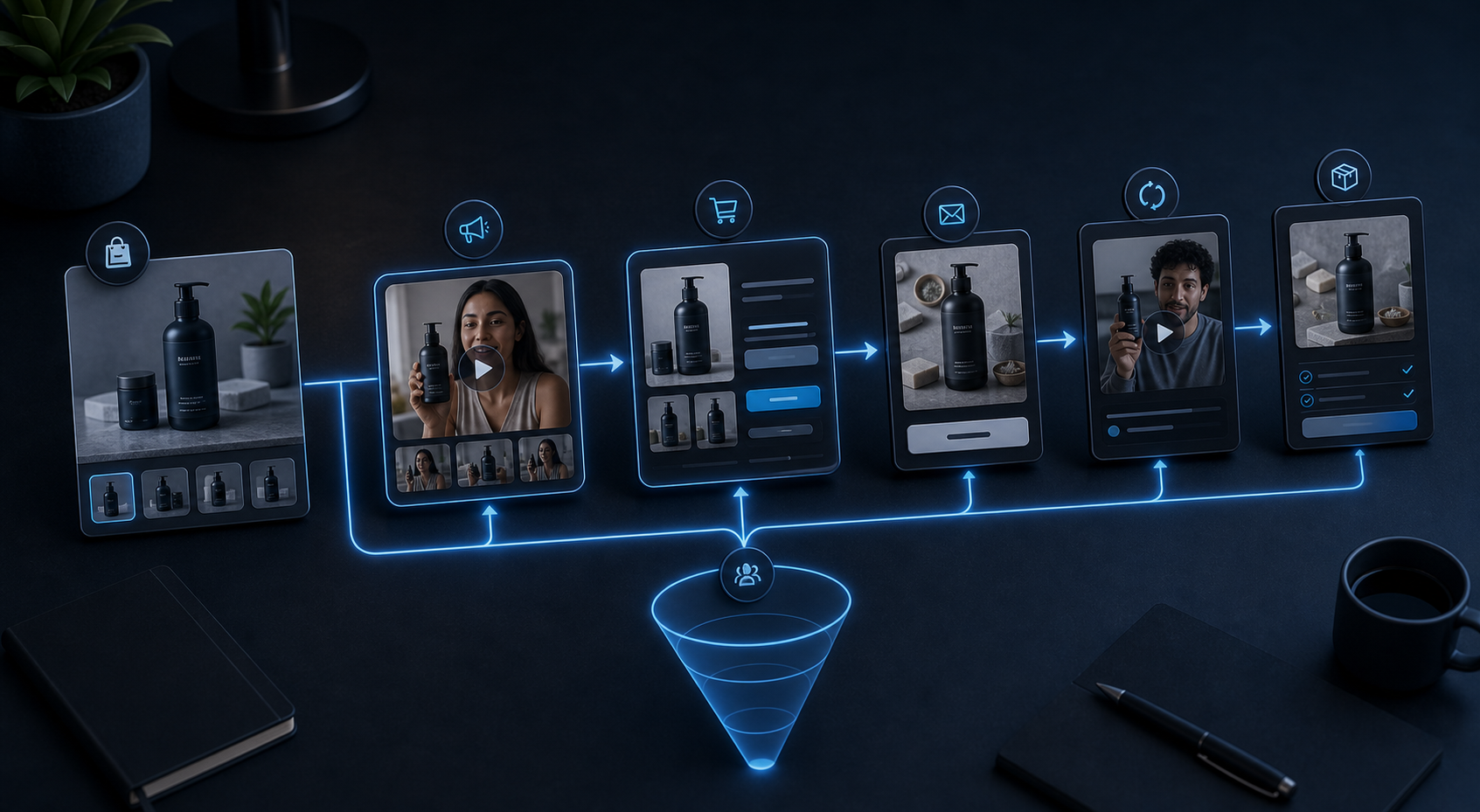
Where I actually use the outputs
I do not make these videos because I want more video. I make them because the product needs more jobs done.
- Paid social: test hooks, pacing, and attention
- Product pages: explain the product without a shoot
- Email: show the product in motion inside a campaign
- Seasonal promos: swap the offer without rebuilding everything
- Post-purchase: reduce confusion and support questions
The nice part is that the same setup can live across those placements instead of being rebuilt each time. That is also where a tool like Supra UGC Maker feels more practical than a one-off generator. It is built around reusable projects and new ad variations, which matters when the work is ongoing instead of experimental.
That approach lines up with How to Create UGC-Style Shopify Product Videos Without a Shoot, but the difference here is that I am thinking in terms of a matrix. I want a repeatable way to choose what to test next.
The part that keeps it usable
What I care about most is that the project stays editable. The app supports previewing scenes, saving reusable projects, and reordering, trimming, updating, or regenerating clips in one place. That means I can move from “idea” to “version 2” without starting over.
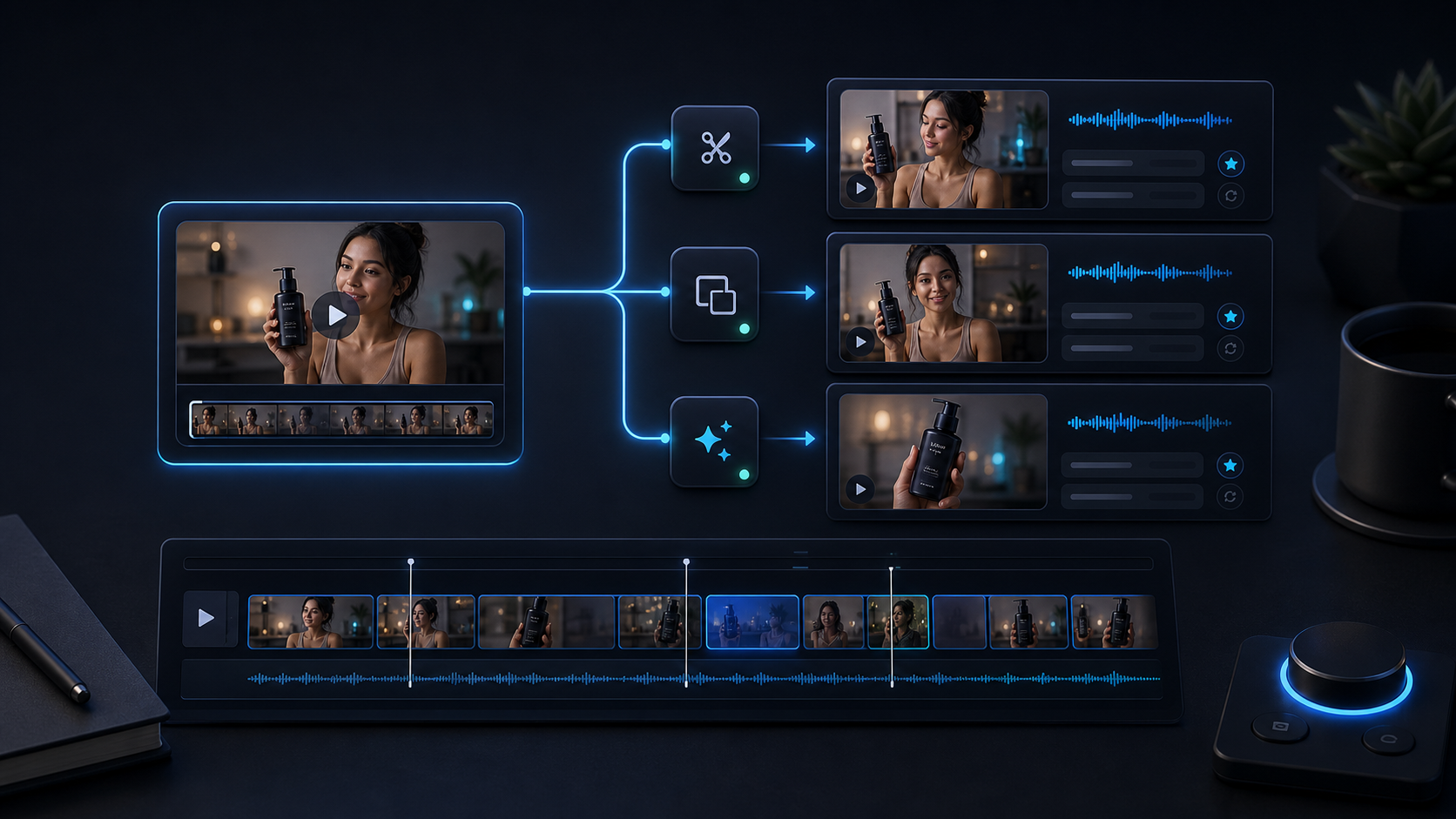
I do not need every render to be perfect. I need the second and third renders to be easier because the first one already established the structure. That is the whole point of using a test matrix instead of a single hero video.
If I were starting today, I would keep the first run small: one product, three hooks, one avatar family, and one or two scene families. Then I would compare those versions in the place where the product is weakest right now.
If you want the shortest path, start with the Supra UGC Maker landing page or the Shopify App Store listing. That is enough to tell whether the workflow belongs in your stack.
For me, the test is simple: if I can get from one product to three credible hooks without booking a shoot, I have something I can actually use.