
Should You Make Your Startup Launch Video in a Terminal or Browser?
When I need a startup launch video, I choose the terminal path when the team already works with Codex or Claude Code and needs local control; I choose the browser path when the immediate constraint is setup time. The important part is not where the first cut starts. It is whether the project stays editable after feedback. VideoFlow Studio offers both paths: its CLI runs on your machine with your own coding-agent subscription, while its hosted flow starts in the browser. Both are designed to end in an editable project.
That distinction changed my decision rule. I no longer ask, “Which AI video tool is fastest?” I ask, “What will the next revision cost us?” A fast first render is not much of a win if every pricing, screenshot, or positioning change sends the team back to a blank prompt.
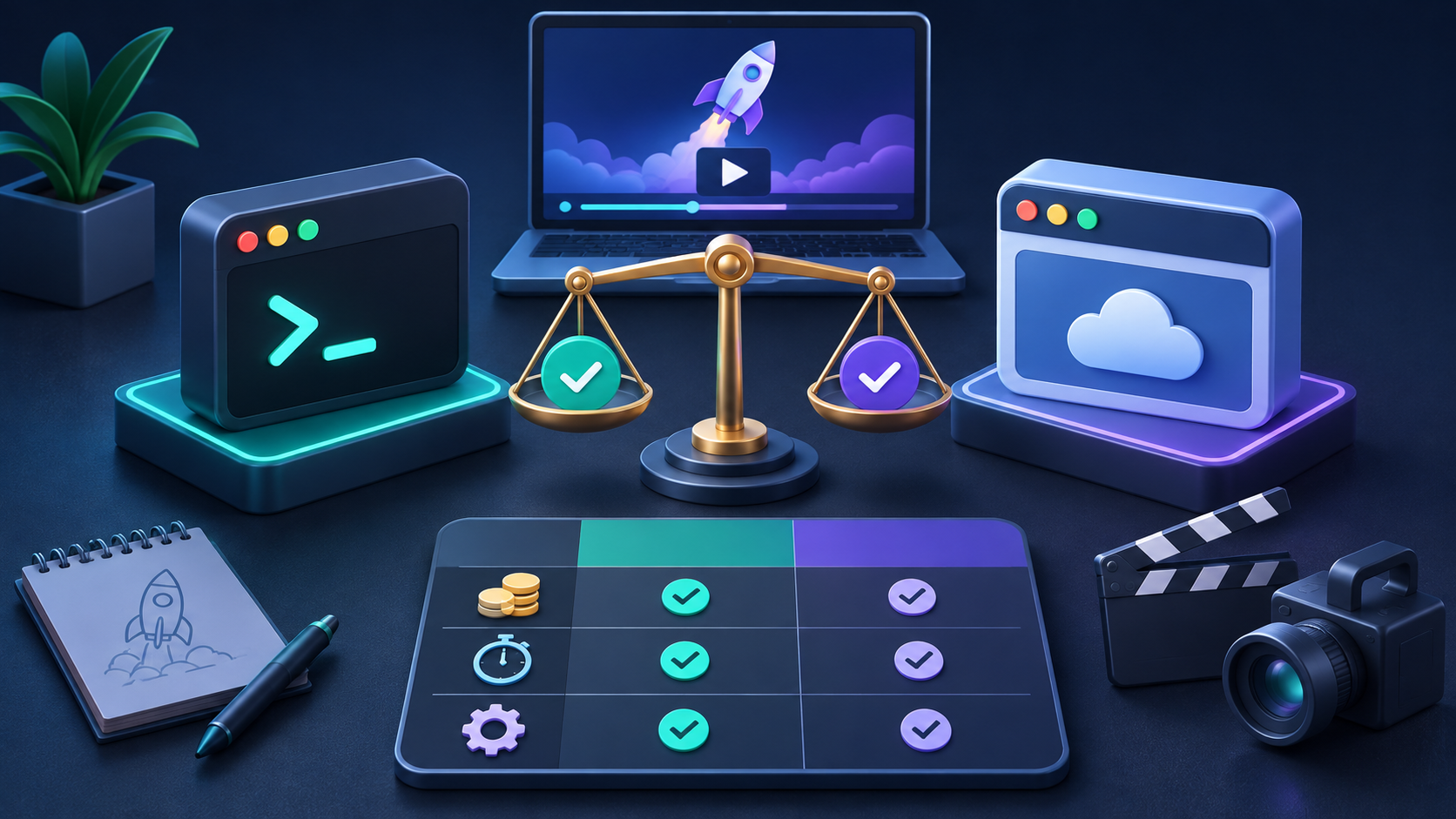
The decision is really about operating constraints
A terminal-first workflow makes sense when you already have a technical operator, a local review routine, and an agent subscription you trust. VideoFlow Studio’s product page documents the local command as
npx @videoflow/studio@latest; it says the CLI uses your own Claude Code or Codex subscription, keeps project files local, and offers eight free renders or edits per month before paid-plan limits apply. Check the current Studio pricing before treating those limits as a launch-plan commitment.The browser route makes more sense when someone needs to begin without installing anything or configuring an agent locally. Studio describes that hosted option as a cloud workflow where you paste a URL, watch the build, steer it in plain language, and use an in-browser editor. It is billed in AI credits, so the trade-off is less setup work in exchange for a usage-metered path.
Here is the comparison I use before assigning the work:
| If this is true | Start in the terminal | Start in the browser |
|---|---|---|
| You already use Codex or Claude Code | Yes—local context and control are useful | Only if the operator needs a no-setup route |
| A nontechnical marketer owns the first cut | Only with an available technical partner | Yes—lower activation friction |
| You expect several review rounds | Yes—keep the local project and change requests together | Yes, if the editor and credit budget are acceptable |
| You need predictable operational cost | Price your existing agent plan plus review time | Model credit use per generation and revision |
| You need a handoff someone can keep editing | Verify the editable project and editor access | Verify the same before approving a final render |
Neither column is a universal winner. A developer can waste time in a terminal for a one-off teaser, and a browser-first team can burn credits if every stakeholder arrives with a new direction.
My smallest-viable launch-video test
Before I let a tool generate a full film, I make the job deliberately small: one audience, one claim, one proof point, and one next action. That protects the budget whether I am paying with credits or with operator time. It also builds on the message discipline in How to Choose One Message for a 30-Second SaaS Product Video.
My brief has four lines:
- Audience: Who needs to recognize their problem in the first few seconds?
- Claim: What single product change or outcome can we state accurately?
- Proof: Which screen, workflow, or customer-facing artifact makes the claim believable?
- Action: What should a viewer do after watching?
If I cannot fill in those four lines, I do not start a render. I go back to the website or release notes. This is the same reason a compact website evidence pack is more useful than a vague creative prompt: it gives the agent and reviewer a shared source of truth.
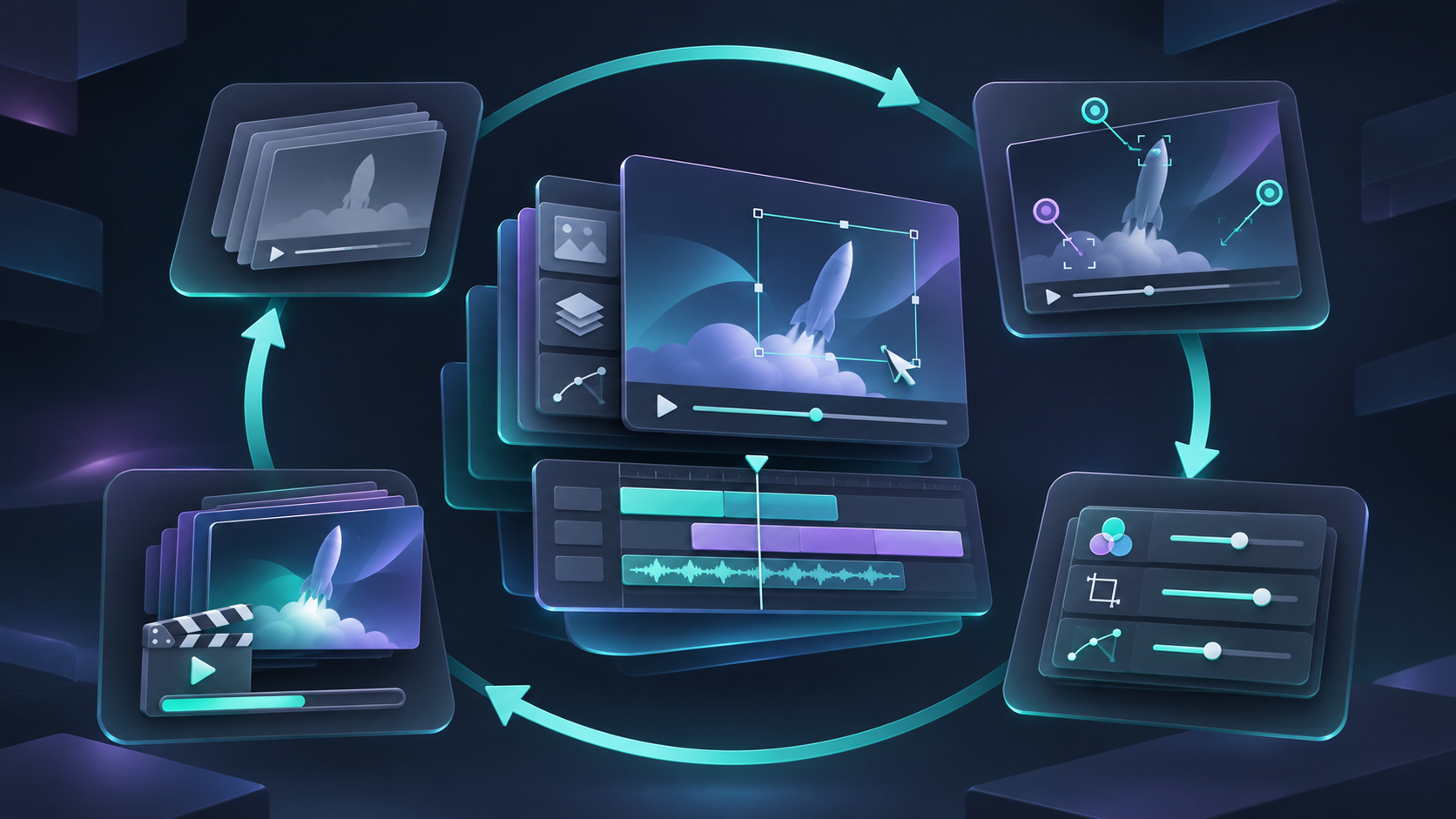
Treat revision cost as the KPI
The most useful metric is not “minutes to first video.” It is minutes from feedback to a defensible next cut. A real launch workflow includes someone noticing an outdated price, an off-brand color, a missing feature qualifier, or a claim that should be narrowed. I prefer a system that lets the team revise the project rather than regenerate a lookalike.
VideoFlow Studio says it plans, builds, renders, visually reviews, and revises a film from a website URL, with an editor available for manual changes. Its underlying VideoFlow engine is open source under Apache-2.0, but that is not a reason to pick Studio for every production. It matters when portability and editability are decision criteria; it matters less when you only need a disposable social clip.
For every review round, I use a short change receipt:
- What changed in the product or message?
- Which scene must change?
- What evidence supports the new wording?
- Does the CTA still match the landing page?
- Who approves the next render?
That receipt prevents the kind of fuzzy iteration that turns a three-scene trailer into a week of “make it punchier.” It also complements a four-card first-cut review workflow and the more detailed QA checklist for an AI-generated SaaS launch trailer.
A simple ROI guardrail
I estimate each approach with a deliberately unglamorous formula:
launch-video cost = setup time + generation or credit cost + review time + revision timeThe formula does not produce a universal dollar figure, because agent plans, credit prices, team rates, and the number of revisions vary. It does force the right comparison. The terminal path may reduce marginal generation cost for a team already paying for an agent subscription, but it still consumes setup and review time. The hosted path may get a marketer to a first cut faster, but repeated direction changes can increase credit use.

The guardrail I use is simple: approve a larger production only after a small first cut proves that the message, evidence, and review process work together. If the team cannot agree on the core claim, buying more renders will not solve the problem.
The workflow I would choose today
Choose the CLI if your team already has a coding-agent workflow, wants local project control, and expects to iterate alongside product changes. Choose the hosted browser flow if speed to participation matters more than local setup and you can set a clear credit and review boundary. In both cases, confirm that you can open and change the project before declaring the video done.
That is the practical value proposition I see in VideoFlow Studio: not a promise that AI removes creative judgment, but a way to turn a startup URL into a reviewable motion-graphics starting point. Start with the Studio workflow, run the four-line brief, and measure the time it takes your team to turn one concrete note into the next approved cut.