I Tested Customer Recap Videos From SaaS Metrics: What I'd Automate
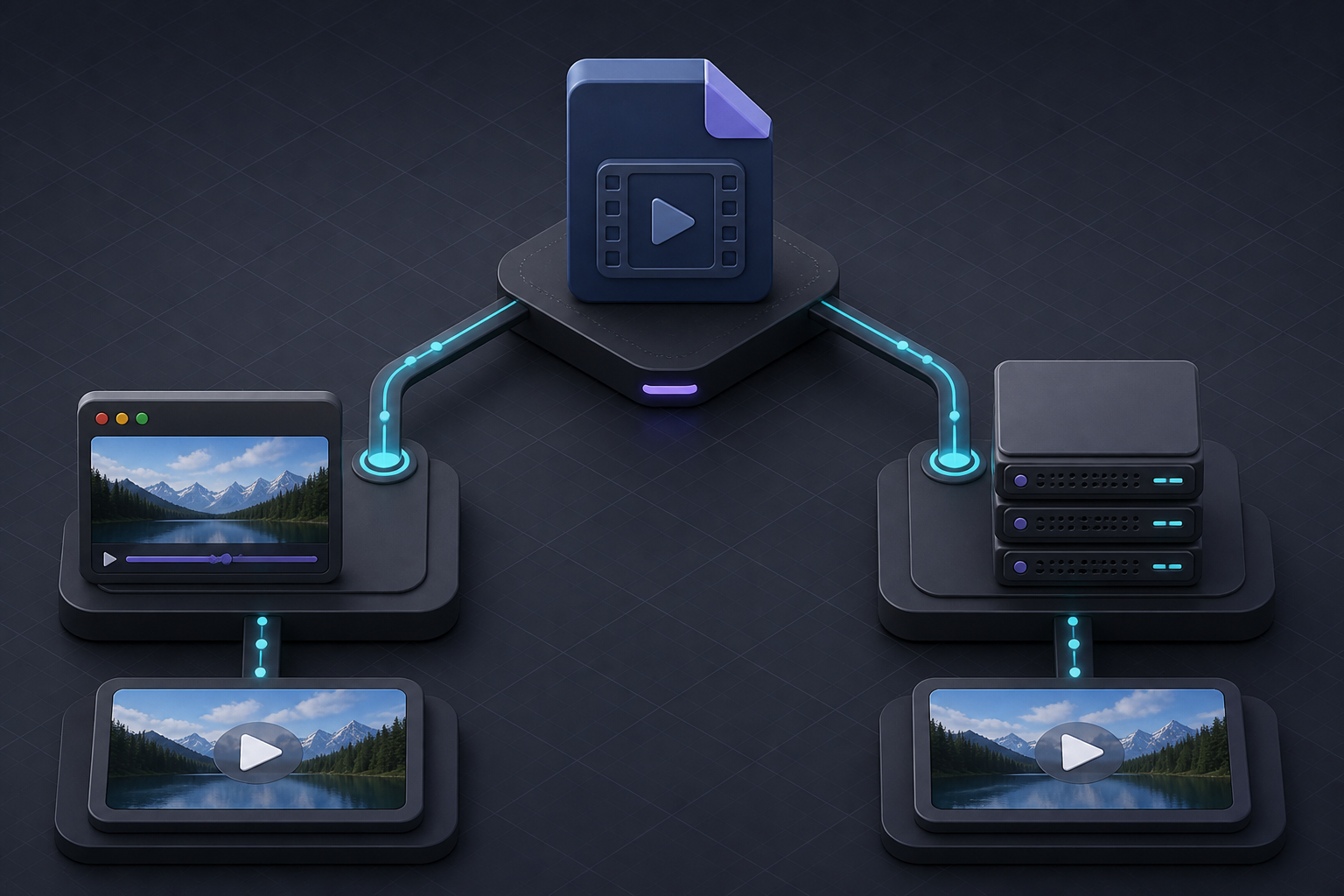
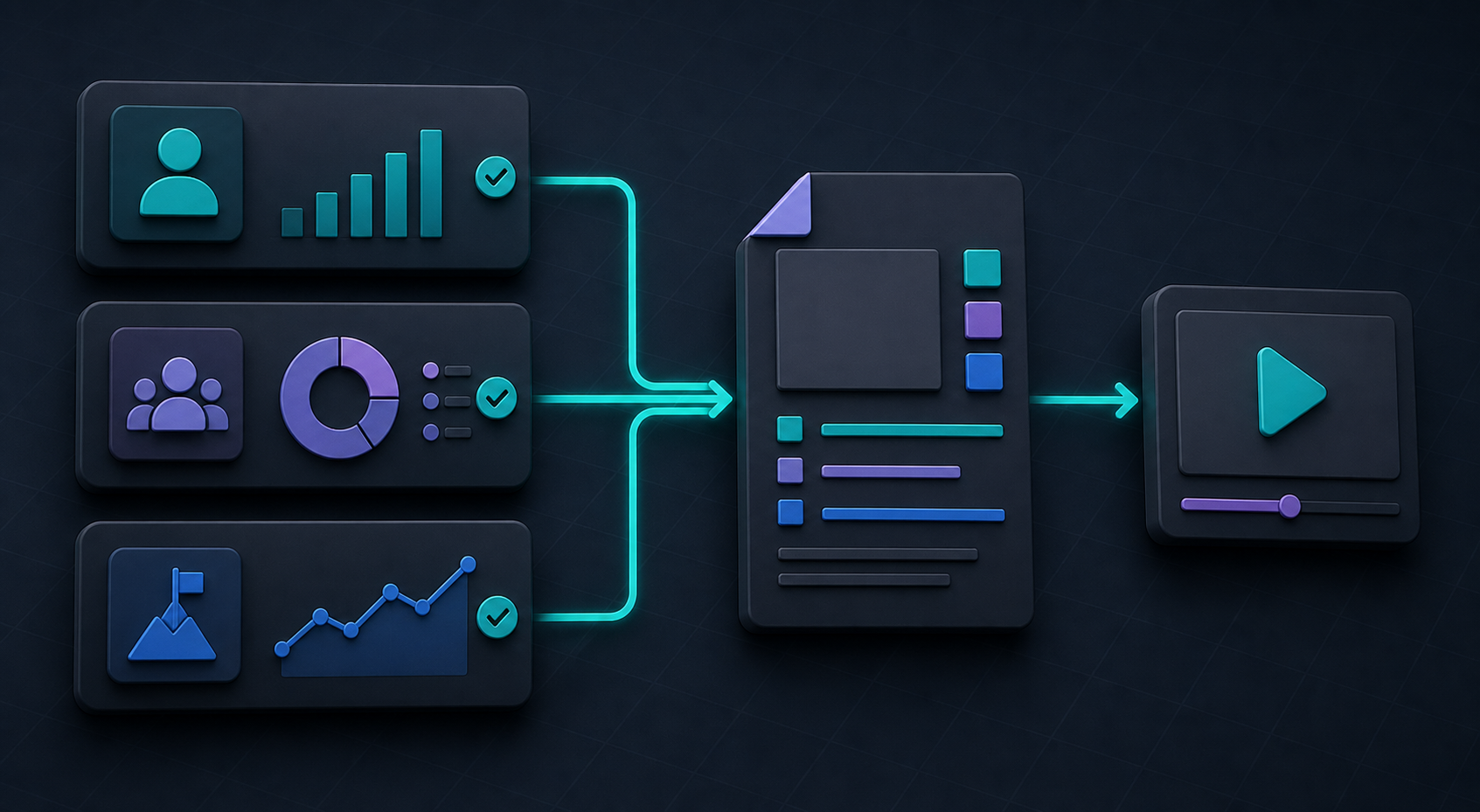
I wanted a better customer-success touchpoint than another monthly PDF, but I did not want to create a bespoke video for every account. The experiment was simple: take a small, approved set of SaaS metrics, turn them into a 30–45 second recap, and make the output useful enough that a customer manager would actually send it.nnThe part that made this viable was treating the video as structured output, not a miniature editing project. VideoFlow is an open-source toolkit that lets a team build a video as TypeScript, compile it to portable VideoJSON, preview it, edit it when needed, and render the same project in different environments. That middle format matters: it gives automation a clear handoff point before anything becomes an MP4.nn!Metric cards selected and routed into a structured video briefnn## The result I was optimizing fornnMy success metric was not “generate more video.” It was a recap a customer could understand in under a minute, with enough context to prompt a useful next conversation. I set three constraints: no invented narrative, no unreviewed customer data, and no workflow that required a video specialist to repair every output.nnThat pushed me toward a narrow recurring format:nn- one sentence on the customer’s stated goal;n- three approved signals from the reporting period;n- one concrete milestone or recommendation; andn- a calm next step with a customer-success owner.nnFor a product analytics team, those signals might be activated seats, a newly adopted feature, and a completed workflow. For a finance or operations product, they might be report completion, time-to-close, and a flagged exception. The exact metrics change; the editorial rule does not: each number must answer a question the customer already cares about.nnThat decision did more for quality than a more elaborate template would have. When I tried to include every chart available, the recap felt like a dashboard reading itself aloud. Three signals plus a useful interpretation was enough.nn## Build a small, explicit data contract firstnnI would not hand a raw analytics payload to a model or a renderer. Instead, I would create a small recap object that makes every input intentional. It can be as plain as this:nn
ts\nconst recap = {\n accountName: "Northstar Labs",\n period: "July 2026",\n activatedSeats: 42,\n activatedSeatsChange: 8,\n featuredWorkflow: "weekly inventory report",\n recommendation: "Invite the remaining merchandising leads",\n};\nnnThe useful discipline is not the TypeScript syntax. It is deciding which fields are allowed into the story, how they are formatted, and what happens when one is missing. I would validate the object before building the video, and render a friendly fallback scene instead of guessing at a value. That is especially important for AI-assisted workflows: VideoJSON is a safer, reviewable target than an agent dragging items around a traditional timeline.nnThis is the same source-of-truth principle I used in my reviewable VideoJSON pipeline. Data produces a draft; a person can inspect that structured draft; rendering is the final step, not the first.nn## Make the template do the repetitive worknnWith @videoflow/core, I would define the repeating scene structure once: opening context, metric cards, a milestone scene, then the next action. The core uses a fluent TypeScript API and compiles that sequence to VideoJSON, so the template can live in Git alongside the rules that generate it.nnThat has a practical ROI benefit. I can change the visual treatment, timing, or legal footer in one template rather than chasing exports across a drive. The same approach works for ecommerce teams generating clips from a catalog; I used a related pattern when I explored how to turn Shopify catalog data into product videos. The variable is the data source, not the operating model.nnFor recaps, I would make only a few fields editable: the opening sentence, the recommended action, and the scene order. Constraints are a feature here. They keep the output on brand and make it possible to compare results week to week.nn## Put a human checkpoint before the expensive stepnnA metric can be technically correct and still be a poor customer message. A sudden drop may reflect a rollout, a billing change, or a data delay. That is why I would use the live preview as a review surface, not merely as a debugging tool. VideoFlow’s DOM renderer can mount a scrubbable preview, and the optional React video editor gives users a multi-track timeline, inspector controls, keyframes, and MP4 export when a deeper edit is justified.nn!Structured video draft passing through a clear human approval gatennMy approval checklist would be short:nn1. Are the numbers correctly scoped to the period and account?n2. Does the recommendation follow from the evidence?n3. Would I be comfortable saying this in a customer call?n4. Is the CTA owned by a real person or process?nnThat review gate is not busywork. It is what lets you automate the assembly without automating away judgment. If you are building a product-video queue instead, the same pattern applies; my approval-gated Shopify catalog video queue used the same separation between a generated draft and the decision to publish.nn## Choose browser or server rendering based on the jobnnOnce a recap is approved, the renderer choice is straightforward. Use the browser renderer when a customer-success manager is exporting a short, sensitive clip from an app and you want to avoid uploading the source project to your server. It supports MP4 Blob output, progress callbacks, cancellation, and worker acceleration.nnUse the server renderer when the job is scheduled, high-volume, or part of a queue. It can render headlessly from Node.js to a file or buffer, which is the better fit for hundreds of end-of-month recaps. The important advantage is that both paths render the same VideoJSON. I do not have to maintain two templates because the infrastructure decision changed.nn!One portable video source branching cleanly to browser and server rendering pathsnnFor teams unsure where to start, I would begin with a browser export for an internal pilot. It keeps the systems surface area small. Move to a server queue only after you can show that the recap is useful and that the review time—not rendering—is the bottleneck. That mirrors the trade-off I found while adding human review to Shopify video automation: scale the dependable path, not the flashy demo.nn## What I would measure in the first monthnnI would track four numbers: the share of generated drafts approved without a rewrite, median review time, send rate, and the number of customer replies or meetings the recap creates. Render count is not a business metric. A recap that is never sent is just compute cost with a play button.nnThe best first version is deliberately boring: one account segment, one recap template, one owner, and a weekly batch. Once the data contract and review loop are dependable, you can add localized copy, account-specific media, or an AI assistant that proposes the narrative from approved fields.nnIf you are building a customer-facing or internal video workflow, start by modeling one useful recap as data. Then use VideoFlow to make that data previewable, editable, and renderable without rebuilding the project for every output. The win is not that every customer gets a video. The win is that your team can send the right one repeatedly, with less manual production and more confidence.