
I Exported My Framer Site Before Hosting Costs Became a Habit
When I first priced out the next year of a small Framer site, the recurring hosting cost was not the real issue. The issue was that I had no practical exit path. Every future decision—moving hosts, adding a deploy check, keeping an archive—started with a question I could not answer quickly: do I actually have a portable copy of this site?
So I ran a simple experiment: export the site, put the result through an asset audit, and decide on hosting only after I knew what I owned. The measurable outcome I cared about was operational: one deployable static package, with a rollback copy, instead of a website that only lived inside one editor.
ExFlow is the Framer exporter I used for that experiment. It can export a Framer URL as static downloadable content, including pages, CSS, JavaScript, and media. It also offers sync options for Git, S3, and FTP, plus hosted deployment. That made it a better fit for this workflow than treating a browser downloader as an emergency plan.

My export-first workflow
I start by entering the published site URL in ExFlow, then selecting the pieces I will need outside Framer: all pages, CSS, JavaScript, and images/media. I also make sure exported pages use
.html extensions. That is a boring detail until a host, a QA reviewer, or a future teammate needs to understand what they are looking at.I do not connect a production destination at this stage. Credentials for Git, S3, or FTP are sensitive, and an export is the wrong moment to discover that the first output has a missing route or a broken asset. First create a download. Then validate it. Then connect a destination with the narrowest practical permissions.
That sequence borrows from the phased approach I used when I moved a Webflow CMS site without a big-bang cutover: prove the static artifact before moving the traffic. It is also why I like the pre-launch discipline in this Webflow static-site cutover runbook. Different builder, same operational risk.
The export audit that catches expensive surprises
A static export is not automatically a migration-ready site. I run four checks before I call it portable:
- Routes: open the home page and every important page directly, including pages reached from navigation and search.
- Assets: inspect a few image-heavy pages, forms, animations, and any embedded media. Missing media can hide until the first campaign link lands on a deep page.
- Behavior: test the interactions that affect conversion or trust—menus, buttons, forms, and redirects.
- Ownership: store the export in a location with version history and make one clean rollback copy before editing anything.

I learned to make this audit explicit after building a self-hosted Framer preview before going live. A preview is useful, but it is only evidence when it exercises the same routes and assets that the public site will use.
If your site has forms or third-party integrations, flag them as separate work items. ExFlow gives you a static site package; it does not turn a hosted service into static HTML. That distinction keeps the scope honest.
Choosing a destination: the decision matrix I actually use
Once the package passes, I choose the host based on the operating model—not on whichever platform has the most buttons.
| Destination | Use it when | Trade-off I accept |
|---|---|---|
| ExFlow hosting | I want the shortest path from export to a live static site | Less infrastructure control than a self-managed stack |
| Git-backed deployment | I want a visible history, code review, and easy rollback | Someone must own the repository workflow |
| S3-style static storage | I already operate cloud infrastructure and want it close to other assets | More configuration and access-control responsibility |
| FTP | I am fitting an existing conventional web host | Fewer guardrails and weaker deployment history |
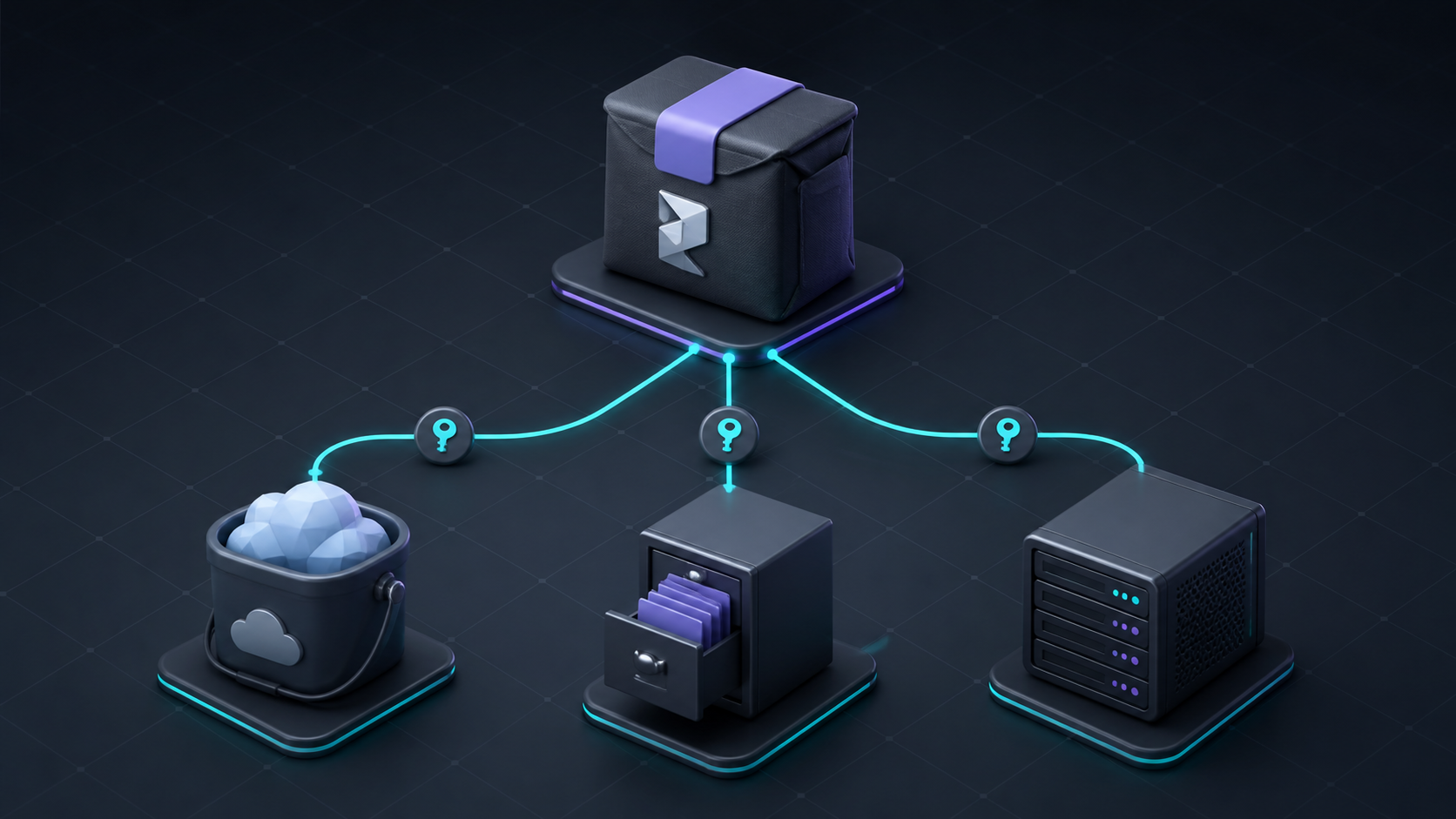
For a small marketing site, my default is Git-backed deployment: a commit gives me a reviewable record, and a rollback is clearer than manually re-uploading a folder. It is the same reason I documented how to move a Framer site to GitHub Pages with ExFlow. For teams without that workflow, ExFlow’s own hosting can be the sensible low-maintenance choice.
What I would not automate yet
I would not set up an unattended “export and overwrite production” job on day one. A page builder can change its output, a third-party embed can behave differently, and a destination misconfiguration can make a good export look broken.
My first automation is deliberately modest: produce the export, place it in a review branch or staging destination, and make the audit checklist visible. Only after several clean cycles would I add a direct sync. This is the same review-first principle I use in content automation: reduce repetitive work without hiding the decision that can hurt the business.
The practical payoff
The export did not make me anti-Framer. Framer is still excellent for quickly designing a polished, animated site. What changed was the power balance: I could choose a host, create an archive, inspect the delivered files, and test a migration without rebuilding the site from scratch.

If your Framer hosting is becoming an automatic line item, start with one low-risk site. Export it with ExFlow, audit the package, deploy a private preview, and keep the working copy somewhere your team can retrieve. You will learn more from that one reversible drill than from another month of debating platforms.
The next action is simple: pick the site whose downtime would be least painful, export it this week, and write down every dependency the static copy needs to stay useful.