
How To Generate Long-Form Consistent Videos With AI Step By Step
If you’ve ever tried making an AI-generated video longer than a minute, you’ve likely hit the same wall: keeping characters, environments, and style consistent across dozens of scenes. That’s where the right AI video agent changes everything. In this step-by-step guide, you’ll learn exactly how to craft long-form, coherent, on-brand videos using Scrptly — an AI Video Agent built for length, consistency, and professional polish.
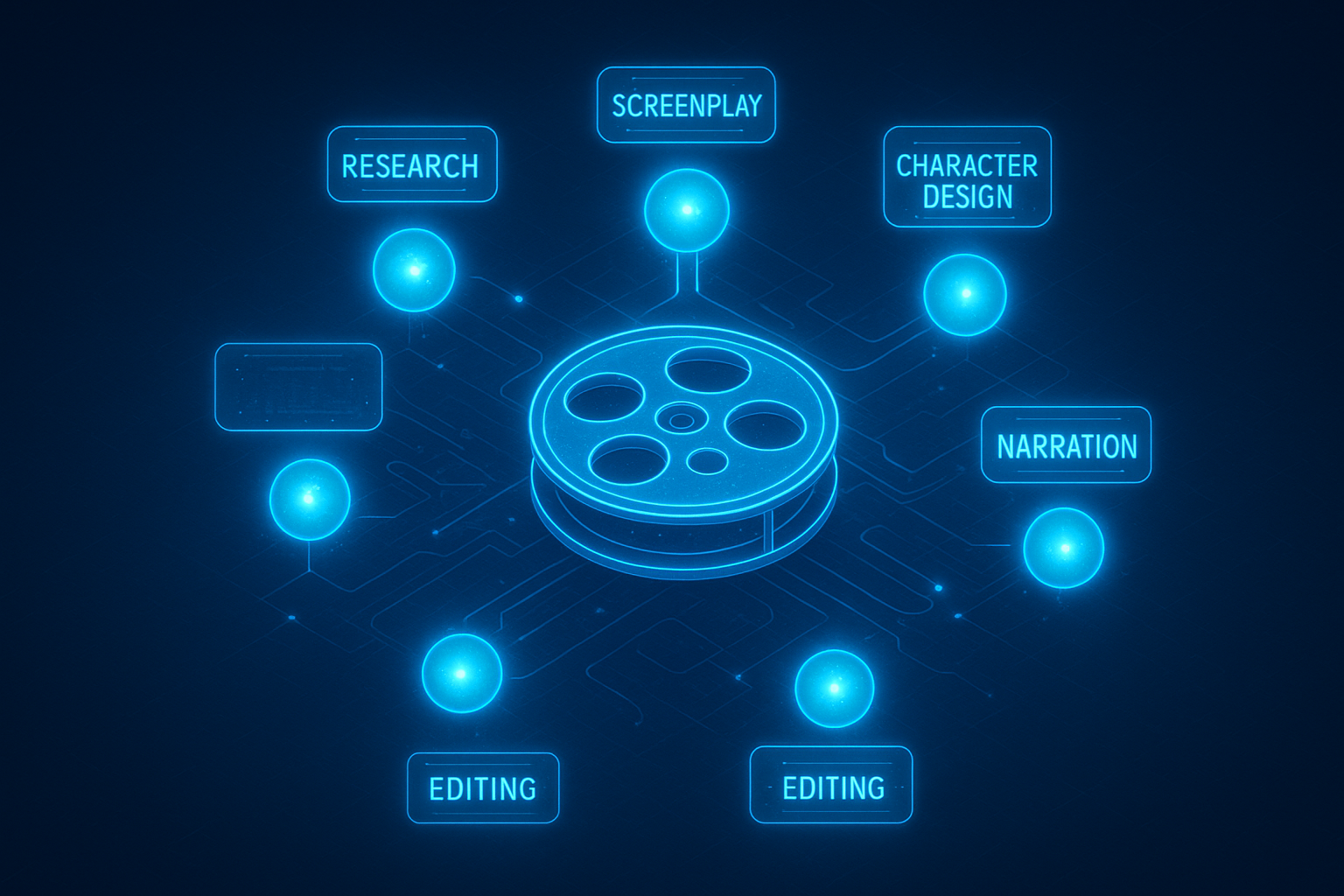
Pro tip: You can start in minutes. Describe your video and optionally upload context images at https://scrptly.com/ — Scrptly’s swarm of specialized AI sub-agents will handle research, screenplay, character design, scene generation, narration, and editing. No manual stitching.
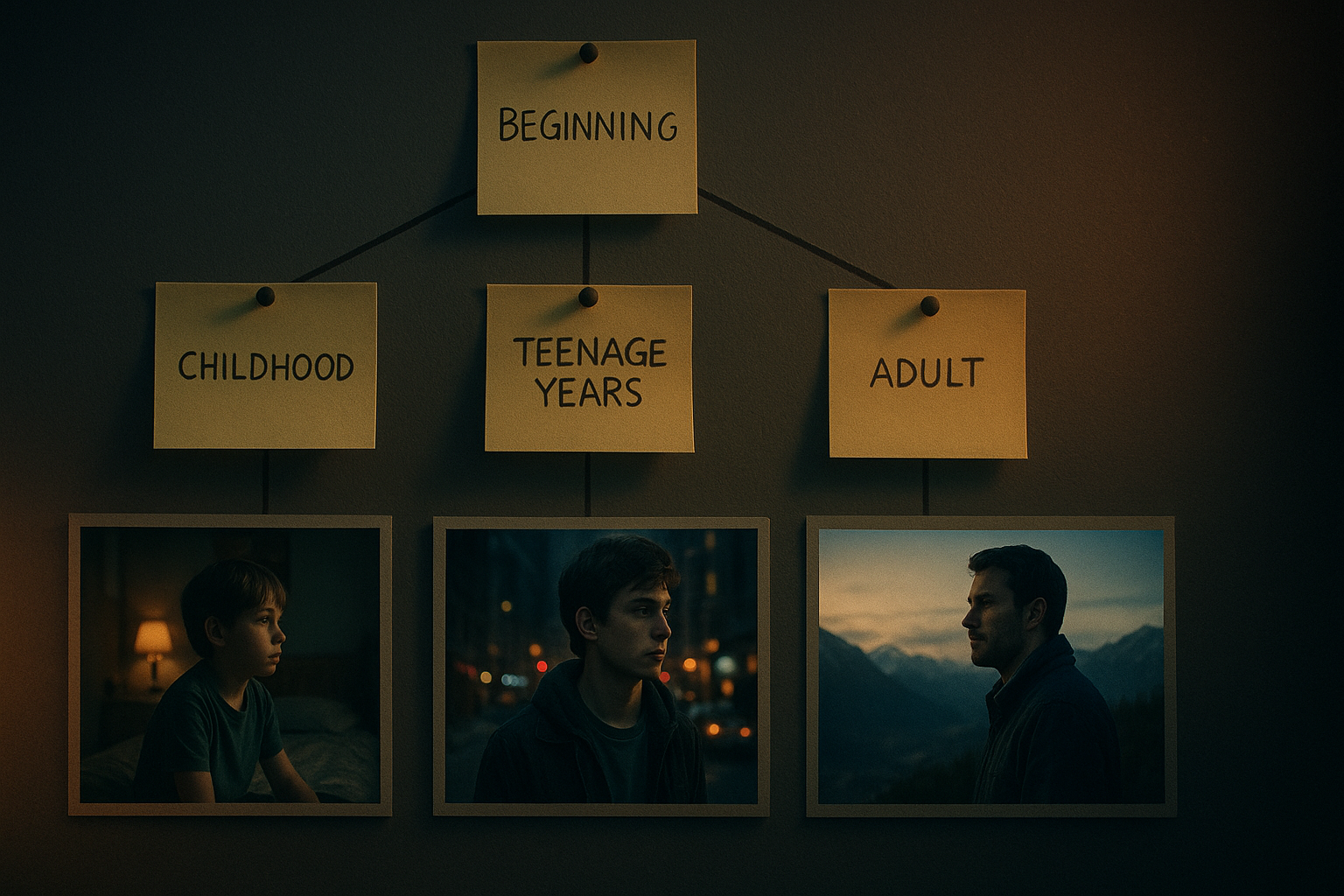
Why long-form consistency is hard — and how AI fixes it
Consistency in long videos means:
- Character continuity: Same face, wardrobe motif, and physical features across all scenes.
- Environment stability: The cafe looks like the same cafe in every act, not a random redesign.
- Visual grammar: Recurrent color palette, lens characteristics, and camera language.
- Narrative coherence: A clear arc with callbacks, motifs, and logical scene transitions.
Scrptly solves this by letting you feed context images while its multi-agent system enforces global coherence. It designs characters and environments, generates scenes, narrates, and edits the final cut — all driven by your prompt and references. It’s especially strong for long-form content where consistency matters most.
Step-by-step: From idea to finished long-form video
1) Define the outcome, audience, and runtime
- Goal: Awareness, conversion, education, or entertainment?
- Audience: Who needs to watch and why will they care?
- Runtime & format: 6–12 minutes explainer, 8–15 minutes mini-doc, 3–5 minutes brand film, etc.
- Aspect ratio: 16:9 for YouTube/desktop, 9:16 for TikTok/Reels, 1:1 for square feeds.
Write a one-sentence logline and 3–5 bullet objectives (what the viewer should think/feel/do).
2) Gather context images for consistency
Context images give Scrptly a visual anchor for characters and key environments.
- Characters: Front/side portraits with consistent hair, clothing color scheme, and signature prop.
- Products: Clean, well-lit images on neutral backgrounds plus lifestyle shots.
- Locations: One representative image per core environment (office, cafe, lab, studio, etc.).
- Style references: A still for your desired palette, lighting, and mood.
Tips:
- Use 1024px+ images with uncluttered backgrounds.
- Keep the same reference set for all iterations to preserve continuity.
- Name your files meaningfully (lead_alex_front.jpg, office_set.jpg).
3) Craft a master prompt that encodes story + style
Your prompt is the blueprint. Include story beats, tone, pacing, and technical guardrails.
Title: “From Prototype to Launch: The Journey of ALEX”

Format: 8–10 minutes mini-documentary, 16:9, cinematic docudrama, steady pacing.

Audience: Early-stage founders and product marketers.

Characters:

- Alex (late 20s, determined, short dark hair, denim jacket, carries a sketchbook). Use provided portrait.

- Maya (early 30s, calm mentor, glasses, neutral wardrobe). Use provided portrait.

Environments:

- Co-working loft (day), maker studio (warm tungsten), city street at dusk (cool blues).

Visual Style: natural skin tones, soft key light + practicals, handheld b-roll, gentle film grain, warm highlights.

Narration: Calm, empathetic voiceover; subtle piano + light percussion.

Structure:

- Act I (setup, 2–3 min): Problem framing; Alex’s motivation. Establish recurring motifs: sketchbook and window light.

- Act II (build, 4–5 min): Iteration; mentor advice; first user test; mood shifts; montage.

- Act III (resolve, 2–3 min): Launch day; reflections; call-to-action.

Constraints: Keep Alex’s appearance, sketchbook, and denim jacket consistent scene-to-scene. Same co-working loft lighting across Acts I and III. Maintain palette throughout. Include 2–3 tasteful macro product shots.

Call-to-Action: Subscribe for the full series.
4) Generate with Scrptly (no manual stitching)
- Go to https://scrptly.com/
- Paste your master prompt into the “Describe the video you want to create...” box.
- Upload your context images for characters, products, and environments.
- Click Generate. Scrptly’s AI Video Agent orchestrates research, screenplay, character and environment design, scene generation, narration, and editing. You’ll receive a ready-to-use video.
5) Review and request focused revisions
Watch the first cut and note exactly what to adjust. Use targeted revision prompts:
- “Keep Alex’s denim jacket from Act I visible in Act II scenes as well.”
- “Match Act III’s lighting to Act I’s warm key + window rim.”
- “Reduce VO speed by 8% and add 0.5s of room tone between sections.”
- “Hold on the macro product shot for +1.2s before cutting to the mentor reaction.”
Because Scrptly uses your references and maintains a global plan, it will preserve continuity while applying tweaks.
6) Lock your cut and export for platforms
- Export primary master (16:9, 4K or 1080p), plus vertical repurposes (9:16 teasers and quotable moments).
- Add captions for accessibility and retention (Scrptly includes AI-powered captions in its ecosystem).
- Post with a consistent thumbnail style, title formula, and description.
7) Rinse and scale your series
Once your system works, keep your “show bible”:
- Character reference pack (same images and names)
- Environment pack (same locations and palette)
- Style sheet (camera, color, typography, music)
- Prompt template (only swap story beats per episode)
Pro tips for rock-solid consistency
- Lock character names and keep pronouns unambiguous (e.g., “Alex (she/her)”).
- Reuse the same context images for all episodes.
- Specify time-of-day per scene and keep it consistent across related beats.
- Maintain a palette: choose 3–5 colors and repeat them in wardrobe, props, and lighting.
- Avoid contradictory adjectives (“high-key” vs “moody low-key”) in the same act.
- Ask for recurring motifs (e.g., the sketchbook and window light) to unify acts.
- Use chapter cards or on-screen supers to clarify structure in long videos.
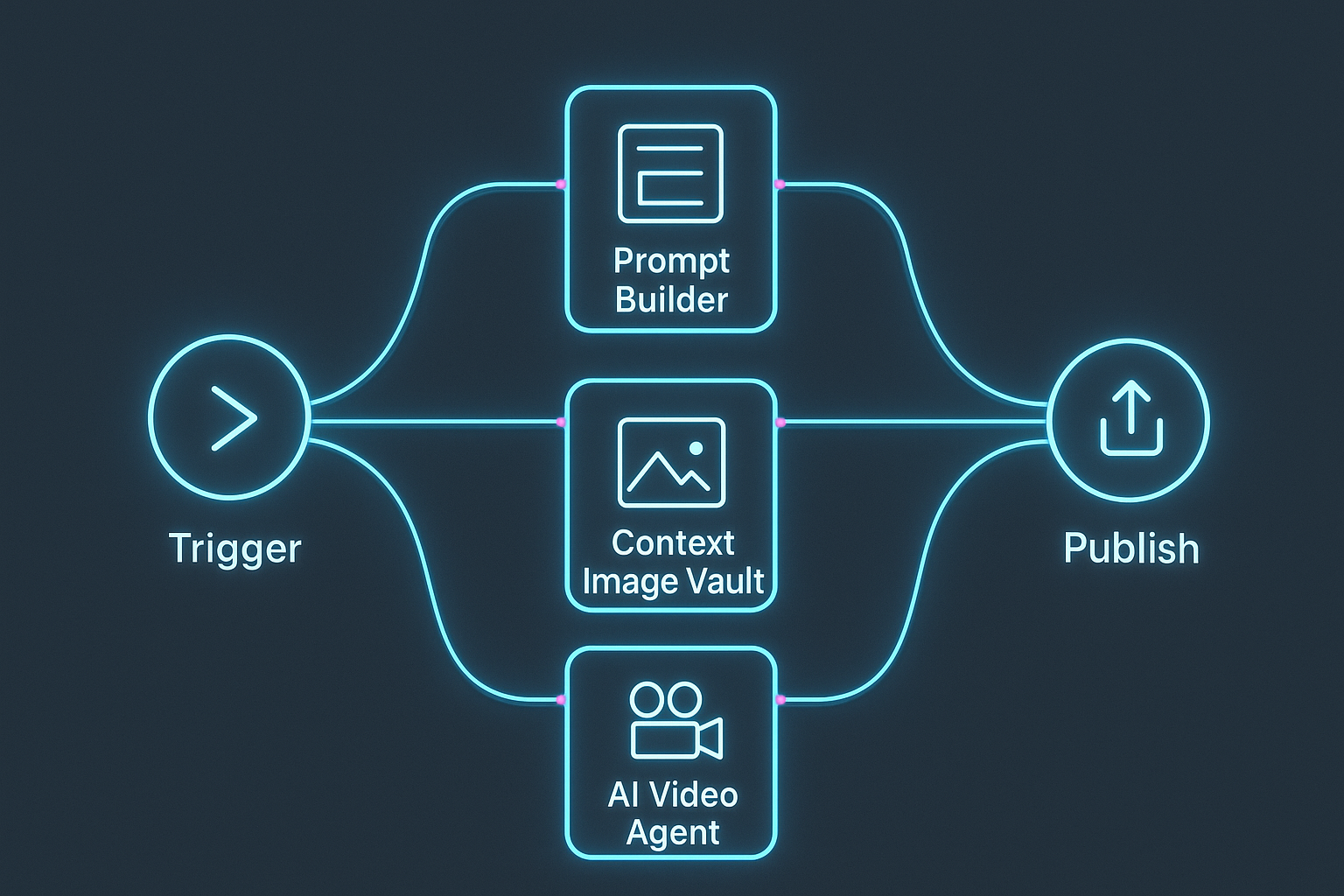
Automate for scale: N8N, API, and MCP
If you’re producing repeatedly, automation will save hours.
- N8N workflows: Install the community node and auto-generate on schedule or via webhook.
- Scrptly API + VDK: Programmatically generate videos and templates in code. Install with:
- MCP integration: Connect Scrptly to your preferred LLM via MCP to orchestrate plan → generate → review loops as a single automated pipeline.
FAQ
- What makes Scrptly better for long-form videos?Scrptly was designed for length. Its multi-agent pipeline keeps characters, environments, pacing, and narration aligned across many scenes, while context images enforce visual continuity.
- Can I make documentaries, ads, anime, or shorts?Yes. Scrptly handles ads, product showcases, explainers, anime-inspired stories, mini-docs, and short films — all from your prompt and optional references.
- Do I need video editing skills?No. You describe the video and optionally upload references; Scrptly’s AI Video Agent handles screenplay, scene generation, voiceover, and editing.
- Does Scrptly support developers?Absolutely. Use the API/VDK for programmatic generation, an MCP server for agentic workflows, and the N8N node for no-code automation.
Ready to create your first consistent long-form AI video?
Open Scrptly and describe your vision — the agent will do the rest. Start here: https://scrptly.com/
If you’re scaling production, integrate the https://github.com/ybouane/n8n-nodes-scrptly node into your workflows, or explore the API-driven approach via npm (scrptly). With the right prompt, references, and automation, you’ll publish coherent, cinematic long-form videos on repeat.