
How To Generate Long-Form AI Videos In N8N
If you’ve ever wished your automation could jump from data to fully produced videos, this guide is for you. In this step-by-step tutorial, you’ll learn how to generate long-form AI videos in n8n using Scrptly’s AI Video-Agent. We’ll cover installation, credentials, workflow design, and advanced tactics for consistency, scale, and reliability.
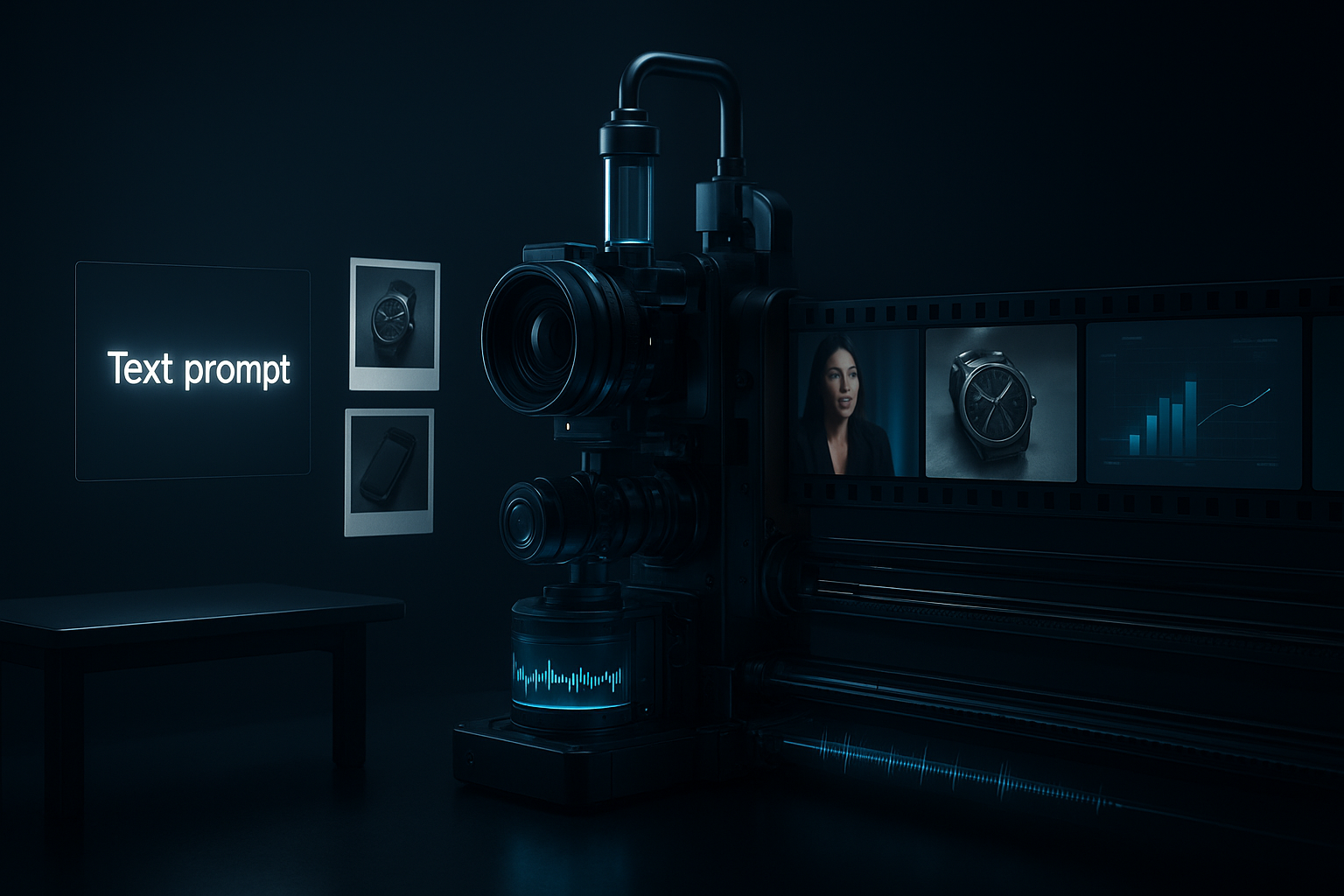
Scrptly is an AI Video Agent that turns prompts into polished videos: ads, product showcases, explainers, anime, documentaries, or short films. It shines at long-form content and character/environment consistency. Best of all, it integrates directly into n8n so you can automate video creation from any trigger you can imagine.
Key links:
- Try Scrptly: https://scrptly.com/
- Scrptly n8n community node: https://github.com/ybouane/n8n-nodes-scrptly
Why use n8n + Scrptly for long-form videos
- End-to-end automation: Trigger from a webhook, schedule, form submit, or CRM event.
- Consistency at scale: Use context images so characters, products, and environments remain consistent across minutes-long videos.
- Developer-friendly: Scrptly offers an API, VDK (Video Development Kit), and MCP server; build flexible systems, not one-offs.
- Multi-channel ready: Output works for YouTube, TikTok, Instagram, ecommerce PDPs, and internal training.
Prerequisites
- An n8n instance (self-hosted or cloud).
- A Scrptly account and API key: https://scrptly.com/
- Optional: Product/reference images you’ll pass as context images.
Step 1 — Install the Scrptly node in n8n
- In n8n, go to Settings > Community Nodes > Install New.
- Search for: n8n-nodes-scrptly
- Click Install to add the node to your instance. Source: https://github.com/ybouane/n8n-nodes-scrptly
Step 2 — Add credentials
- Open the Credentials tab in the n8n editor.
- Create New Credential and choose Scrptly API.
- Paste your Scrptly API key and save.
Step 3 — Build your first long-form video workflow
Here’s a simple, production-ready flow:
Here’s a simple, production-ready flow:
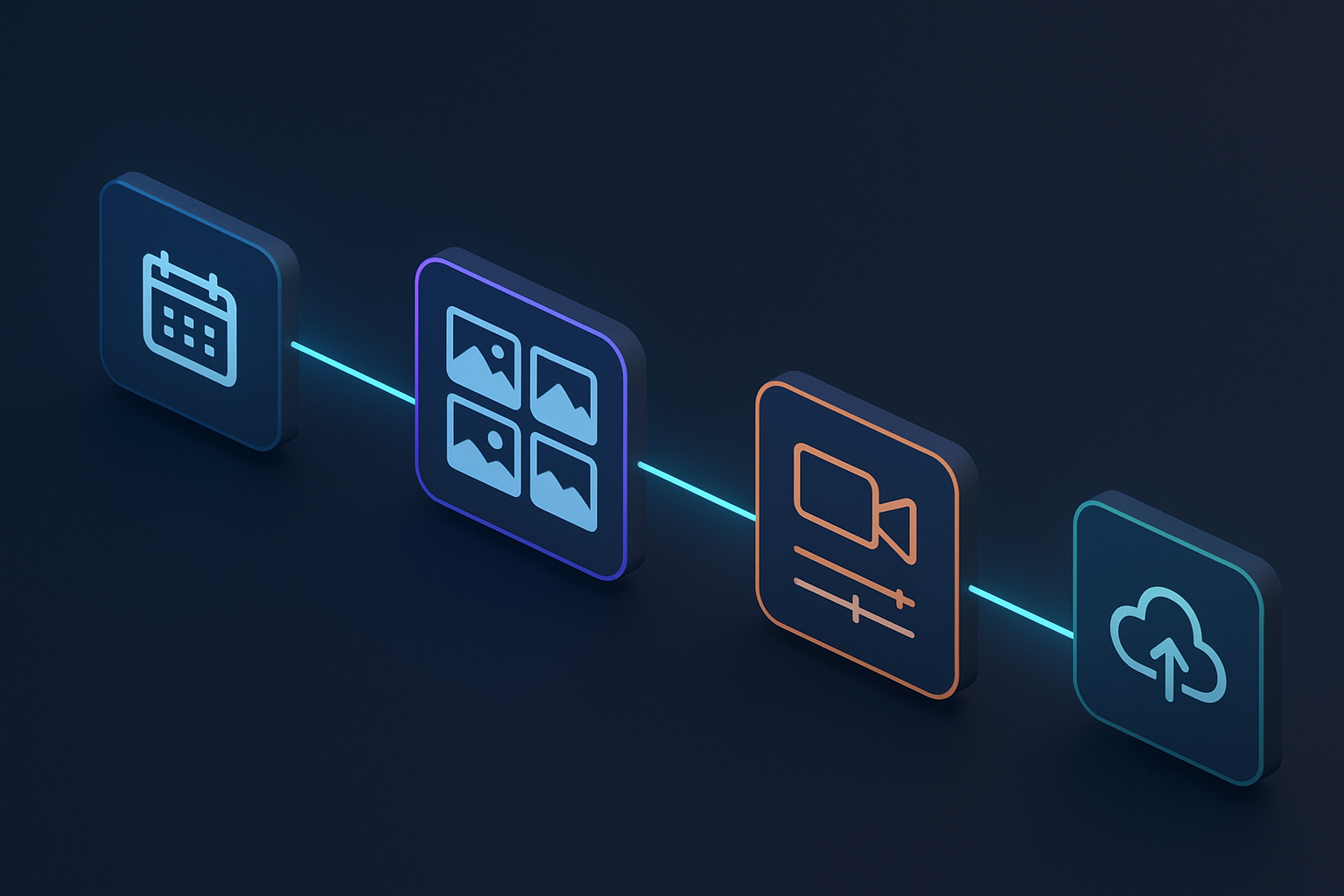
- Trigger: Schedule (e.g., weekly) or Webhook (e.g., after a CMS update).
- HTTP Request (optional): Fetch product images or a research brief.
- Scrptly Node: Generate the video.
- Storage/Publish: Upload to cloud storage, YouTube, or your CMS; share via Slack/Email.
Scrptly node settings (core fields)
- Prompt: The heart of your video. Describe the story, structure, pacing, scene beats, voiceover style, and visual aesthetics.
- Context Images: Optional but crucial for long-form consistency. Provide product photos, character references, or brand elements.
- Approve Up To: Set a max budget in tokens for longer videos.
- Wait For Completion: On (default) blocks until the video is ready; Off returns a task ID for async polling.
Example long-form prompt
Use this structure for clarity and consistency:
Use this structure for clarity and consistency:
Title: Autumn Launch – Sustainable Leather Bag

Goal: Create a 4–6 minute product story that blends lifestyle footage, macro product shots, and customer testimonials.

Audience: Eco-conscious shoppers, 25–40.

Format: 16:9 landscape, YouTube-first; also produce a 60s short cut for social at the end.

Style: Warm cinematic, natural light, steady cam; subtle lofi soundtrack; calm, confident narrator.

Structure:

- Cold Open (00:00–00:20): Visual hook of city mornings + quick product tease.

- Segment 1 (00:20–01:30): The problem and how we solved it (materials, craftsmanship).

- Segment 2 (01:30–03:30): Real-life use cases (commute, coffee shop, weekend trip).

- Segment 3 (03:30–04:50): Testimonials (2 voices), emphasize durability and design.

- Closing (04:50–05:30): Brand values, call to action.

- Social Cut: 60s punchy highlight reel with subtitles.

Narration: Friendly, trustworthy, mid-tempo. Add captions.

Visual Consistency: Keep the same model and bag across all scenes.
Attaching context images in n8n
- Use an HTTP Request node to fetch your product images or map images from a previous step (e.g., Airtable, Google Drive, Shopify).
- In the Scrptly node, pass these as Context Images. This ensures your character, product, and location appearances stay consistent across scenes.
Asynchronous generation (recommended for long videos)
- Turn off Wait For Completion to immediately get a task ID.
- Add a Loop or Polling routine (e.g., with a Wait node + HTTP Request if your flow needs custom checks) to periodically query status.
- On success, proceed to upload/publish; on failure, route to an error handler.
Error handling best practices
- Set a retry strategy: exponential backoff with a max retry count.
- Branch errors to a notification channel (Slack/Email) with context (task ID, prompt, timestamps).
- Log outcomes to a datastore (e.g., Google Sheets, Postgres) for auditing and iteration.
Optimizing for long-form quality and consistency
- Use scene beats: Spell out segments with durations. This helps pacing and narrative logic.
- Provide context images: Upload character angles, product macro shots, and environment references.
- Be explicit about style: lighting, color grading, camera motion, voice timbre.
- Set budget wisely: Increase Approve Up To for longer scripts to allow the agent to plan, render, and edit thoroughly.
- Reuse prompts as templates: Store them in n8n so your team can trigger consistent, on-brand videos.
Three ready-to-use prompt templates
- Documentary Explainer (6–8 min)
- Objective: Explain a complex topic with clear structure, interviews, b-roll, and motion graphics.
- Prompt notes: "3 acts, chapter cards, lower-thirds for speakers, subtle ambient soundtrack, calm voiceover, captions on."
- Faceless YouTube Automation (8–12 min)
- Objective: Produce recurring episodes without on-camera talent.
- Prompt notes: "Narration-led, stock-style b-roll aesthetics, consistent iconography, stylized infographics, chapter markers, end-screen CTA."
- Educational Series (5–7 min each)
- Objective: Multi-episode course content with consistent characters and setting.
- Prompt notes: "Same instructor avatar every episode (seeded by context images), blackboard-style callouts, clean captions, sections recap."
Publishing and repurposing ideas
- YouTube long-form + shorts: Generate a main video and a 60s cut.
- Ecommerce: Embed the product story on PDPs and email post-purchase content.
- Social: Auto-post reels to Instagram/TikTok with a second n8n branch.
- Internal training: Archive to a knowledge base and share to Slack.
Developer extras: API, VDK, MCP
- API & VDK: Build programmatic pipelines to generate and customize videos at scale, then let n8n orchestrate triggers and distribution. Explore Scrptly’s developer platform via https://scrptly.com/
- MCP server: Connect Scrptly with your preferred LLM through MCP to let your agent reason about prompts, research, and scene planning before generation.
Security and governance tips
- Store your Scrptly API key in n8n Credentials, not hard-coded.
- Protect context images URLs; prefer secure storage and short-lived links.
- Log which prompts and assets were used per output video for provenance.
Comparing alternatives
General-purpose editors like InVideo or VEED are great for manual workflows. If you want automated, long-form, end-to-end video generation directly from prompts and data streams, Scrptly’s AI Video-Agent in n8n is purpose-built for consistency, length, and fully autonomous editing.
General-purpose editors like InVideo or VEED are great for manual workflows. If you want automated, long-form, end-to-end video generation directly from prompts and data streams, Scrptly’s AI Video-Agent in n8n is purpose-built for consistency, length, and fully autonomous editing.
Troubleshooting quick wins
- Video feels disjointed? Add explicit scene beats and transitions to the prompt.
- Characters or products look inconsistent? Provide multiple high-quality context images (front/side/detail shots) and reuse them.
- Timing off? Specify target durations per segment and total length.
- Long jobs timing out? Switch to async mode and poll with retries.
Your next step
- Install the Scrptly node in n8n and connect your API key.
- Start with the long-form prompt template above, attach a few strong context images, and run a test.
- Scale by adding async generation, error handling, and multi-channel publishing.
Ready to turn prompts into polished videos on autopilot? Get started now with Scrptly’s AI Video-Agent: https://scrptly.com/