
How To Generate AI Videos In N8N Workflows
If you already use n8n to automate marketing, content ops, or data workflows, you can now automate video production too. In this guide, you’ll learn how to generate long‑form, consistent AI videos inside your n8n workflows using Scrptly’s AI Video-Agent—perfect for UGC ads, faceless channels, product demos, explainers, and more.
Scrptly turns a single prompt (plus optional context images) into a finished, edited video—complete with character and environment consistency, narration, and scene selection. Better yet, it ships with an n8n community node so you can trigger video generation from any data source, schedule, or webhook.
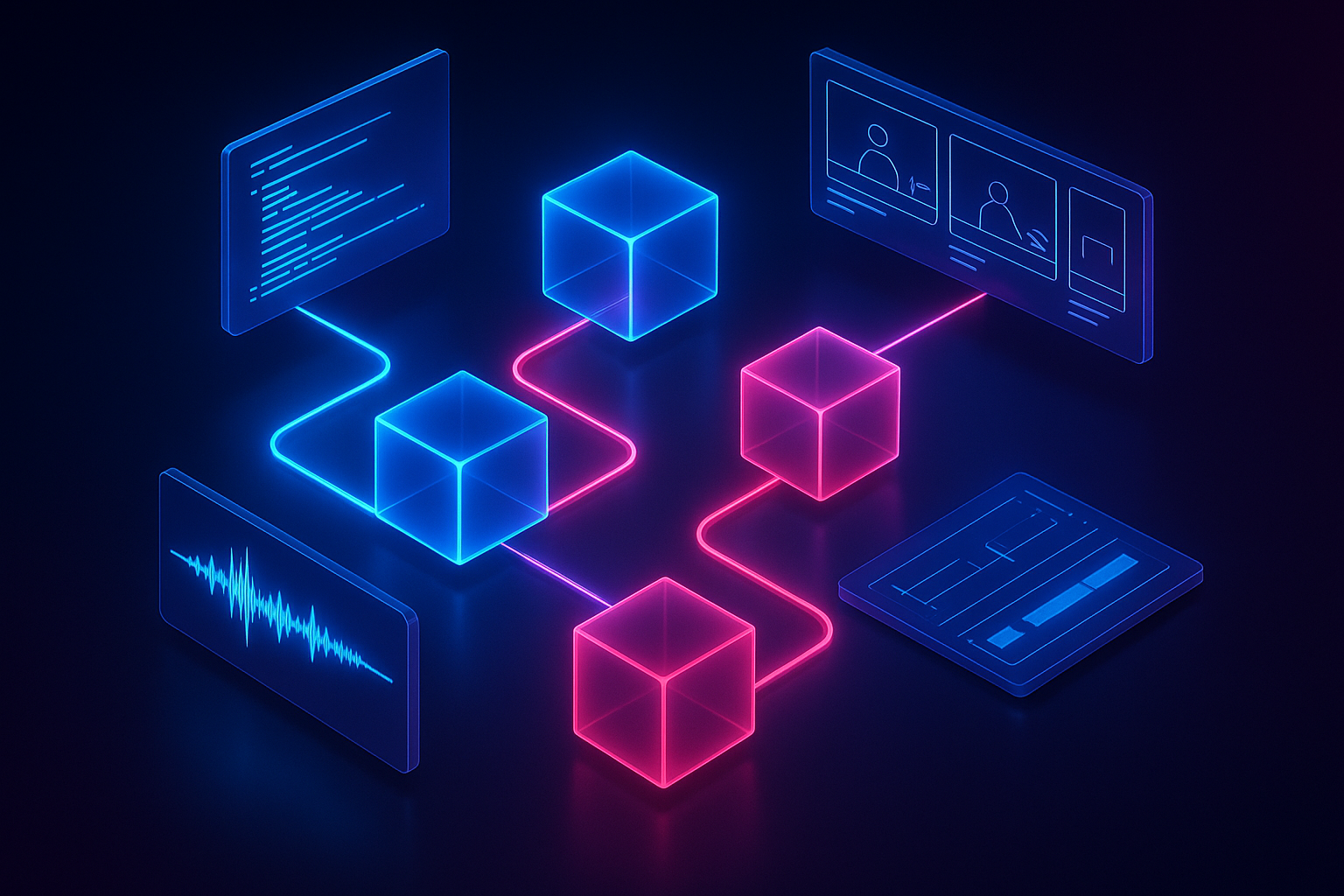
Why Scrptly for n8n video automation
- Built for long‑form AI videos with character and environment consistency
- Simple input: a prompt and optional context images
- Outputs a final, ready‑to‑publish video—no manual editing required
- Developer‑friendly: API, MCP server, and an n8n node for workflow automation
Useful links
- Try Scrptly: https://scrptly.com/
- n8n node (community): https://github.com/ybouane/n8n-nodes-scrptly
What you’ll need
- An n8n instance (self‑hosted or cloud)
- A Scrptly account and API key: https://scrptly.com/
- Optional: cloud storage or social posting nodes for distribution
Step 1 — Install the Scrptly n8n node
- In n8n, go to Settings > Community Nodes > Install New.
- Search for n8n-nodes-scrptly and click Install.
- In Credentials, create a new credential for Scrptly API and paste your API key.
Step 2 — Create a basic “Prompt to Video” workflow
We’ll build a simple workflow that turns a text prompt into a polished video.
We’ll build a simple workflow that turns a text prompt into a polished video.
- Trigger the workflow
- Use Schedule to run daily, or Webhook to accept a POST payload with your prompt.
- Add the Scrptly node
- Operation: Generate Video (AI Video-Agent)
- Prompt: Provide a detailed story brief (see examples below)
- Context Images: Optionally map images from previous nodes (e.g., a product image from Airtable, Notion, or a URL)
- Approve Up To: Set a token budget (e.g., 10,000)
- Wait For Completion: On for synchronous use, Off for async (returns a task ID)
- Distribute the result
- Add nodes to upload the video to storage (e.g., S3/Drive) and send a notification (email/Slack) or auto‑publish via your social channel connectors.
Example prompts that work great in n8n
Copy these into your Scrptly node’s Prompt field and adapt placeholders with n8n expressions (e.g., {{$json.productName}}):
Copy these into your Scrptly node’s Prompt field and adapt placeholders with n8n expressions (e.g., {{$json.productName}}):
Create a 45–60 second UGC‑style product ad for {{productName}}. Style: cozy lifestyle b‑roll + close‑ups; tone: honest, friendly, lightly persuasive. Include 3 benefit callouts sourced from: {{productBenefits}}. End with a concise CTA: "Try it today." Aspect: 9:16 vertical, platform‑ready. Keep the same protagonist throughout. Include gentle ambient music and natural‑sounding narration.Produce a 2–3 minute mini‑doc explaining "{{topic}}" for a curious audience. Start with a hook in 1–2 sentences, then a narrative arc with 3 sections. Use consistent lower‑thirds and tasteful motion graphics. Include neutral, informative narration. Aspect: 16:9. Insert subtle ambient score. Reference these images for visual consistency: {{image1}}, {{image2}}.Generate a cinematic 60–90 second product showcase for {{brandLine}}. Emphasize material details (e.g., stitching, texture) and 3 lifestyle scenes (work, commute, weekend). Maintain character and environment consistency. Aspect: 1:1 square for marketplace feeds. Finish with a simple end‑frame featuring pricing and key spec bullets.Adding context images
- If you have a product image URL, pass it directly into Context Images.
- If you ingest files (e.g., via Webhook or Google Drive), add a node that makes the file publicly accessible and map that URL into Context Images.
- Provide 1–5 reference images for best character/object consistency.
Synchronous vs. asynchronous runs
- Synchronous (Wait For Completion = On): The node returns when the video is ready—great for small batches or editor approval flows.
- Asynchronous (Wait For Completion = Off): The node returns a task ID immediately. Use a Wait + polling loop (another Scrptly node or HTTP Request) to check status and continue once the video is finished. This is ideal for high‑volume automation.
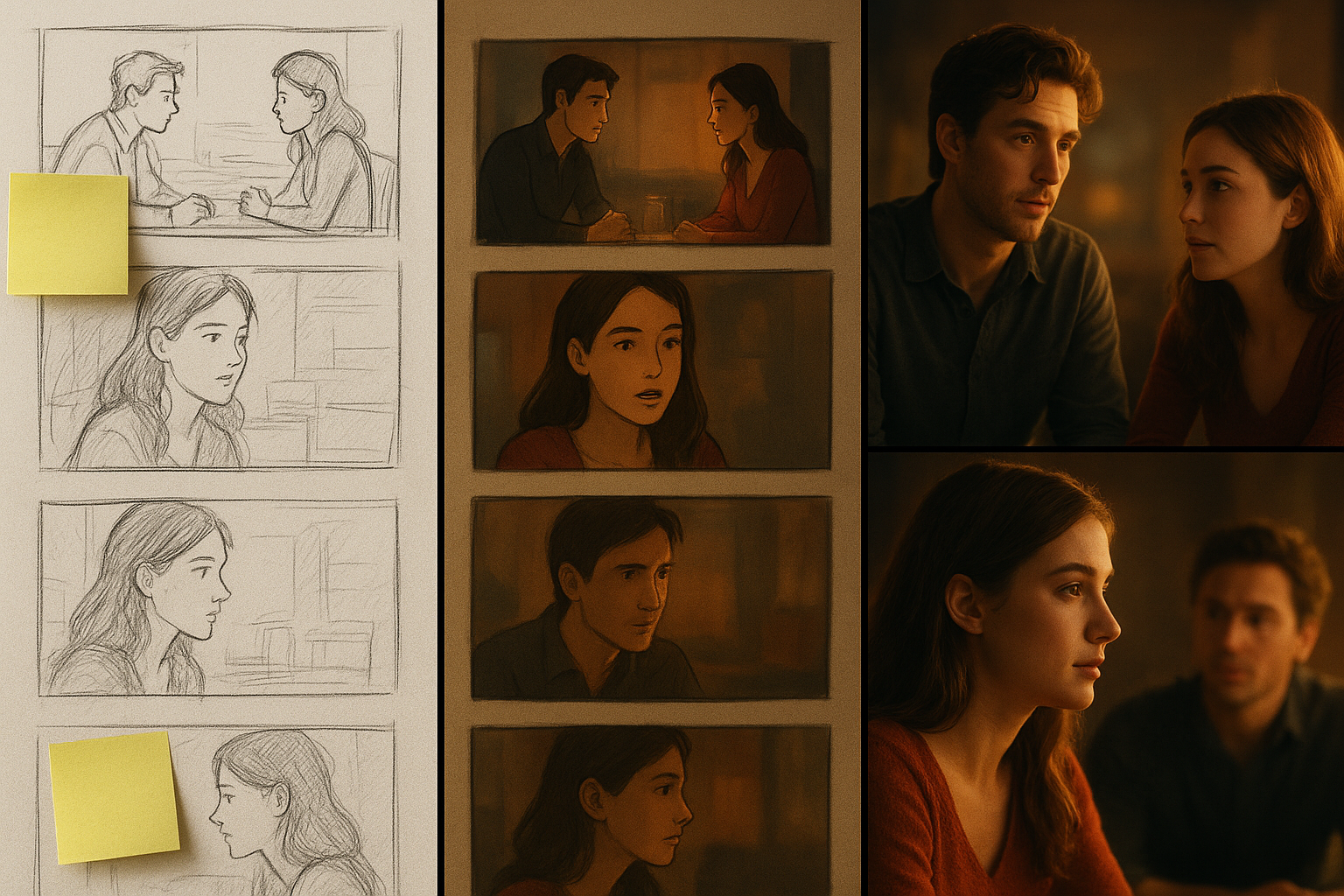
A complete example: E‑commerce “new arrivals” video factory
Goal: Every morning, auto‑generate a short vertical reel for each new product and post it.
Goal: Every morning, auto‑generate a short vertical reel for each new product and post it.
- Trigger: Schedule (daily)
- Source: Airtable (New Records since last run)
- Loop: For Each product → Scrptly (Generate Video)
- Storage: Upload video to S3 (path: /products/{{sku}}/date.mp4)
- Publish: Send to your social distribution tool or CMS
- Notify: Slack message with links and thumbnails
- Log: Append results to a “Video Runs” table for reporting
Power tips for ranking, reach, and reliability
- Personalize at scale: Use n8n expressions (e.g., {{$json.customerSegment}}) to tailor scripts and CTAs.
- Platform‑first formatting: Generate separate cuts per aspect ratio (9:16, 1:1, 16:9) using branches.
- Token budgeting: Start with Approve Up To = 10,000; raise for longer/complex briefs.
- Consistency: Always provide the same protagonist/product references for series content.
- Error handling: Wrap Scrptly in a Try/Catch path; on failure, retry with backoff and log the prompt and inputs.
- QA lane: In parallel, route preview links to a human approval step; publish only on approval.
- Metadata: Store prompt, inputs, and output URLs for compliance and reproducibility.
For developers: go beyond n8n with the API and VDK
Prefer code‑based control in addition to your workflow? Scrptly’s Video Development Kit lets you generate and customize videos programmatically.
Prefer code‑based control in addition to your workflow? Scrptly’s Video Development Kit lets you generate and customize videos programmatically.
npm install scrptlyimport Scrptly from 'scrptly';
Scrptly.setApiSettings({
apiKey: process.env.SCRPTLY_API_KEY,
});
// Pseudocode: create an AI‑generated video from a prompt
const task = await Scrptly.videoAgent.create({
prompt: `Create a 60–75 second review of our new {{product}} in a cozy home setting. Maintain character consistency. 9:16 vertical.`,
contextImages: [
'https://cdn.example.com/products/sku-123-hero.jpg',
'https://cdn.example.com/products/sku-123-lifestyle.jpg',
],
approveUpTo: 12000,
});
// Optionally poll until complete, then retrieve final video URLIf you’re orchestrating multi‑agent systems, Scrptly also offers an MCP interface, and for workflow builders, the n8n node remains the fastest path to production.
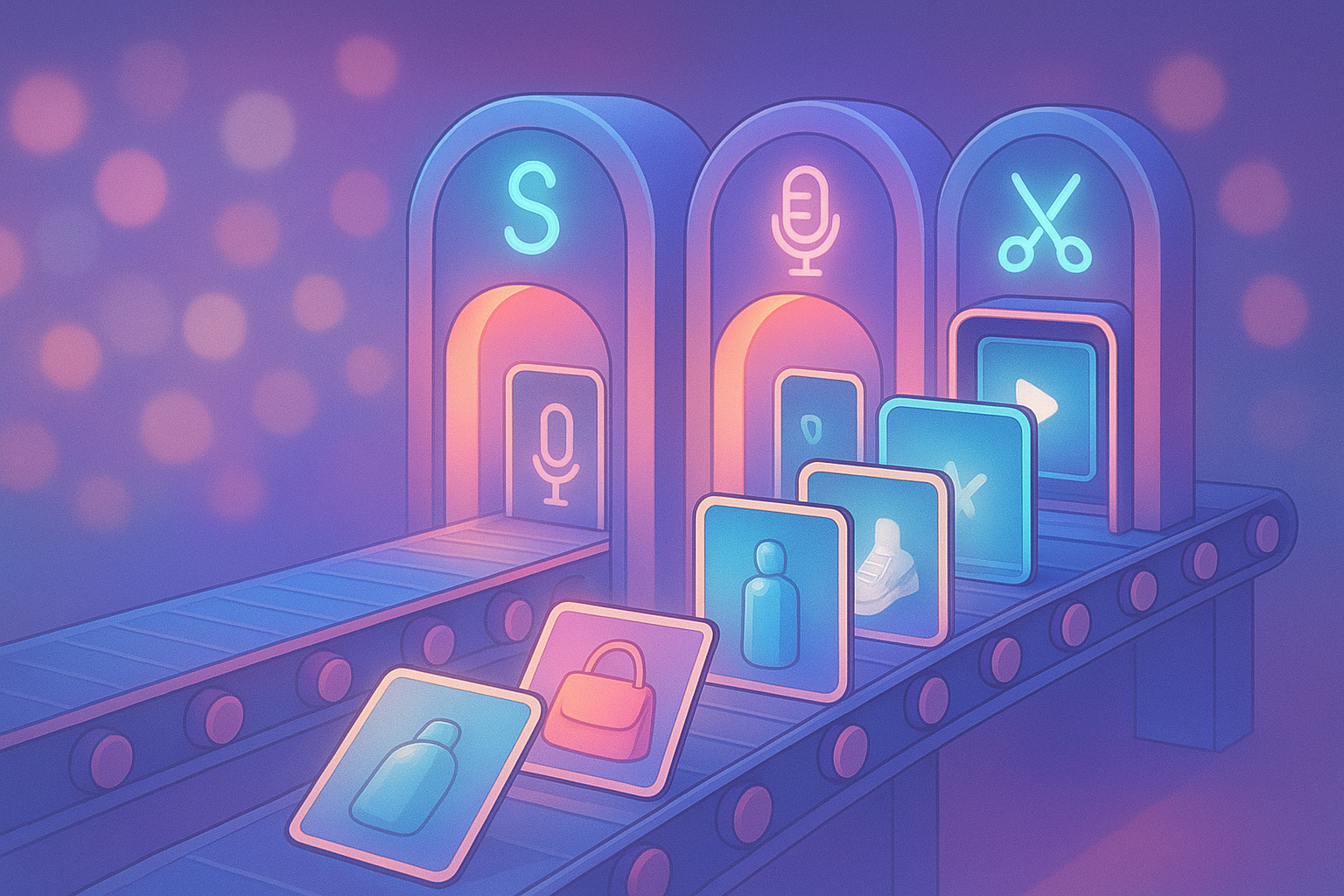
What makes this powerful for teams
- Marketers and e‑commerce: Launch product reels, UGC ads, and promos on a schedule.
- Creators: Scale faceless channels with consistent characters and styles.
- Educators and communicators: Produce explainers and mini‑docs rapidly.
- Developers: Integrate video generation where your data already lives.
Get started now
Ready to launch your first automated AI video workflow? Install the community node, plug in your API key, and ship your first video in minutes.
Ready to launch your first automated AI video workflow? Install the community node, plug in your API key, and ship your first video in minutes.
- Try Scrptly free: https://scrptly.com/
- Explore the n8n node: https://github.com/ybouane/n8n-nodes-scrptly
Automate once, publish everywhere—your video pipeline just became a workflow node away.