
How To Create High-Converting Shopify Product Images With Lifestyle Context
If your Shopify product images are all shot on plain white, you’re probably leaving conversions on the table. Shoppers want to see how your product looks in real life, on real people, in real spaces. That’s where lifestyle context turns casual browsers into confident buyers.
In this guide, you’ll learn a step-by-step workflow to create high-converting lifestyle product photos—fast. We’ll use Supra AI Photo Studio to handle realistic scenes, on-model try-ons, background removal, upscaling, and even short video clips. You can install it in a few clicks from the Shopify App Store: https://apps.shopify.com/supra-ai-photo-studio or explore the full feature tour: https://supra-ai-photo-studio.sktch.io/
Why Lifestyle Context Boosts Conversions
Lifestyle images help your product compete on trust and desirability, not just price.
- Reduces uncertainty: Seeing scale, fit, and use makes buyers more confident.
- Sparks emotion: A warm kitchen, a sunlit studio, or a cozy living room helps the shopper imagine ownership.
- Clarifies benefits: Show the product solving a problem in a real setting.
- Supports brand story: Consistent scenes and palettes build recognition.
- Lowers returns: Better expectation-setting means fewer surprises post-purchase.
Plan Before You Shoot (or Generate)
Even with AI, a simple creative plan will 2× your results.
- Buyer persona: Who’s the shopper? What space do they live/work in?
- Use case: How is the product held, worn, or placed? What’s the moment of use?
- Environment: Kitchen, boutique, studio, outdoors, office, gym?
- Mood & palette: Natural morning light vs. dramatic moody shadows; colors aligned to brand.
- Props: Keep it minimal—1–3 props that enhance scale and story.
- Framing: Hero (close-up), lifestyle mid-shot, and context wide shot.
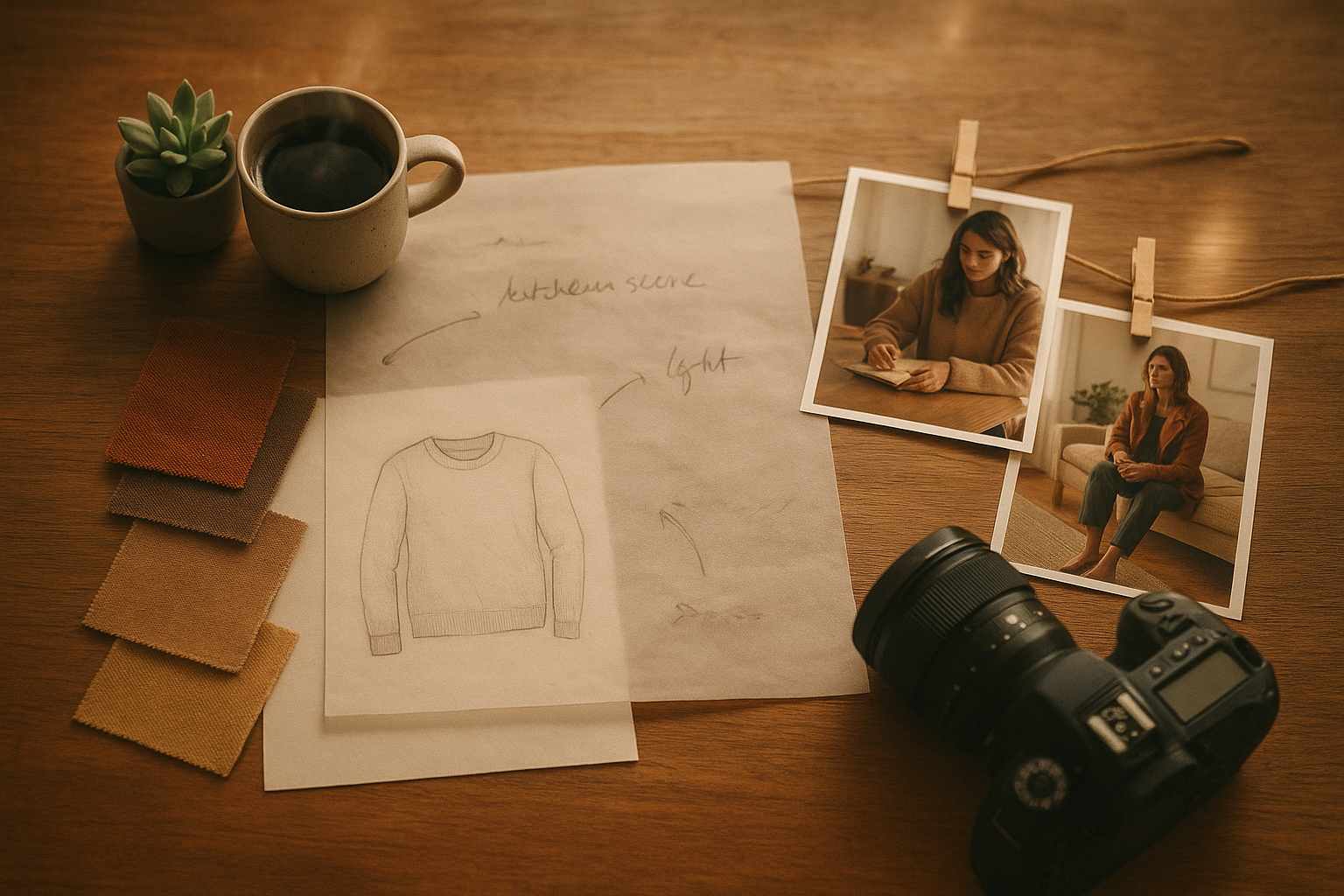
Create Lifestyle Product Images In Minutes With AI
You don’t need a studio day. Use Supra AI Photo Studio directly inside Shopify to transform existing photos into cohesive, on-brand lifestyle visuals.
1) Install the app and open a product
- Add Supra AI Photo Studio to your store: https://apps.shopify.com/supra-ai-photo-studio
- Or learn more on the landing page: https://supra-ai-photo-studio.sktch.io/
- From your Shopify admin, open the app and select any product image to edit.
https://supra-ai-photo-studio.sktch.io/images/help/editor-overview.webp
2) Clean up the base image for a pro look
- Use Background Remover to isolate the product. This removes visual noise so later scenes look crisp.
- Tap Auto Enhance to correct exposure, color cast, and contrast.
- Use Upscaling to boost resolution and preserve details for zoom.
Pro tip: Start with the sharpest source you have. Aim for at least 2048 px on the longest side for Shopify zoom and retina displays.
3) Add lifestyle context with Object Placement
Place your product in a realistic scene: studios, boutiques, kitchens, offices, outdoors—without manual compositing.
- Open Object Placement in the tools panel.
- Choose an environment (surface, room type, camera angle, lighting style).
- Add natural shadows and reflections for realism.
- Preview multiple variations and save the best.

Styling tips:
- Match light direction to your source photo (left-to-right, soft/hard).
- Keep props subtle so they don’t steal focus from the product.
- Maintain consistent horizon lines and camera height across the catalog.
4) Show fit with AI Model Try-On (for fashion, jewelry, eyewear)
On-model images remove the last barrier to purchase.
- Open AI Try-On, select a model (or create your own with skin tone, body type, and pose).
- Ensure the product silhouette and textures remain accurate.
- Generate multiple looks—studio, street style, editorial—then keep the best 2–3.

Accuracy tip: Use the Isolate Product tool first so the AI focuses on the exact contour and print of your item.
5) Create short videos for PDPs, Ads, and Social
Video lifts engagement and time-on-page.
- UGC Video Generator: Turn a product photo into influencer-style clips with voice and vibe presets—perfect for TikTok and Reels.
- B-Roll AI Videos: Generate cinematic product drops, splashes, and slow-motion moves while preserving product details.
See it in action in this short demo: https://www.youtube.com/watch?v=M2ISy20la78
Conversion Optimization Checklist For Shopify Product Images
- Lead with a clear hero: 1–2 images on clean backgrounds to highlight details.
- Follow with lifestyle: 2–4 scenes showing realistic use, scale, and fit.
- Add a quick video: 6–15 seconds to show movement, texture, or assembly.
- Keep consistency: Same lighting mood, angle range, and color grading across SKUs.
- Use correct aspect ratios: 1:1 for galleries, 4:5 for mobile-first hero slots, 16:9 for banners.
- Preserve detail: Export at high resolution (e.g., 2048 px on longest side). Use WebP or optimized JPEG for speed.
- Add alt text: Describe the product and context naturally: “Matte black ceramic mug on oak desk with morning light.”
- Prioritize first 2 images: Most shoppers never scroll your whole carousel—front-load the best.
- Include scale cues: Hand, model, or object next to product.
- Test thumbnails: Crisp, high-contrast crops can dramatically improve grid CTR.
A/B Test Your Visuals (Simple Workflow)
- Variant A: Clean hero + single lifestyle scene.
- Variant B: Clean hero + two lifestyle scenes + 10-sec video.
- Measure for 2–4 weeks: Product page CTR from collection grid, add-to-cart rate, conversion rate, and return rate.
- Keep the winner and roll out the pattern to the rest of your catalog.
You can rapidly generate both variants with Supra AI Photo Studio and ship tests the same day.
Common Mistakes To Avoid
- Overdecorating scenes: Too many props confuse the eye and dilute product focus.
- Inconsistent lighting: If your hero shot is cool daylight and your lifestyle is tungsten-warm, it feels off-brand.
- Ignoring scale: Without a hand, model, or familiar object, sizing can be misread.
- Low-resolution zooms: Pixelation breaks trust. Upscale before export.
- Unclear alt text: Accessibility and SEO both benefit from descriptive, human-friendly alt text.
Bring It All Together—Fast
Lifestyle context sells because it tells a believable story in a single frame. With the right plan and the right tools, you can level up your entire catalog in hours, not weeks.
- Install Supra AI Photo Studio: https://apps.shopify.com/supra-ai-photo-studio
- Explore features and pricing: https://supra-ai-photo-studio.sktch.io/
- Watch the quick demo: https://www.youtube.com/watch?v=M2ISy20la78
Whether you need on-model try-ons, realistic object placement, background removal, upscaling, or short-form UGC and b‑roll videos, Supra AI Photo Studio gives Shopify merchants a studio-grade workflow—no design skills required. Create high-converting lifestyle product images that look consistent, on-brand, and ready to sell.