
How to Choose Static Hosting for a Framer Export Without Guessing
When I export a Framer marketing site, I do not start by picking the cheapest host. I start by deciding who needs to change it, how reversibly we need to release it, and which Framer-dependent features need replacements. That decision card usually makes the destination obvious: Git for reviewable releases, object storage for an existing infrastructure path, or managed static hosting when operating the stack is not the job.
A static copy is especially useful when the live site is now a finished campaign, a client handoff, or a backup you need to restore without rebuilding. ExFlow’s Framer exporter is designed to capture a published site’s rendered HTML, CSS, JavaScript, fonts, media, and CMS pages, then package the output for download or deployment. Its important limitation is also the one I budget for: features that run on Framer’s servers at request time—such as native form handling—need their own path after the move.
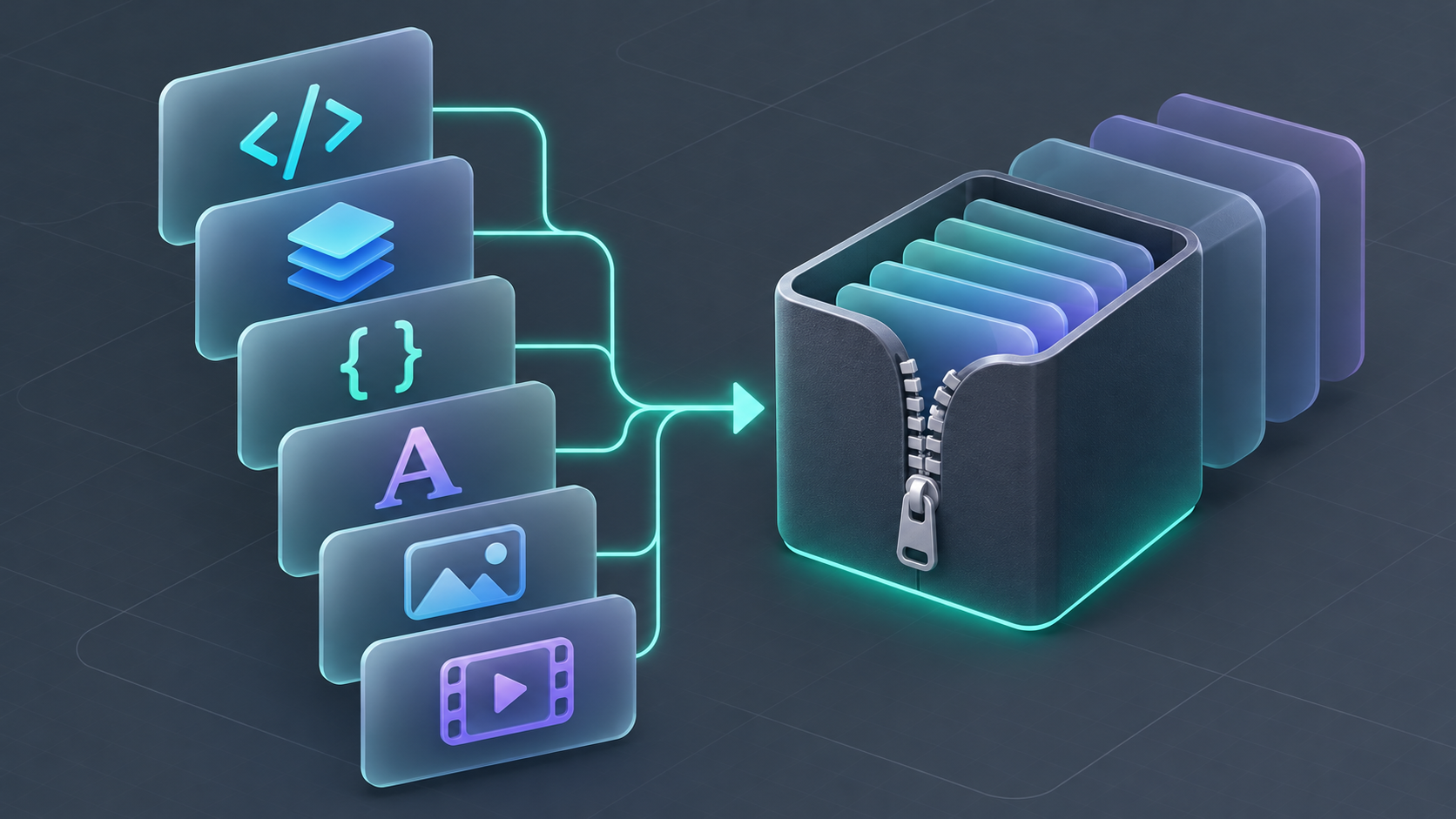
The decision card I use before choosing a host
I score the release against these five questions. This is not a universal benchmark; it is a way to make the operational trade-off visible before a DNS change turns it into an outage.
| Question | If the answer is yes | Best default |
|---|---|---|
| Does every publish need code review or a rollback commit? | The release should be inspectable by technical stakeholders. | Git-backed static deployment |
| Does the company already operate a CDN or cloud bucket? | Adding another hosting control plane creates needless overhead. | Object storage + existing CDN |
| Will a non-developer own routine updates? | The team benefits more from a simple deploy path than infrastructure flexibility. | Managed static hosting |
| Are forms, analytics, or gated pages business-critical? | The export is only one workstream; integrations need owners first. | Keep the current host until replacements pass QA |
| Is this primarily a dated archive or handoff? | Repeat publishing is not the core use case. | ZIP plus a versioned repository |
The trap is treating the export as the whole migration. It is the release artifact. Hosting, form delivery, consent tooling, monitoring, and redirects are separate operational choices. I learned the same lesson while building a service ledger before a Squarespace static move: the pages are often the easy part.
What I expect in the release artifact
For a Framer site, a useful handoff is more than a homepage screenshot. I want a folder that can be served by a static host and whose contents tell the next operator what is present: pages, styles, script bundles, fonts, images, media, and the routes needed by collection content. ExFlow says its browser-based export waits for the published site to hydrate, captures requests, and rewrites them to local files. That architecture matters because a basic page downloader can miss assets or client-side behavior that only arrive after the first render.
Before I choose the destination, I open the local build and record:
- The representative desktop and mobile routes.
- A collection listing and a collection detail page, if the site uses a CMS.
- The heaviest media page and any page with a prominent motion treatment.
- Every contact or newsletter entry point.
- The current canonical URLs and redirect requirements.
This is intentionally a smaller test set than “click every page.” It produces a repeatable receipt. For a deeper release pass, this Framer responsive-export QA workflow is a useful companion.
The features that turn a static export into a project
A static host is a good fit for an informational site, but it does not recreate server-side services by magic. I make the owner and replacement explicit for each dependency.
| Dependency | Release decision | Evidence I require |
|---|---|---|
| Contact form | Point it to a third-party endpoint or API | Test submission arrives and is logged |
| Analytics | Install the approved client-side snippet | A staging event appears in the right property |
| Cookie/consent layer | Confirm it loads on the static domain | Consent state works in a fresh session |
| Password-gated content | Keep it behind an appropriate access layer | Unauthorized request cannot fetch the page |
| Dynamic personalization | Retain Framer or rebuild the behavior | Product owner signs off on the replacement |
If forms are on the critical path, I do not call the move “done” when the layout looks right. This guide to reconnecting a Framer contact form after static hosting is the right kind of implementation-level check.

Pick the destination that minimizes your next bottleneck
Choose Git-backed deployment when the risk is accidental change. I prefer it for agencies and small teams that need a visible history, pull-request review, and a known rollback point. ExFlow can sync exports to Git, so the export can enter an existing CI/CD flow rather than becoming an untracked ZIP on someone’s laptop.
Choose object storage when the organization already knows how it serves static assets. This is a good fit if a CDN, bucket policy, domain management, and monitoring already exist. It can be efficient, but it is not automatically simpler; someone still owns cache invalidation, permissions, and the deployment process.
Choose managed static hosting when the limiting resource is operator time. A small business with occasional marketing updates may sensibly prioritize a clear interface and a reliable custom-domain path over an infrastructure project. ExFlow also offers hosting, alongside its Git, S3-compatible storage, and FTP deployment options.

My cutover gate is deliberately boring
Before changing the production domain, I publish to a staging URL and run the same check each time:
- Open the route receipt in a private browser window.
- Check internal links, image paths, fonts, responsive layouts, and the key interactive sections.
- Submit each form and verify the downstream notification or CRM record.
- Compare page title, description, canonical URL, and social preview with the current site.
- Keep the old hosting path available until the new domain resolves and the checks pass.
For a broader pre-cutover sequence, this Framer static-export check pairs well with the decision card.
The useful outcome is an owned release, not a symbolic migration
A Framer export is worth doing when it gives you a portable, testable release that fits how your team actually operates. If you need a review trail, choose Git. If you have cloud operations already, use that runway. If simplicity saves more time than flexibility, use managed hosting.
My next action is always the same: run a free export with ExFlow for Framer, create the five-question card, and test the smallest realistic staging release before touching production. ExFlow also has dedicated exporters for Webflow and Squarespace, but I would make the same call platform by platform—not with a generic migration checklist.