
How To Automate Short Form Video Creation In N8n Workflows
If you’re spending hours cutting 20–30 second clips for TikTok, Reels, or YouTube Shorts, automation can be your new creative partner. In this guide, you’ll learn how to automate short-form video creation inside n8n using the Scrptly AI Video Agent — a powerful system that turns your prompt (plus optional context images) into polished videos with narration, consistent characters, and tight edits.
Scrptly excels at long-form consistency and short-form speed, making it a perfect fit for n8n video automation, UGC ads, faceless YouTube clips, product reels, and daily content workflows.
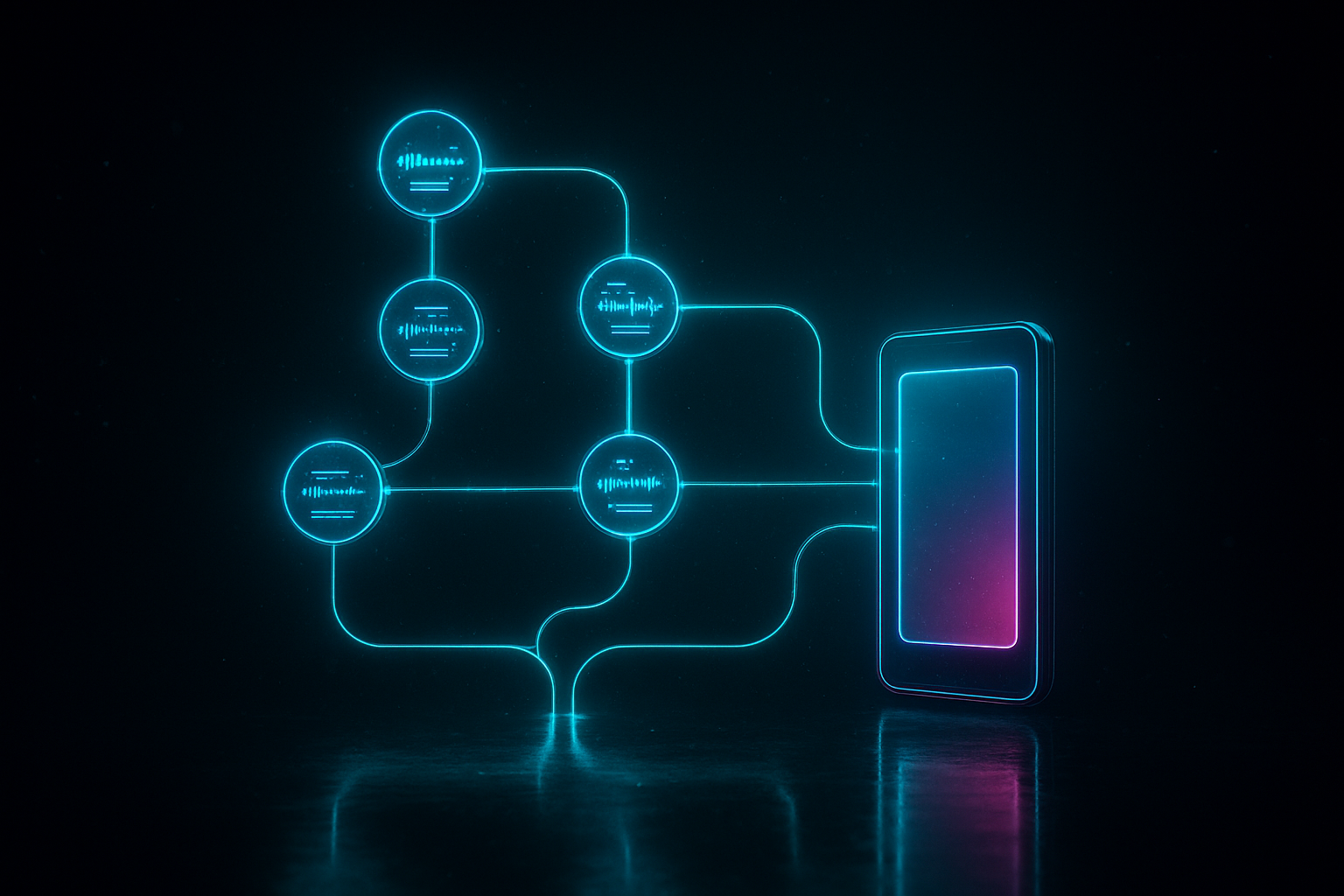
Why Scrptly + n8n for short-form video automation
- Natural language to final video: Describe your idea and Scrptly’s swarm of sub-agents (research, screenplay, character design, narration, editing) handles everything end-to-end.
- Consistent scenes and characters: Provide context images to lock style, product shots, or personas across episodes.
- Built for workflows: Use the Scrptly N8N node to trigger, generate, and route videos automatically. There’s also an API and a Video Development Kit for developers. Learn more at https://scrptly.com/
- Scales from UGC ads to explainers: Great for ecommerce promos, tutorial series, faceless channels, and research explainers.
What we’ll build
You’ll create an n8n workflow that:
You’ll create an n8n workflow that:
- Triggers from a schedule, webhook, or content calendar.
- Sends a prompt (and optional reference images) to the Scrptly AI Video Agent.
- Receives a ready-to-publish 9:16 short-form video.
- Uploads it to storage and notifies your team.
Quick prerequisites
- An n8n instance (self-hosted or cloud)
- A Scrptly account and API key from https://scrptly.com/
- The Scrptly N8N node installed (community node)
Step 1 — Install the Scrptly node in n8n
- In n8n, go to Settings > Community Nodes > Install New.
- Search for: n8n-nodes-scrptly
- Click Install. Source and docs: https://github.com/ybouane/n8n-nodes-scrptly
Step 2 — Add Scrptly credentials
- In the n8n editor, open Credentials > New > Scrptly API.
- Paste your API key from your https://scrptly.com/ account page.
- Save and select these credentials in the Scrptly node.
Step 3 — Build your first workflow
Recommended starter flow:
Recommended starter flow:
- Trigger: Webhook (for on-demand generation) or Schedule (daily batch).
- Scrptly Node: Configure the video prompt, attach context images, and set budget.
- Output nodes: Upload to Google Drive/S3 and notify via Slack/Email.
Scrptly node fields to care about
- Prompt: The full creative brief (see template below).
- Context Images (optional): Product shots, brand palette swatches, talent faces, or location references to keep scenes consistent.
- Approve Up To: Max token budget (default 10,000). Increase for more complex videos.
- Wait For Completion: On = the node returns when the video is ready. Off = returns immediately with a task ID (use if you’re orchestrating at scale and can handle async patterns elsewhere).
A battle-tested prompt for short-form videos
Copy and adapt this prompt for UGC-style vertical content:
Copy and adapt this prompt for UGC-style vertical content:
Create a 25-second, 9:16 vertical UGC-style video about [topic or product].

Tone: energetic, authentic, helpful. Edit style: fast cuts, 1 hook line in first 2s, pop-in captions, light whooshes, upbeat lo-fi beat.

Include on-screen text for the hook and 3 quick tips/benefits. End with a soft call to action.

If context images are provided, feature them in 3–5 shots with consistent lighting and framing.

Color grade: warm skin tones, slightly boosted contrast.

Narration: clear, friendly voice.

Deliver as a single final video with sound mixed to -14 LUFS equivalent.
Tips for the perfect prompt
- Be explicit about duration, aspect ratio (9:16), pacing, and editing style.
- Specify “on-screen text” and “captions” so viewers can watch without sound.
- Call out product benefits and a clear CTA.
- Provide 2–5 context images for character or product consistency.
Routing the output automatically
After the Scrptly node finishes, map the returned video file/URL to your distribution steps:
After the Scrptly node finishes, map the returned video file/URL to your distribution steps:
- Storage: Google Drive, S3, or Dropbox nodes.
- Review: Send a private link to Slack or email for quick approvals.
- Database: Log metadata (title, topic, date, duration) in Airtable/Notion.
- Publish: Hand off to your social scheduling stack.
Optional: Async scaling
If you disable Wait For Completion, Scrptly returns a task ID right away. Use that to decouple generation from delivery (e.g., queue many requests at once, then fetch results later). For specifics, consult the Scrptly N8N node docs on GitHub: https://github.com/ybouane/n8n-nodes-scrptly
If you disable Wait For Completion, Scrptly returns a task ID right away. Use that to decouple generation from delivery (e.g., queue many requests at once, then fetch results later). For specifics, consult the Scrptly N8N node docs on GitHub: https://github.com/ybouane/n8n-nodes-scrptly
Advanced workflows you can build
- Content calendar automation: Pull topics from a Google Sheet, generate 5 shorts each morning, and deliver to Drive + Slack.
- A/B creative testing: Split the same product into two Scrptly nodes with different hooks (emotional vs. rational) and compare CTR after posting.
- Localization: Iterate language variants by looping over locale data. Prompt for on-screen text translation and voice/narration in target language.
- Faceless channel production: Use consistent style references to maintain a recognizable aesthetic without on-camera talent.
Developer bonus: Programmatic video generation
Prefer code? Scrptly also provides an API and a Video Development Kit (VDK). Install the package and authenticate:
Prefer code? Scrptly also provides an API and a Video Development Kit (VDK). Install the package and authenticate:
npm install scrptly

# or

yarn add scrptly
import Scrptly from 'scrptly';
Scrptly.setApiSettings({
apiKey: process.env.SCRPTLY_API_KEY,
});
// Example pseudo-call: create a short-form video from code
const result = await Scrptly.videoAgent.create({
prompt: `Create a 20-second 9:16 reel explaining why hydration boosts energy. Hook in first 2s, captions on, upbeat music, end with CTA to learn more.`,
contextImages: [
// URLs or uploaded references of product/brand visuals
],
// other options as supported by the Video-Agent API
});
console.log(result);Best practices for short-form video with AI
- Hook in 2 seconds: Ask for a bold, curiosity-driven opener.
- One idea per short: Avoid cramming multiple messages.
- Keep shots tight: 3–6 second cuts, visible captions, big typography.
- Consistency via references: Supply brand colors, product shots, or character faces as context images.
- Clear CTA: “Try it today,” “See full guide,” or “Grab your discount.”
- Sound matters: Specify music mood and voice tone in the prompt.
- Budget smartly: Start with the default token budget; increase for complex scenes.
Comparison note
Traditional editors and online tools (e.g., conventional timeline editors) are great for manual polishing, but if your goal is to automate volume reliably — especially with consistent characters and narrative — the Scrptly AI Video Agent inside n8n offers end-to-end generation from a single prompt. Explore what’s possible at https://scrptly.com/
Traditional editors and online tools (e.g., conventional timeline editors) are great for manual polishing, but if your goal is to automate volume reliably — especially with consistent characters and narrative — the Scrptly AI Video Agent inside n8n offers end-to-end generation from a single prompt. Explore what’s possible at https://scrptly.com/
Troubleshooting quick wins
- Video feels too generic? Increase specificity in the prompt (mood, lenses, color grade) and add 2–3 context images.
- Not vertical? Explicitly state “9:16 vertical” and ideal duration.
- Weak hook? Instruct: “Open with a bold claim/question in first 2 seconds.”
- Inconsistent product visuals? Provide high-quality product shots as context and reference them in the prompt.
- Long queue times? Use async mode (disable Wait For Completion) and orchestrate at scale.
Copy-and-paste prompt templates
- Product UGC Ad
“Create a 22-second 9:16 UGC-style ad for [product]. Hook: a surprising benefit in first 2 seconds. 3 fast benefits on-screen with captions. Warm grade, soft whooshes, friendly voiceover, end with ‘Try it today.’ Use provided product images in 4 shots.” - Educational Short (Faceless)
“Make a 25-second vertical explainer about [topic]. Hook with a counterintuitive fact. Use dynamic text overlays, subtle motion graphics, neutral voice, and a concise CTA to ‘Learn more in the description.’” - Listicle Reel
“Generate a 20-second 9:16 list of 3 tips for [goal]. Each tip appears as bold on-screen text with matching b-roll and a quick chime. Keep pacing snappy, captions on, and end with a recap frame.”
Take the next step
- Try Scrptly’s AI Video Agent: https://scrptly.com/
- Install the Scrptly n8n node: https://github.com/ybouane/n8n-nodes-scrptly
- Explore programmatic creation with the API/VDK from https://scrptly.com/
Automate your short-form pipeline today, and focus your time on strategy and storytelling while Scrptly and n8n handle the heavy lifting.