How To Automate Short Form Video Creation In N8N Workflows
Short-form videos win attention, drive clicks, and feed every algorithm—but making them daily is exhausting. What if your videos wrote themselves, edited themselves, and posted themselves while you slept? That’s exactly what you can do by connecting your N8N workflows to the Scrptly AI Video Agent.
Scrptly (https://scrptly.com/) turns a simple text prompt—and optional reference images—into finished, on-brand short-form videos. It handles research, character and scene design, narration, and editing automatically, producing consistent visuals across scenes and episodes. In this guide, you’ll learn how to automate short-form video creation end-to-end using N8N and Scrptly.
Why automate short-form video with Scrptly + N8N
- Reliable consistency: Context images ensure recurring characters, products, and environments stay visually consistent across episodes.
- Hands-free production: Provide a prompt and let Scrptly generate scenes, voiceover, and edits—no manual timeline work.
- Scale on schedule: N8N can batch-generate variations, A/B test hooks, and publish across channels automatically.
- Developer-friendly: Scrptly provides an API, an MCP server for agentic integrations, and an N8N node for no-code automation.
What you’ll build
- A reusable N8N workflow that:
Prerequisites
- An N8N instance
- A Scrptly account and API key from https://scrptly.com/
- The Scrptly community node installed in N8N (see below)
Install the Scrptly N8N node
- In N8N, go to Settings > Community Nodes > Install New
- Search for n8n-nodes-scrptly and click Install
- In the Credentials tab, create new credentials for Scrptly and paste your API key
- Source and docs: https://github.com/ybouane/n8n-nodes-scrptly
Step-by-step: Build your first automated short-form workflow
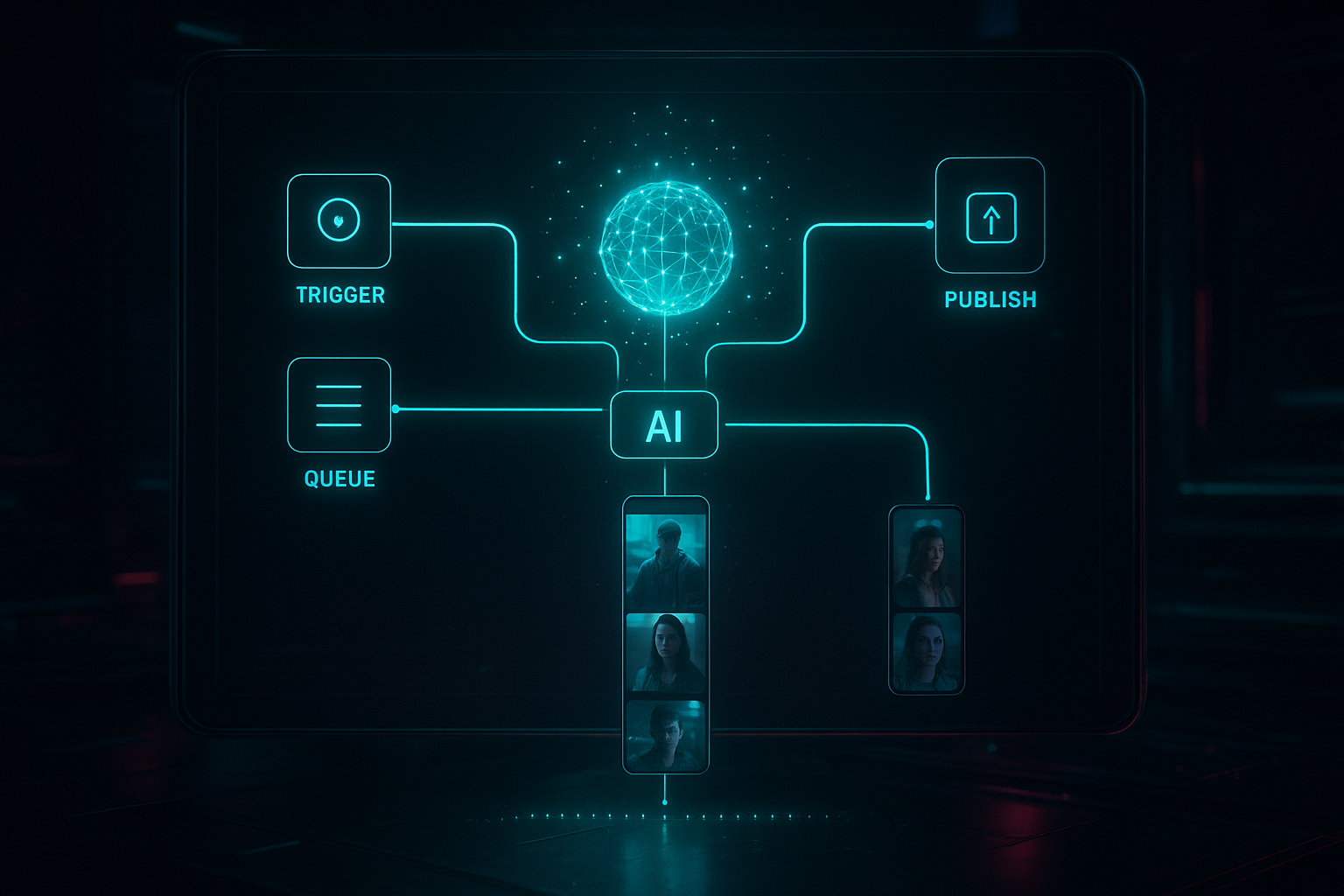
- Create a trigger
- Schedule: Run daily at 9:00 AM to publish a new short every morning.
- Webhook: Fire from your CMS when a new product is added.
- Queue trigger: Listen for batch jobs to generate multiple variants.
- (Optional) Fetch inputs
- Pull product data from a spreadsheet, CMS, or database (title, features, benefits).
- Download or reference context images that show your product, mascot, or environment. These anchor visual consistency.
- Add the Scrptly node
- Credentials: Select the Scrptly API key you configured.
- Prompt: Describe the video clearly, including audience, hook, format, length, aspect ratio, tone, CTA, and any storyline.
- Context images: Add URLs or base64 images for consistent characters/products.
- Approve Up To: Set the max budget in tokens (default 10,000). Use higher budgets for longer or more complex videos.
- Wait for completion: On = node waits and returns the final file; Off = returns a task ID immediately so you can poll later.
Example short-form prompt (copy/paste and customize)
- Angle: UGC-style, authentic voice, quick cuts, kinetic captions
- Audience: skincare enthusiasts seeking gentle routine
- Length: 20–30 seconds, aspect ratio 9:16
- Story beats: 1) Bold hook in first 2 seconds, 2) Problem, 3) Product demo, 4) Social proof, 5) Clear CTA
- Visuals: Close-ups of texture and application, soft daylight, handheld feel, subtle b-roll transitions
- Voice: Friendly, confident, succinct; auto-captions enabled
- CTA: Swipe to learn more and claim an early-bird discount
Pro tip: Pass a context image of the product to lock consistency across multiple videos and retargeting variants.
- Post-process and distribute
- Save output: Upload the final MP4 to S3, GCS, or Drive.
- Notify: Send a Slack or email message with the video link and thumbnail.
- Publish: Hand off to your social publishing nodes or a custom API endpoint.
Prompt templates for ecommerce, education, and creators
- Product launch teaser
Hook with a bold benefit; demonstrate the product in 2–3 shots; include voiceover and captions; final CTA to visit the store; length 20 seconds; aspect ratio 9:16; visual style clean, modern, high-contrast; include context image of the product. - Explainer micro-lesson
Teach one concept in 30 seconds; hook with a surprising fact; show animated diagrams; calm, authoritative voice; captions on; end with a prompt to watch a full tutorial. - Lifestyle testimonial
UGC tone; first-person narration; show three real-life scenarios; warm natural lighting; captions on; CTA to try it today.
Advanced automations you can add right away
- A/B test hooks and styles
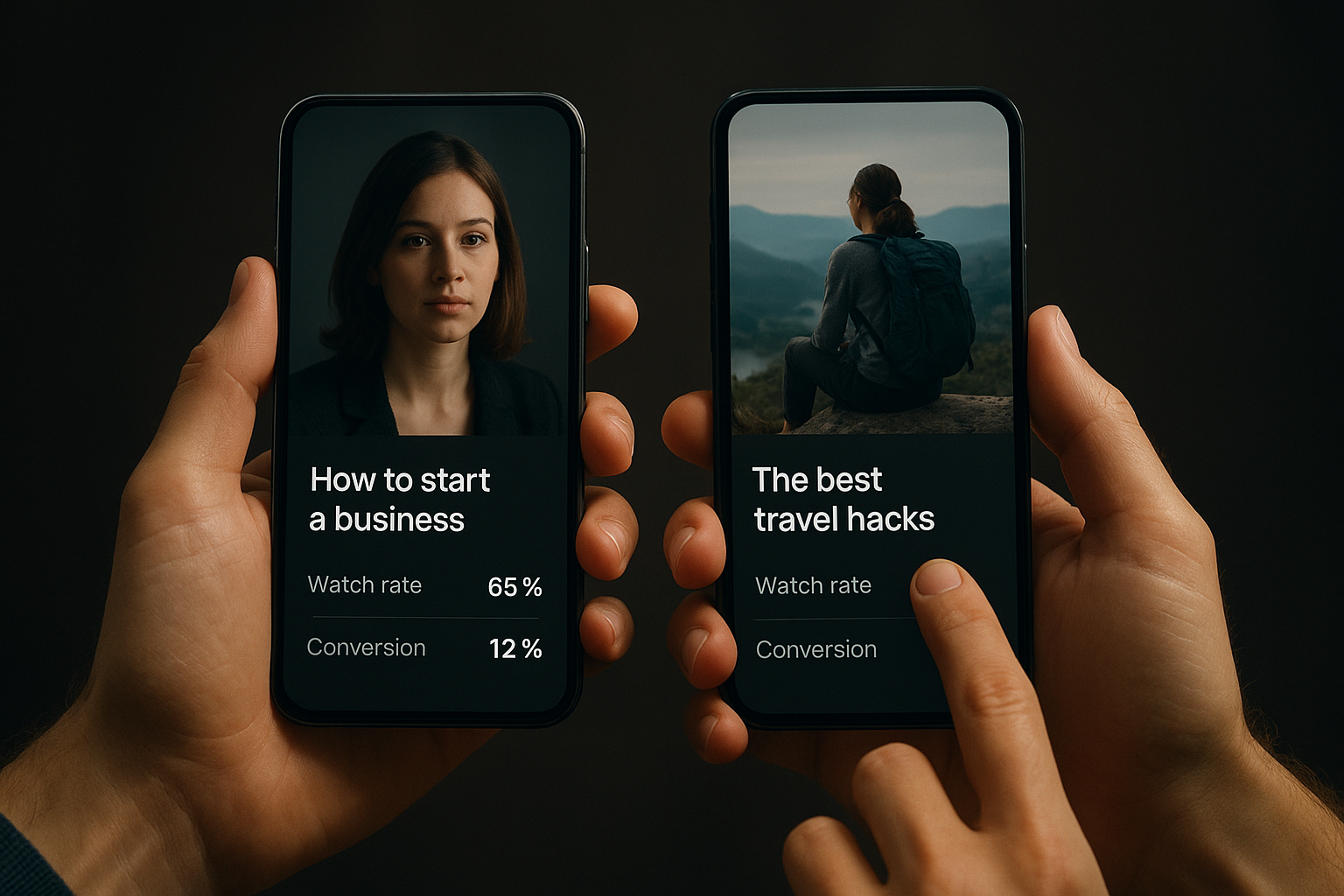
Duplicate the Scrptly node with two different hooks or visual styles. Route both outputs to a metrics collector, pick the winner based on watch rate or clicks, and publish only the winner. - Batch generation from a spreadsheet
Use a loop to iterate through rows (product name, features, price). Populate the prompt with variables like {{product_name}} and {{benefit_1}}. Attach a matching context image per row for consistency. - Episodic content with consistent characters
Provide the same character and environment context images to build a recognizable mini-series. Scrptly excels at keeping characters and scenes consistent across episodes. - Multilingual shorts at scale
Run multiple Scrptly nodes with different narration languages and captions, then publish to region-specific channels. - Hybrid review workflows
TurnWait for completionoff and send the task ID to a status-check loop. When ready, post for team review; on approval, publish automatically.
Best practices for prompts that perform
- Hook fast: Make the first 2 seconds unskippable with a bold claim, looming question, or unexpected visual.
- Be explicit: Specify format (UGC, cinematic, animated), length (15–30s), aspect ratio (9:16), tone (energetic, calm), and CTA.
- Show, don’t tell: Request macro shots, on-face application, or screen captures where relevant.
- Keep consistency: Use the same context images for products, characters, and environments across campaigns.
- Optimize captions: Ask for large, high-contrast, kinetic captions. Many viewers watch on mute.
- Iterate with data: A/B test hooks, cuts, and CTAs. Pipe performance metrics back into your prompts.
Troubleshooting and tips
- Long renders? For complex requests, increase
Approve Up Toor reduce video length. Consider turningWait for completionoff and polling for status. - Inconsistent visuals? Provide sharper, well-lit context images and describe character traits and environments explicitly.
- Need developer control? Use Scrptly’s API and Video Development Kit to orchestrate custom logic. Explore Scrptly’s platform at https://scrptly.com/.
Why Scrptly for long-form too
Even though this guide focuses on short-form, Scrptly shines at longer videos by maintaining character and environment continuity. That means you can repurpose your short-form automation into episodic explainers, mini-docs, and narrative shorts without switching tools.
Even though this guide focuses on short-form, Scrptly shines at longer videos by maintaining character and environment continuity. That means you can repurpose your short-form automation into episodic explainers, mini-docs, and narrative shorts without switching tools.
Call to action
- Get started with Scrptly: https://scrptly.com/
- Install the N8N node: https://github.com/ybouane/n8n-nodes-scrptly
- For developers: Explore the API and Video Development Kit at https://scrptly.com/