
How to Automate Long-Form AI Video Creation in N8N Workflows
If you’ve been stitching together clips, narration, and b-roll by hand, you know how time-consuming long-form video production can be. Good news: you can automate the heavy lifting—scriptwriting, character and environment consistency, narration, scene assembly, and final edits—directly inside N8N using Scrptly’s AI Video-Agent.
Scrptly turns a single prompt (plus optional context images) into a fully edited video ready to publish. The N8N integration lets you trigger long-form productions on a schedule, from a webhook, or wired into a complete social publishing pipeline.
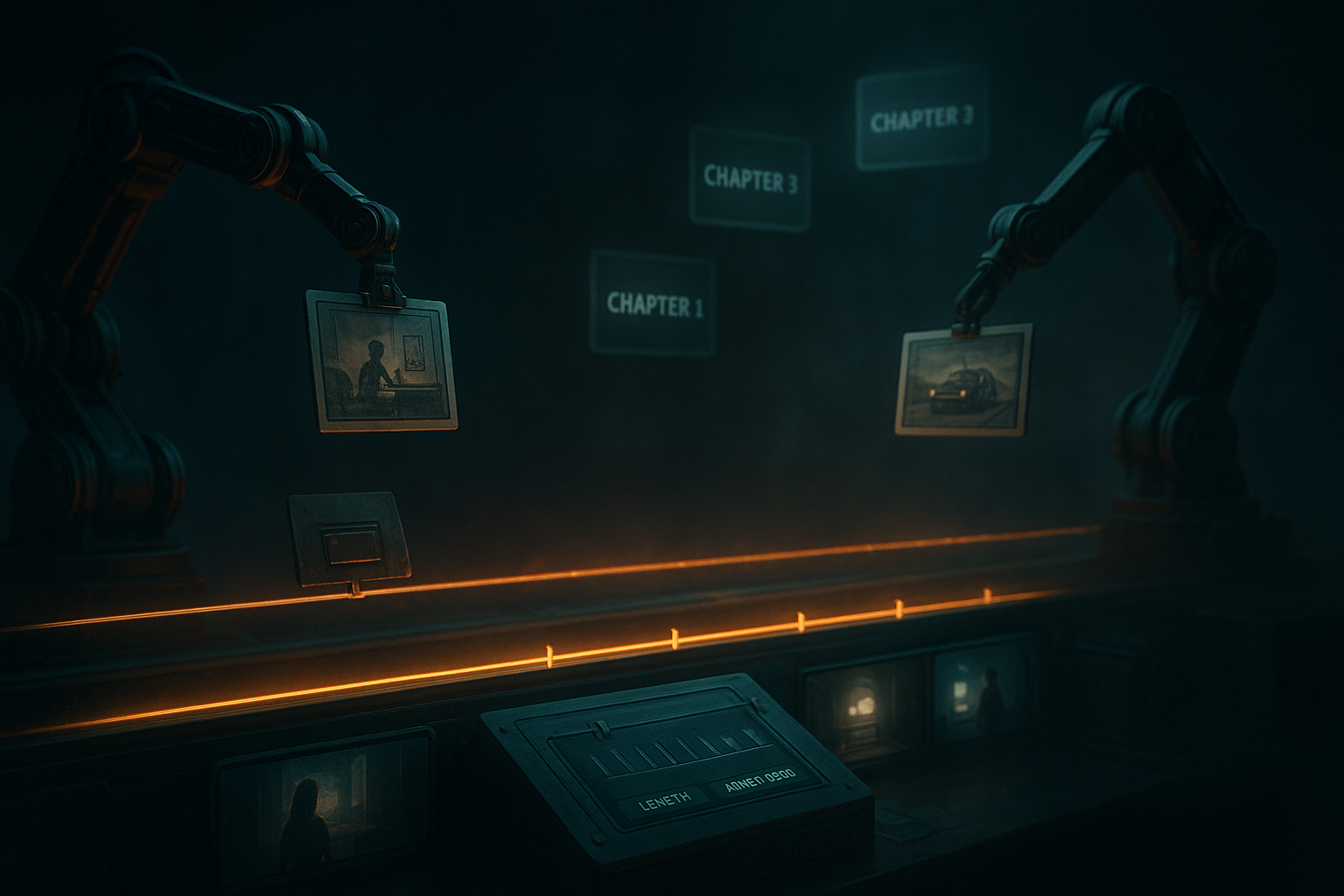
Why Scrptly is ideal for long-form videos
- Character and object consistency: Feed reference images so characters, products, and environments stay consistent from scene to scene—even over long runtimes.
- Multi-agent pipeline: Specialized sub-agents handle research, screenplay, character design, narration, scene generation, and editing—end to end.
- Prompt-first control: Use a single prompt to define style, pacing, aspect ratio, tone, and naming. Context images anchor visual identity.
- Built for automation: Use the N8N node, a JavaScript API, or connect via MCP to orchestrate video at scale.
What we’ll build in this guide
- A reproducible N8N workflow that generates a long-form video from a detailed prompt
- Optional reference images for on-brand visuals
- Auto-wait for render completion or run asynchronously and poll for results
- Post-process steps to store, notify, and publish your video
Prerequisites
- An N8N instance (self-hosted or cloud)
- A Scrptly account and API key: https://scrptly.com/
- Optional: Public URLs for reference images (product packshots, brand elements, character sheets)
Step 1: Install the Scrptly node in N8N
- In N8N, go to Settings → Community Nodes → Install New.
- Search for n8n-nodes-scrptly and click Install.
- The node will become available in your node palette.
Source and docs for the node: https://github.com/ybouane/n8n-nodes-scrptly
Step 2: Add your Scrptly credentials
- Open Credentials in N8N.
- Click New Credential → Select Scrptly API.
- Paste your API key from your Scrptly account page.
- Save and select these credentials in your Scrptly node.
Step 3: Design the workflow
- Trigger: Choose how you’ll kick things off (Schedule for recurring series, Webhook for on-demand, or Google Sheets/Notion for content calendars).
- Scrptly Node: Configure your video parameters:
- Post-processing: Add nodes to store the video (S3/Drive), notify (Slack/Email), or publish (YouTube/TikTok integrations).
A reusable long-form prompt template
Copy, customize, and parameterize this prompt in your Scrptly node. You can inject variables from earlier nodes (e.g., {{$json.productName}}):
Copy, customize, and parameterize this prompt in your Scrptly node. You can inject variables from earlier nodes (e.g., {{$json.productName}}):
Create a 8–12 minute educational, documentary-style video titled "{{title}}" aimed at {{audience}}. Tone: authoritative yet warm. Structure the film into 6–8 chapters with on-screen chapter cards and smooth transitions.


Visual style: cinematic, natural lighting, color grade slightly warm. Mix close-ups and wide establishing shots. Maintain consistent character visuals from references if provided.


Include:

- Narration: clear, well-paced voiceover with coherent arc.

- B-roll: dynamic scenes supporting key points (diagrams, gestures, environments).

- On-screen text: concise, legible captions and key stats.

- Call-to-action at the end tailored to {{ctaGoal}}.


Constraints and preferences:

- Aspect ratio: {{aspect}} (e.g., 16:9 landscape for YouTube)

- Pace: moderate; pause for important visuals.

- Add tasteful background music with dips under narration.

- If context images are provided, treat them as canonical for character/product consistency.


Chapters to cover:

1) Hook and promise

2) Background and context

3) Core concept #1 with visual example

4) Core concept #2 with visual example

5) Objections and misconceptions

6) Practical steps and checklist

7) Summary and next steps

8) Closing CTA
Pro tip: Load reference images (product hero shots, logo marks, character sheets, office scenes) in Context Images so Scrptly’s agents lock into a consistent look. This is especially powerful for episodic content and brand series.
Example node wiring
- Trigger (Schedule): Run daily at 03:00 UTC.
- HTTP Request (Data Fetch): Pull the next topic from your CMS or spreadsheet.
- Scrptly (Generate Video): Feed the composed prompt and context images.
- If (Result): Branch on success/failure.
- Storage: Upload video to S3 or Drive.
- YouTube: Publish with title/description pulled from the same row.
- Slack: Notify the team with the video URL and thumbnail.
Synchronous vs. asynchronous generation
- Wait For Completion = ON: The Scrptly node blocks until the final video is ready—simpler orchestration.
- Wait For Completion = OFF: The node returns a task ID immediately. Add a polling loop (e.g., HTTP node to Scrptly’s task endpoint) or a wait-and-check pattern. This is ideal for high-throughput pipelines.
Budgeting tips (Approve Up To)
- Start with the default 10,000 tokens.
- Increase for more complex, longer, or research-heavy prompts.
- Monitor typical usage over your first week, then set guardrails to control spend.
Best practices for long-form consistency
- Be explicit in your prompt about recurring characters, camera language (e.g., "return to the same interview setup"), and palettes.
- Use 2–6 reference images per anchor entity (product, environment, or character).
- Provide chapter outlines and desired durations per chapter in your prompt.
- Standardize aspect ratio and resolution across your series for faster publishing.
- Add accessibility: captions, high-contrast text, and alt-text for thumbnails.
Advanced: Connect with other AI agents via MCP
If you orchestrate content with LLMs or agent frameworks, Scrptly’s MCP interface lets your preferred model hand off video-generation tasks. Combine N8N for scheduling and delivery with MCP-driven preproduction (research, outline) before calling Scrptly for final assembly.
If you orchestrate content with LLMs or agent frameworks, Scrptly’s MCP interface lets your preferred model hand off video-generation tasks. Combine N8N for scheduling and delivery with MCP-driven preproduction (research, outline) before calling Scrptly for final assembly.
For developers: programmatic control
Prefer code? Scrptly also ships a JavaScript SDK you can call from custom services and workers. Initialize securely with your API key and trigger video jobs programmatically, then feed results back into N8N.
Prefer code? Scrptly also ships a JavaScript SDK you can call from custom services and workers. Initialize securely with your API key and trigger video jobs programmatically, then feed results back into N8N.
import Scrptly from 'scrptly';


Scrptly.setApiSettings({

  apiKey: process.env.SCRPTLY_API_KEY, // keep this secret

});


// From here, invoke the AI Video-Agent or VDK methods

// within your service and coordinate with N8N via webhooks.
Common troubleshooting
- Long render times: Reduce runtime targets, simplify visual complexity, or run asynchronously and notify on completion.
- Inconsistent visuals: Strengthen references and emphasize consistency rules in your prompt (shots, wardrobe, locations).
- Context images not applied: Ensure image URLs are public and stable; list the role of each image in your prompt (e.g., "Use Image 1 as the main host reference").
- Budget overages: Lower Approve Up To, cut chapter count, or reduce research/detail requirements.
What you can automate today
- Weekly YouTube documentary series based on your editorial calendar
- Long-form product explainers with consistent hosts and brand environments
- Research-driven thought leadership with chaptered structure and key takeaways
- Training modules with standardized layouts, captions, and callouts

Ready to automate your pipeline?
- Install the N8N node: n8n-nodes-scrptly
- Spin up your first workflow and generate a long-form video today
- Explore the developer platform and API to scale programmatically
Get started now at https://scrptly.com/ and see how fast long-form video creation can be when your prompt becomes a finished film—automatically.