
How to Automate a Shopify Blog Without Publishing Generic AI Content
Most Shopify blog automation fails for one simple reason: the draft sounds like it was written for no store in particular. It uses the right keywords, but it misses the product, the customer objection, and the actual reason the post should exist.
That is the gap I wanted Supra Blog Automation to close. It is built for ecommerce stores that need SEO-focused posts, product-aware context, built-in visuals, and a publishing workflow that can either go live immediately or stay in draft for review. In practice, that means you can automate the repetitive parts of blogging without turning the content into generic AI filler.

Start With Product Context, Not A Blank Topic
If you give a blog generator a broad keyword and nothing else, you usually get a broad article back. That is the fastest path to content that ranks poorly, sounds interchangeable, and does little for product discovery.
The better move is to start with the product itself. A product-aware brief tells the system what the store actually sells, what problem the product solves, which collection it belongs to, and what kind of reader should care. That gives the article a reason to exist beyond “we needed a post this week.”
I would treat the brief as the first quality gate. Before generating anything, decide:
- Which product or collection the article should support.
- What the reader is trying to solve or compare.
- Which search intent the post should satisfy.
- Whether the article is informational, solution-led, or lightly promotional.
If you want a deeper walkthrough of that part of the workflow, I’d pair this post with How to Build a Shopify Blog Brief That Produces Better Drafts and How I Turn Product Context Into Better Shopify Blog Drafts. The common theme is the same: the more concrete the input, the less generic the output.

Keep Human Review Where It Adds Real Value
Automation should not mean publishing blindly. The strongest setup is usually a review-first workflow: generate the draft, inspect the claims and structure, then decide whether to publish immediately or save as a draft.
That is where a tool like Supra Blog Automation is more useful than a generic AI writer. The point is not just to produce copy. The point is to produce a post that already includes SEO structure, internal links, product mentions, and visuals, so the review step is focused on judgment rather than cleanup.
When I review a draft, I look at four things:
- Does the article actually answer the reader’s question?
- Does the product appear naturally, or does it feel bolted on?
- Are the links and examples specific enough to be useful?
- Is there anything factual, legal, or brand-sensitive that should stay in draft?
That is the same pattern I use in How I Built a Review-First Shopify Blog Automation Pipeline and When Shopify Blog Automation Should Publish and When It Should Wait. Some posts are safe to publish with light review. Others need a human pass because the product claim or wording matters more than speed.

Schedule For Consistency, Not Volume
A lot of store owners say they want a content calendar, but what they really need is a cadence they can sustain. Publishing three weak posts in a week does less for SEO than publishing one useful post every week or two that stays aligned with the catalog.
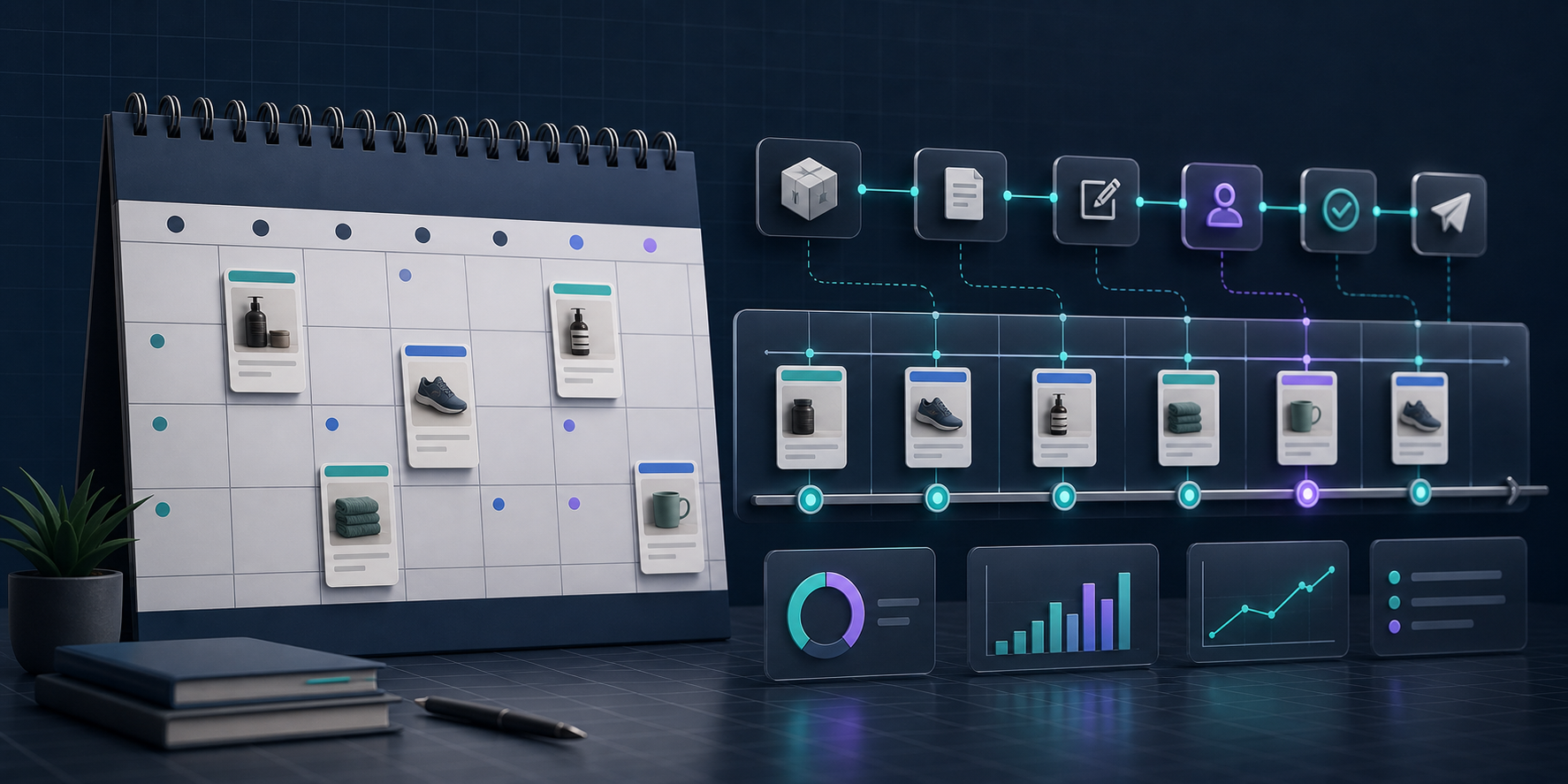
Recurring automation helps here because it removes the need to reinvent the workflow each time. You define the topic pattern, the tone, the product context, and the visual style once, then let the system keep the calendar moving.
That makes the blog easier to manage in three ways:
- You keep the blog active without manually starting every article from scratch.
- You avoid topic drift because every post is tied back to a product or collection.
- You get a repeatable publishing rhythm that is easier to review and measure.
If you are building the scheduling side, How to Keep Shopify Blog Drafts Product-Aware and Reviewable and How to Turn Product Updates Into Reviewable Shopify Blog Drafts are useful complements. They show the same principle from different angles: the calendar should be tied to product reality, not just an arbitrary publishing habit.
What I Would Automate First
If I were setting this up for a store from scratch, I would start with one recurring educational article per week and one review step before publication. That is enough to build momentum without filling the blog with low-value content.
I would also make sure the workflow includes these defaults:
- Product references pulled into the brief.
- Internal links to related posts or collections.
- A clear SEO target for each article.
- Visuals that match the article topic instead of generic stock images.
- A draft option for anything sensitive or high-stakes.
Supra Blog Automation is built around exactly that mix of control and speed. It supports single posts and recurring automations, built-in SEO structure, product-aware content, and AI-generated or product-based visuals. That is the difference between a blog that just “uses AI” and a blog that actually helps the store.
If you want to test the workflow, start with the landing page and the Shopify App Store listing. The free plan is enough to see whether the workflow fits your store before you commit to a bigger publishing cadence.
The goal is not to let software replace judgment. The goal is to automate the busywork so judgment has something better to work with.