
How To Add Color Swatches To Shopify Product Pages Without Code
If shoppers can’t instantly see the color or pattern they want, they bounce. The fastest way to reduce friction and boost conversions is to show visual color swatches right on your Shopify product and collection pages—no theme editing, no Liquid, no code.
In this guide, you’ll learn how to add beautiful, fast-loading color and image swatches using Supra Swatch Colors. You’ll get variant swatches on product pages, optional swatches on collection pages, and even the ability to link separate products together as swatches—without touching code.
- Install the app: https://apps.shopify.com/swatch-colors-ultimator
- Learn more on the site: https://supra-swatch-colors.sktch.io/
Why color swatches matter for Shopify SEO and conversions
- Faster product discovery: Visual options reduce clicks to find the right color or pattern.
- Better UX on mobile: Tappable swatches are easier than dropdowns.
- Higher intent signals for SEO: When users engage with variants, dwell time and micro-interactions improve.
- Fewer returns: Clear previews mean fewer surprises after checkout.
Supra Swatch Colors is built to load instantly and work across all Shopify themes, which means snappy performance and consistent UX—crucial signals for both shoppers and search engines.
What you’ll get (no code required)
- Color and image swatches for variant options on product pages
- Optional swatches on collection pages (built-in, no theme edits)
- Linked-product swatches to connect separate product pages by color
- 20+ customizable styles (shape, size, tooltip, labels, borders)
- Auto-detect store colors to speed setup
- Multilingual support for international stores
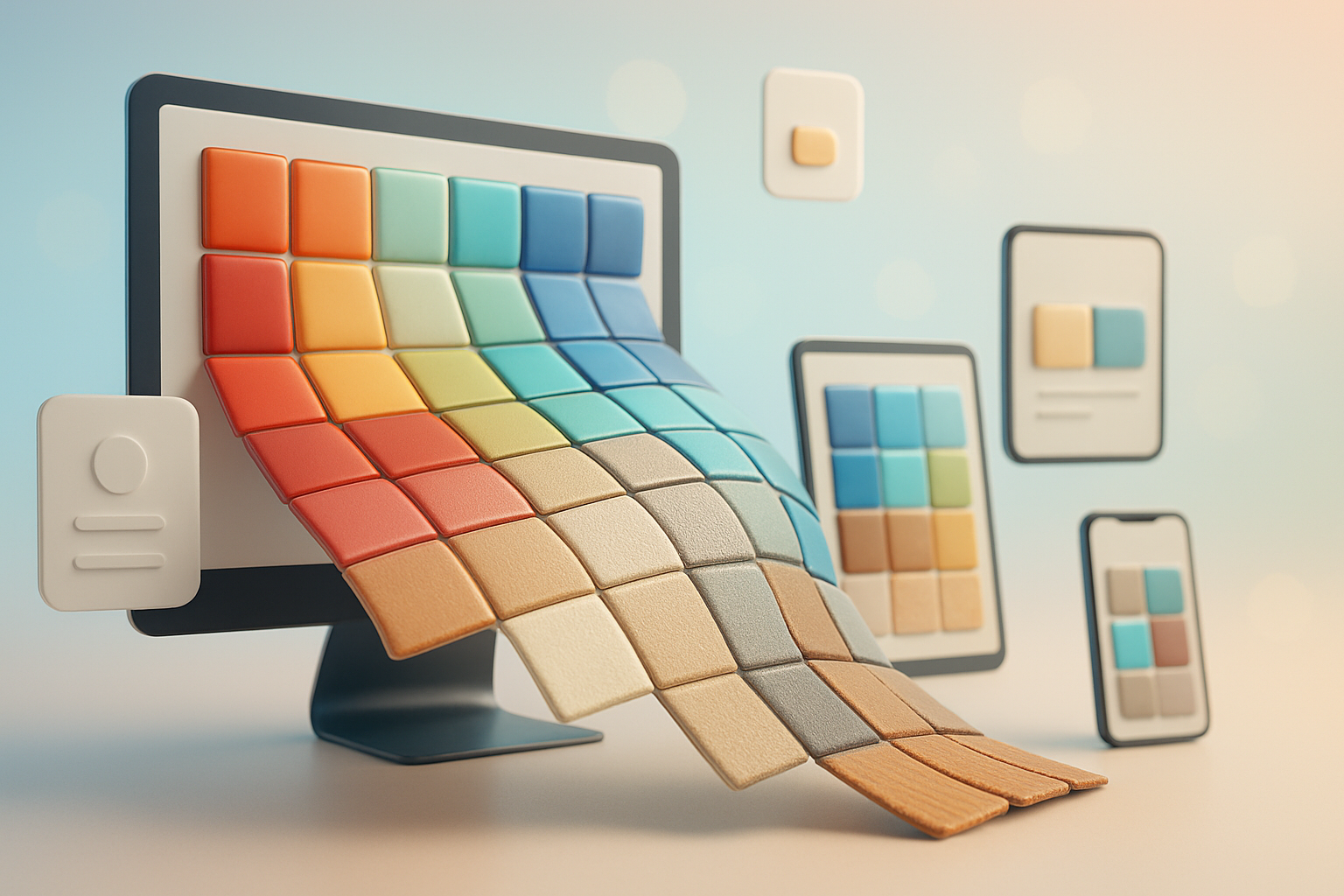
Step-by-step: Add color swatches to Shopify without code
- Install the app
- Go to the Shopify App Store and install Supra Swatch Colors: https://apps.shopify.com/swatch-colors-ultimator
- The app auto-integrates with your theme—no manual edits needed.
- Choose your swatch source
- Variant-based swatches: Turn your existing color/pattern variant options into swatches instantly.
- Linked-product swatches: If each color is its own product (common for SEO or inventory workflows), group them visually so shoppers switch colors without leaving the page.

- Pick color vs image swatches
- Color swatches: Use hex values or auto-detected brand colors pulled from your store.
- Image swatches: Perfect for prints, textures, or materials; use product images to make choices crystal clear.
- Customize the look to match your brand
- Choose from 20+ styles: circle, pill, rounded square, bordered, outlined, and more.
- Adjust size, spacing, and hover/focus states.
- Add labels and tooltips for accessibility and clarity.
- Translate labels for multilingual storefronts.

- Enable swatches on product pages
- In the app, toggle product page integration on.
- Map your color option (e.g., Color, Colour, Pattern) to swatches.
- Preview on desktop and mobile; adjust sizes if needed to avoid wrapping.
- Add swatches to collection pages (optional)
- Turn on collection page integration to let shoppers explore variants from product cards.
- This reduces clicks and can lift click-through rate from category to product details.

- Link separate product pages as color swatches
- Create a product group inside the app for each design available in multiple colors.
- Assign each product to the group and give each a swatch color or image.
- Result: One seamless experience where shoppers switch colors without losing SEO benefits of separate product URLs.
- Test, localize, and publish
- Use the built-in preview, then check real devices.
- Add translations for tooltips and labels if you sell in multiple languages.
- Publish—swatches load instantly across supported pages.
Watch the quick start tutorial
- Getting Started: https://www.youtube.com/watch?v=K_2l9G1ibIo
Pro tips for high-converting Shopify color swatches
- Keep naming consistent: Use a single option name (Color or Colour) across products so mapping is automatic.
- Use image swatches for prints: Camo, floral, plaid, and textured leather convert better with image swatches than flat colors.
- Add concise labels: Combine visual swatches with short labels or tooltips to help accessibility and search.
- Prioritize speed: Supra Swatch Colors is built to load instantly; keep images optimized to preserve that speed.
- Limit overload: If you have 20+ variants, collapse less-popular options behind a “more” pattern or secondary row.
- Mirror your brand system: Match border radius, shadows, and typography with your theme for a native feel.
- Track impact: Note click-through, add-to-cart, and conversion rates before and after swatches with Analytics.
FAQs
- Do I need to edit theme code? No. Everything is enabled through the app’s interface.
- Will this work with my theme? Yes. It’s designed to work with all Shopify themes.
- Is it multilingual? Yes. You can localize labels and tooltips for international stores.
- Can I show swatches on collection pages? Yes—there’s a dedicated toggle for collection pages.
- Will it slow down my store? The swatches are optimized to load instantly for a seamless experience.
- Can I revert any time? Yes—disable swatches in the app to restore your previous look.
Ready to add swatches without code?
Create a seamless, high-converting browsing experience in minutes. Turn variant options into beautiful color or image swatches, or link separate product pages as a single, shoppable set—no developer required.
- Install on the Shopify App Store: https://apps.shopify.com/swatch-colors-ultimator
- Learn more: https://supra-swatch-colors.sktch.io/
Give shoppers the clarity they need to choose quickly—and watch engagement, add-to-cart rate, and revenue rise.