
How I Decide Which Shopify Products Deserve AI UGC Videos First
I stopped treating UGC video as a default deliverable. Some Shopify products deserve it right away. Others do not. The real question is not whether video sounds useful. It is whether a SKU has enough demand, enough confusion, and enough reuse potential to justify the work.
That is the filter I use before I open Supra UGC Maker or check the Shopify App Store listing. If a product clears that bar, I know the video work is likely to pay back in ads, product pages, email, or launches instead of sitting in a folder after one export.
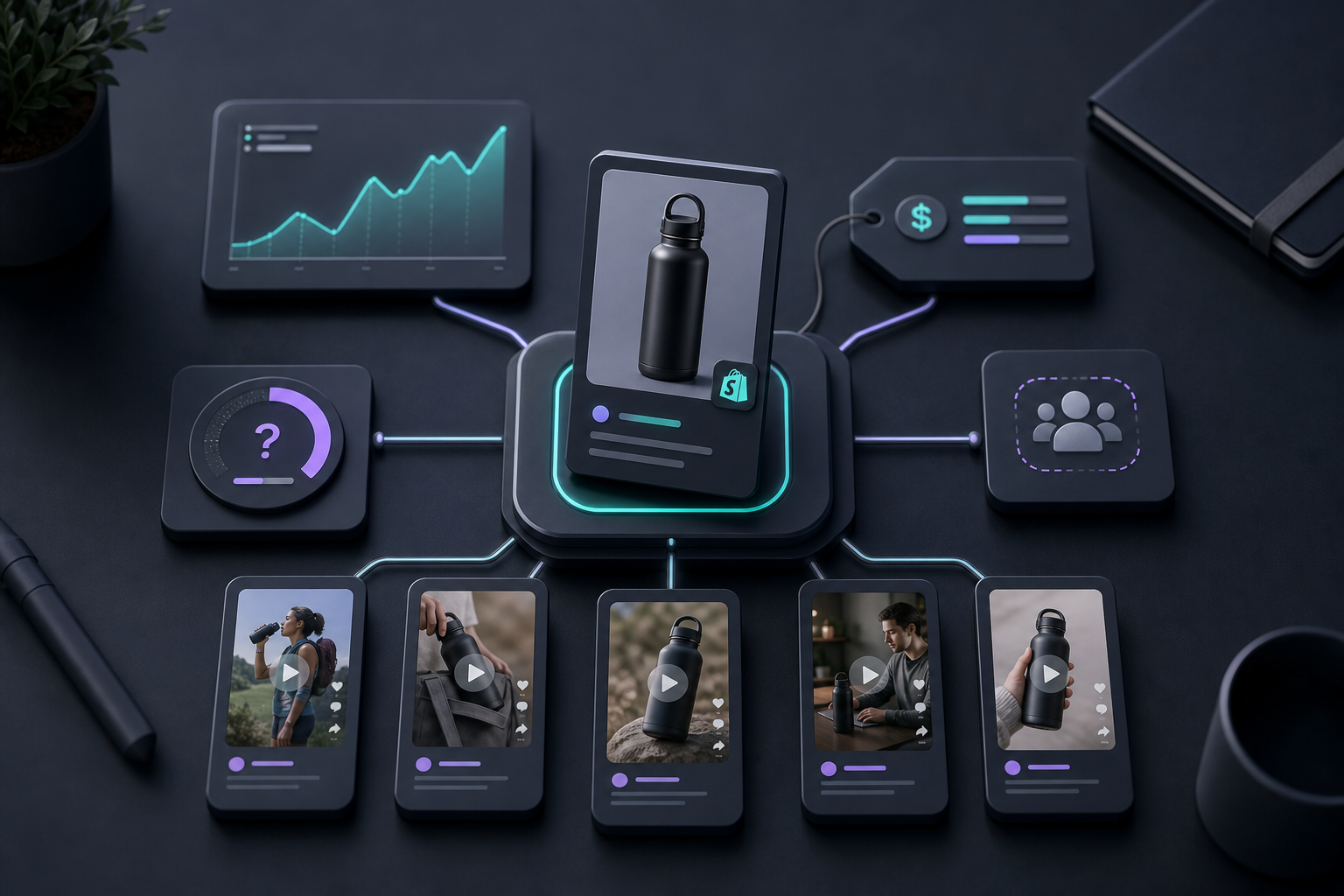
My Quick Scorecard
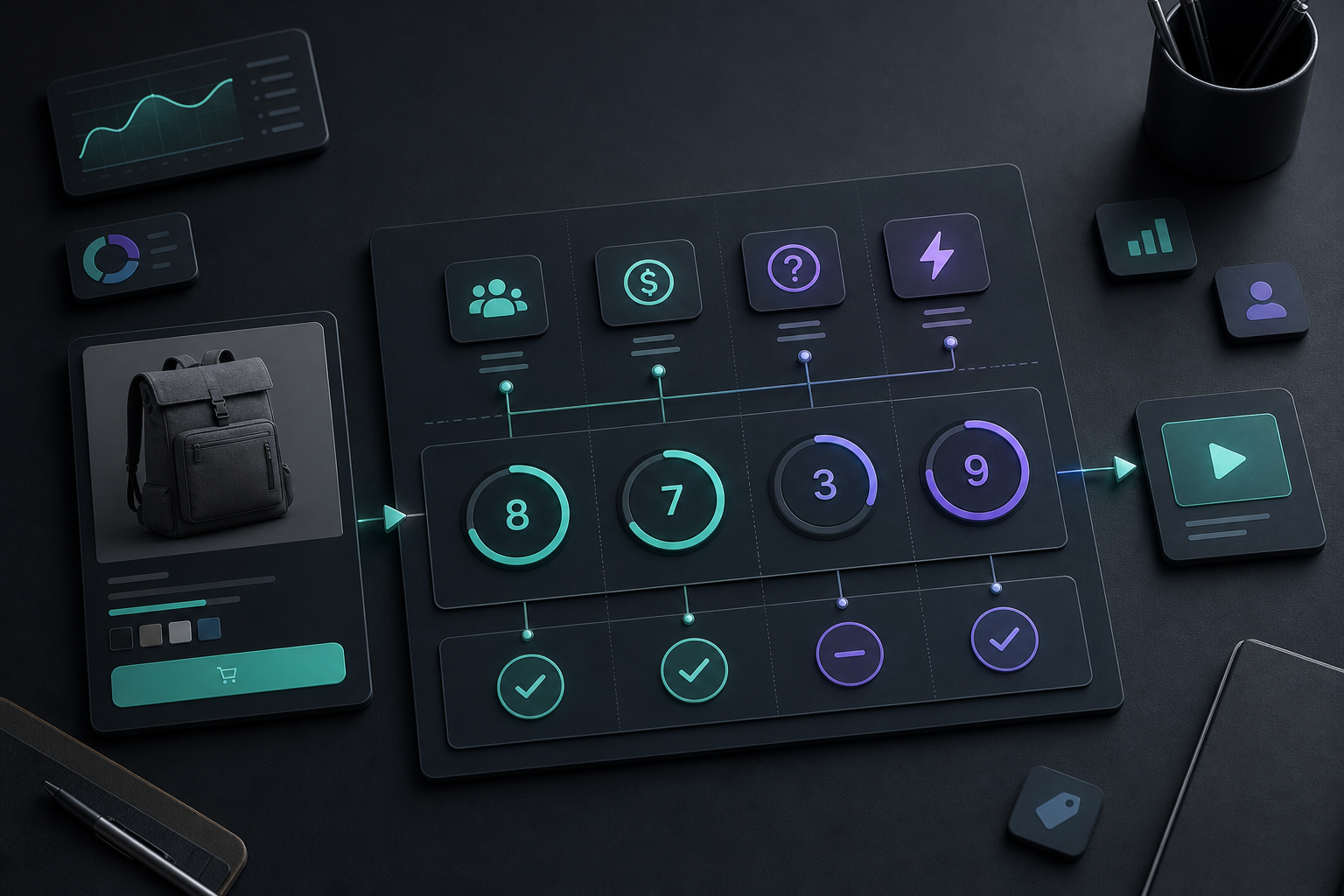
I use four signals when I decide whether a product deserves AI UGC work first:
- Traffic or demand signal
- Buyer confusion or explanation burden
- Creative reuse potential
- Time saved versus another shoot
If a product looks strong in three of the four areas, I usually test it. If it only scores well in one area, I leave it alone until the store gives me a better reason.
That sounds simple because it is. The mistake I used to make was starting with the tool and asking it to justify the project. A better workflow is to start with the product and ask what problem the video is supposed to solve.
The Best Candidates Are Usually Messy In One Specific Way
The strongest candidates are not always the biggest sellers. They are the products that create friction somewhere in the funnel.
I look for a few patterns:
- Products with paid traffic that need a stronger hook
- Products with repeat support questions or reviews that reveal confusion
- Products with multiple use cases, angles, or audiences
- Products that matter in seasonal campaigns or launches
- Products where a short demo is cheaper than another round of creative production
That is also why How I Built a Shopify UGC Ad Testing Matrix still holds up. The matrix only works if the product is worth testing in the first place. How to Build a Shopify UGC Video Testing Matrix is the more tactical version of the same idea.
What I Want A Video To Do
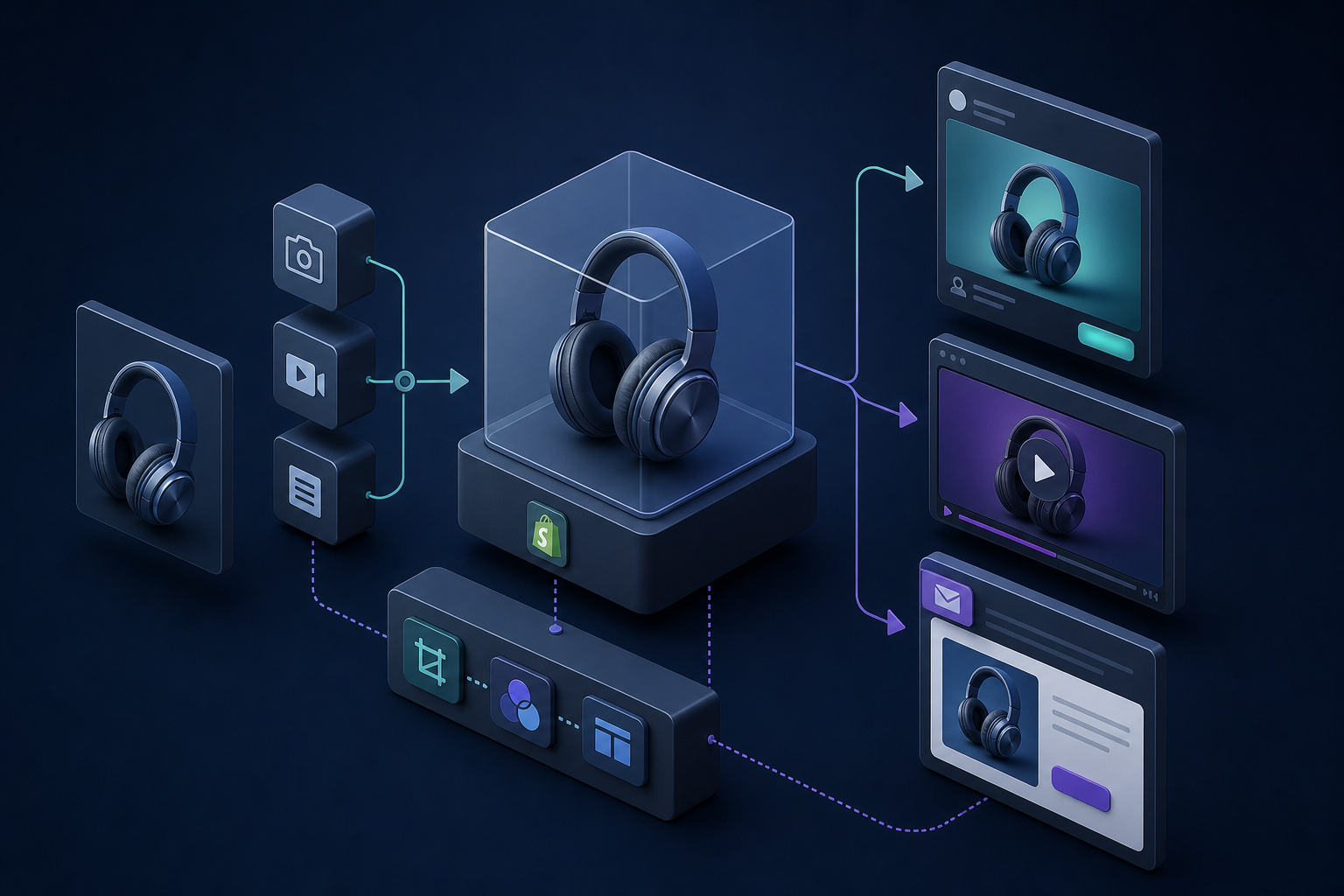
Before I make anything, I decide what kind of uncertainty the video should remove.
Sometimes the product needs more trust. Sometimes it needs more context. Sometimes it just needs a better hook than a static image can provide.
That is why I do not treat all UGC videos the same. A good clip for paid social is not always the best clip for a product page. A product-page clip is not always the best fit for email. The format can be shared, but the job changes.
If I need a broader placement plan, How to Make Shopify UGC Videos for Ads, Product Pages, and Email is the cleanest cross-channel map. If I need the reuse side, How I Build a Reusable UGC Video Library for Shopify shows how I keep the useful cuts around after the first export.
How I Build The First Project
Once a product clears the scorecard, I keep the first pass narrow.
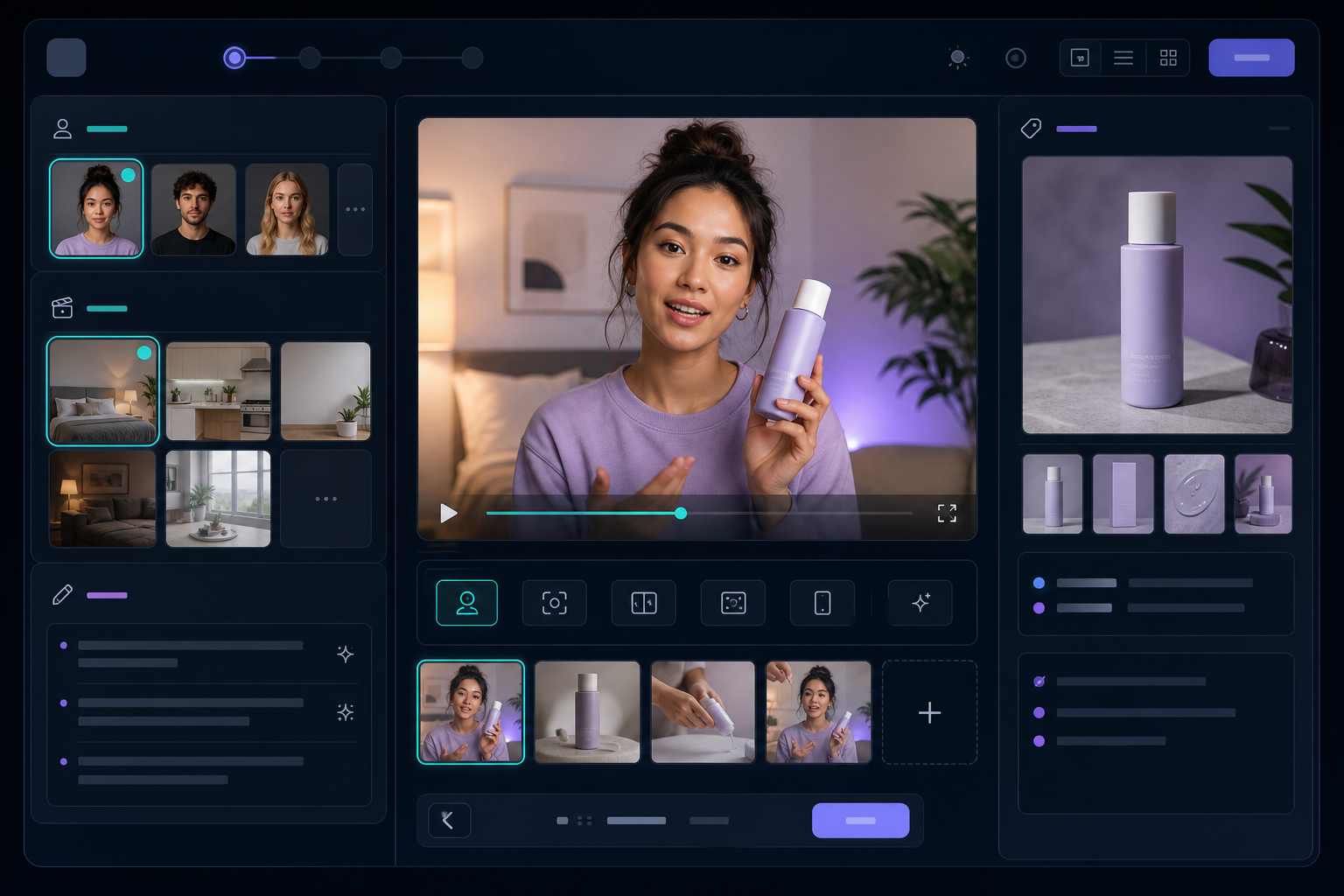
In Supra UGC Maker, I usually:
- Choose a preset avatar or create a custom AI model
- Pick a scene that matches the product context
- Write the script from a buyer question or benefit
- Set the voice and tone so the clip sounds intentional
- Add the product reference
- Preview the scenes before generating the video
- Reorder, trim, update, or regenerate clips inside the same project
That workflow matters because it keeps the creative decisions visible. I am not trying to make the one perfect video. I am trying to make the first useful one.
I also like starting from a real question the shopper would ask. That usually produces a better script than generic ad copy. If the script layer is weak, How to Turn Buyer Questions Into Shopify UGC Video Scripts is the best next read.
When I Skip AI UGC For Now
Not every product needs this treatment.
I usually skip it when:
- The product is already obvious from a still image
- Traffic is too low to justify the effort
- The item depends on real creator trust more than demo clarity
- The team has no need for ad variation, product-page video, or launch assets
That last point matters. AI UGC is best when the goal is scalable creative testing, product explainers, and faster production. It is not a replacement for every kind of influencer content. Sometimes a real creator testimonial is still the better choice.
What I Check After Export
The export is not the finish line. I judge the result by whether it reduced work.
I want to know:
- Did the video clarify the offer?
- Could I reuse it in at least two placements?
- Did it shorten the path from idea to something publishable?
- Would I make the same choice again for the next SKU?
If the answer is yes, the product probably deserves a place in the video pipeline. If the answer is no, I move on without trying to force a system around it.
That is also why How I Build a Reusable UGC Video Library for Shopify and How I Refresh Shopify UGC Videos Without Starting Over are useful together. One covers the initial library, the other covers the maintenance cycle.
The Short Version
I do not make AI UGC videos because a product exists. I make them when a product has enough demand, confusion, and reuse potential to repay the effort.
If you want a simple starting point, pick one SKU, one buyer question, and one placement where video could do more than a static image. Build the first draft in Supra UGC Maker, compare it with the Shopify App Store listing, and see whether the workflow saves time on the next variation.
If the second and third exports are easier than the first, the product probably earned its place in your workflow.