
How I Compared Remotion and VideoFlow and Chose the JSON-First Workflow
I spent more time than I expected comparing a timeline-first video workflow with VideoFlow's JSON-first model. The thing that finally mattered to me wasn't which editor looked nicer or which API had more knobs. It was whether the project could keep the same shape while it moved from authoring to preview to export.
That is where VideoFlow started to win for me. It is an open-source toolkit for creating videos programmatically, and the useful part is that it treats the video as portable JSON. That means I can build scenes in TypeScript, render the same structure in the browser, on a server, or in a live DOM preview, and keep the project understandable when I need to revisit it later. The docs, core, renderers, React video editor, and playground are the places I kept returning to.
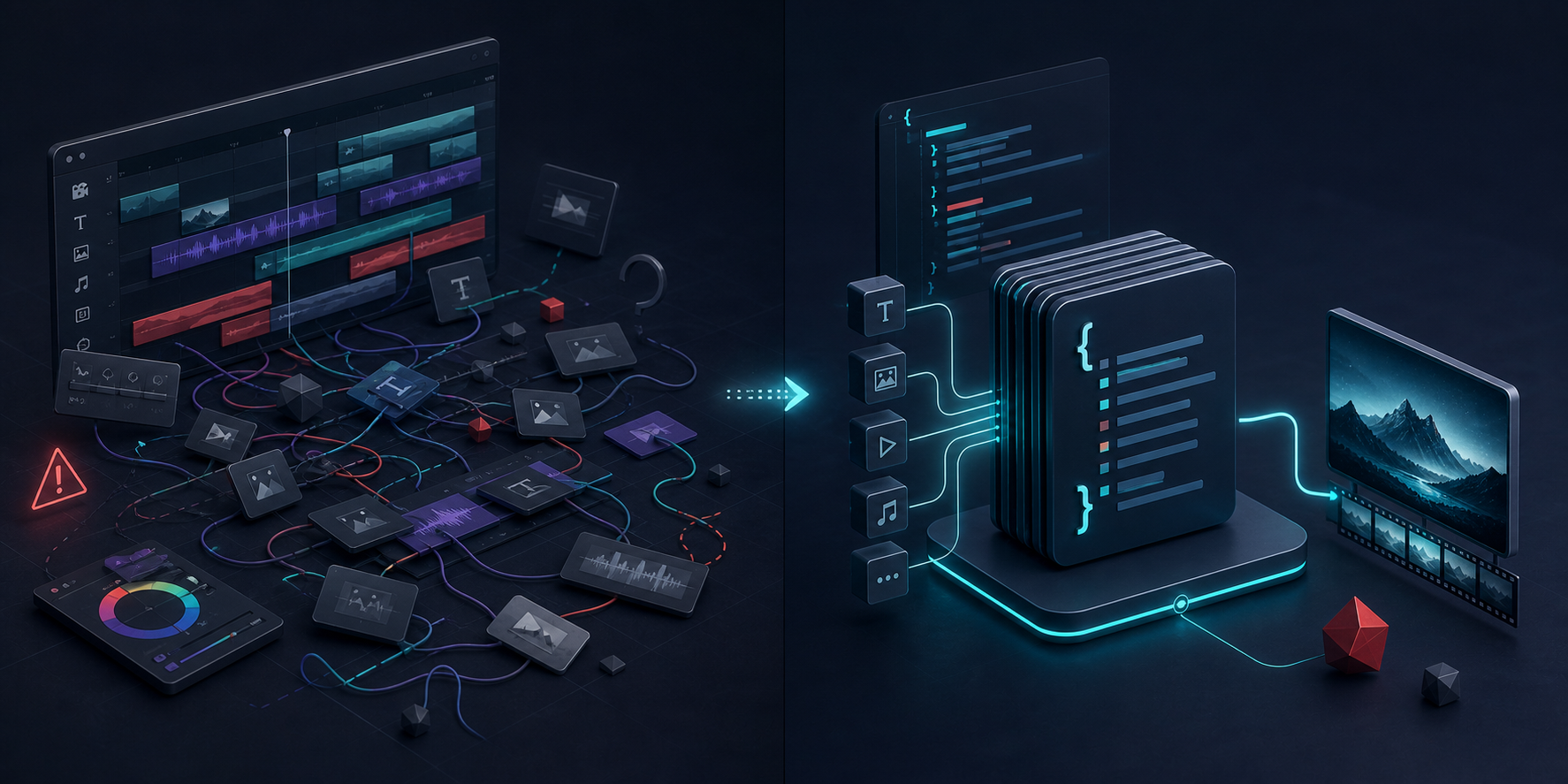
The problem was duplication, not rendering
I had enough ways to render a video already. What kept costing me time was duplication. The preview would drift from the export path. A manual edit would solve one version and quietly break another. Then I would start translating the same intent across tools instead of improving the actual content.
That is why the comparison with Remotion matters, at least for me. I was already comfortable with the idea of a video app built around code, but I wanted a model where the scene definition could stay portable even when the rendering surface changed. VideoFlow's core API and VideoJSON output made that easier to reason about.
I had already been circling this in How to Build a Portable Video Workflow Around VideoJSON and How to Build a Video Template System Around a Single JSON Source of Truth. Those posts are basically the same realization from different angles: if the template is stable, the rest of the pipeline gets cheaper to maintain.
What changed when the scene became data
The simple shift was treating the scene like a durable asset instead of a one-off timeline.
With
@videoflow/core, I can describe a project in TypeScript, compile it, and keep the result portable. That matters because portable JSON is easier to diff, version, regenerate, and hand to another renderer without re-authoring the whole scene. It is also a better fit for LLMs and agents because the output is structured instead of buried in a manual timeline.A minimal handoff looks like this:
const json = await $.compile();

const blob = await $.renderVideo();
That looks small, but it changes the maintenance story. Once the scene has a stable representation, I am no longer asking, "How do I redraw this in a different environment?" I am asking, "Which renderer makes the most sense for this job?"
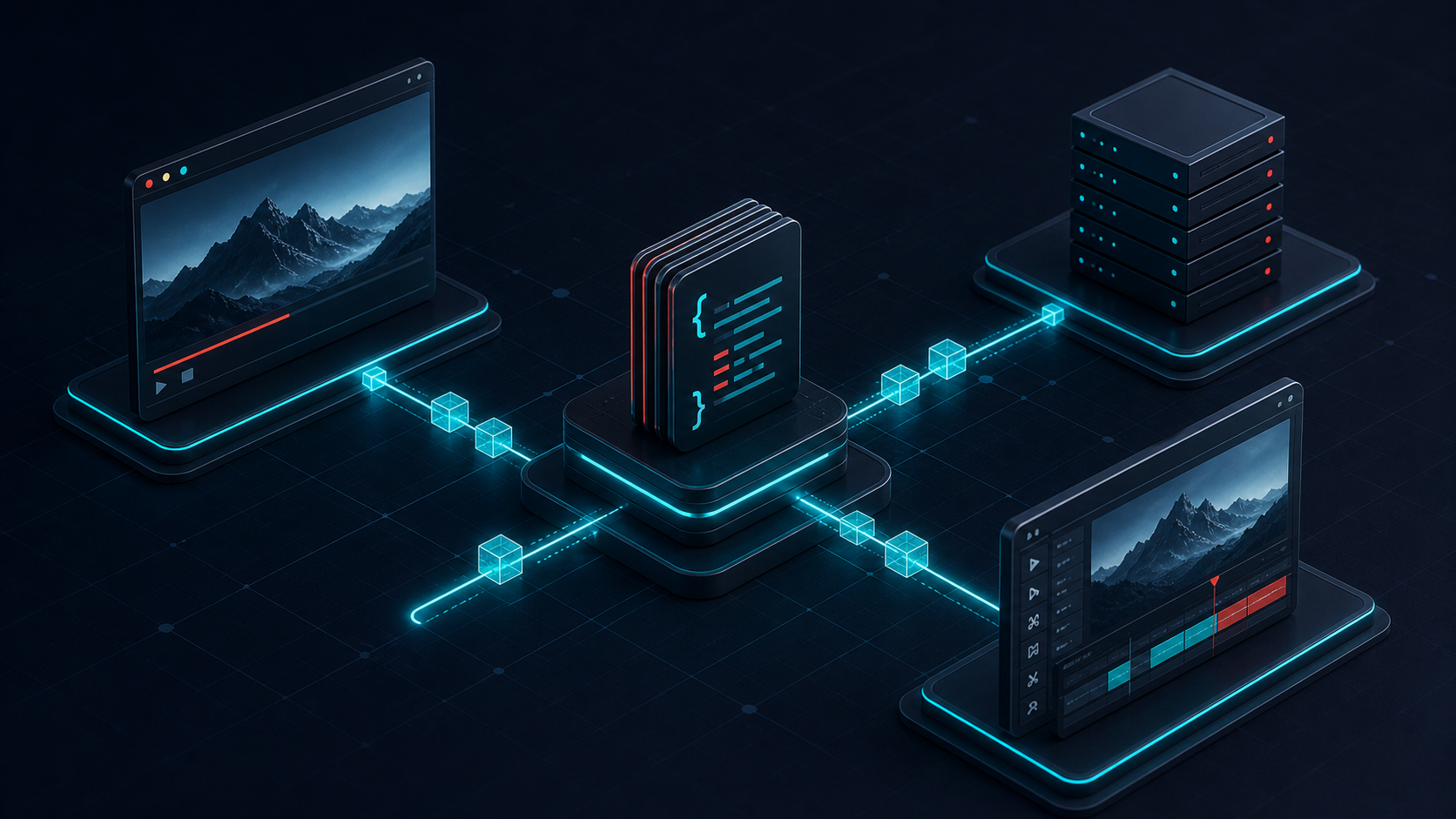
Browser, server, and preview are separate jobs
This is the part that made the system feel practical instead of theoretical.
- The browser renderer is useful when export needs to happen near the user and I want to avoid uploading the project to a server.
- The server renderer is the right answer when the work belongs in queues, APIs, batch jobs, or scheduled renders.
- The DOM renderer is the easiest way to keep a live preview honest when I am scrubbing, inspecting timing, or checking layout changes.
- The React editor is the layer that makes the same JSON usable for humans when a project needs visual editing.
That separation is what made me stop thinking in terms of "the one true video tool." I do not want one renderer to do everything. I want one source of truth that can survive whichever surface I use first.
If the browser path is the pain point, How to Build a Browser-Based MP4 Exporter Without a Rendering Server is still the cleanest companion read. It explains why exporting close to the user can reduce friction without forcing every project through a backend render job.
The editor only works if it stays connected
I do not want a visual editor that becomes a second format.
That is the real value of VideoFlow's React video editor for me. It is not a separate pipeline that competes with the code path; it is a view over the same structure. Multi-track timelines, keyframes, transitions, and preview all become useful only if they point back to the same JSON. Otherwise the editor just creates another thing to keep in sync.
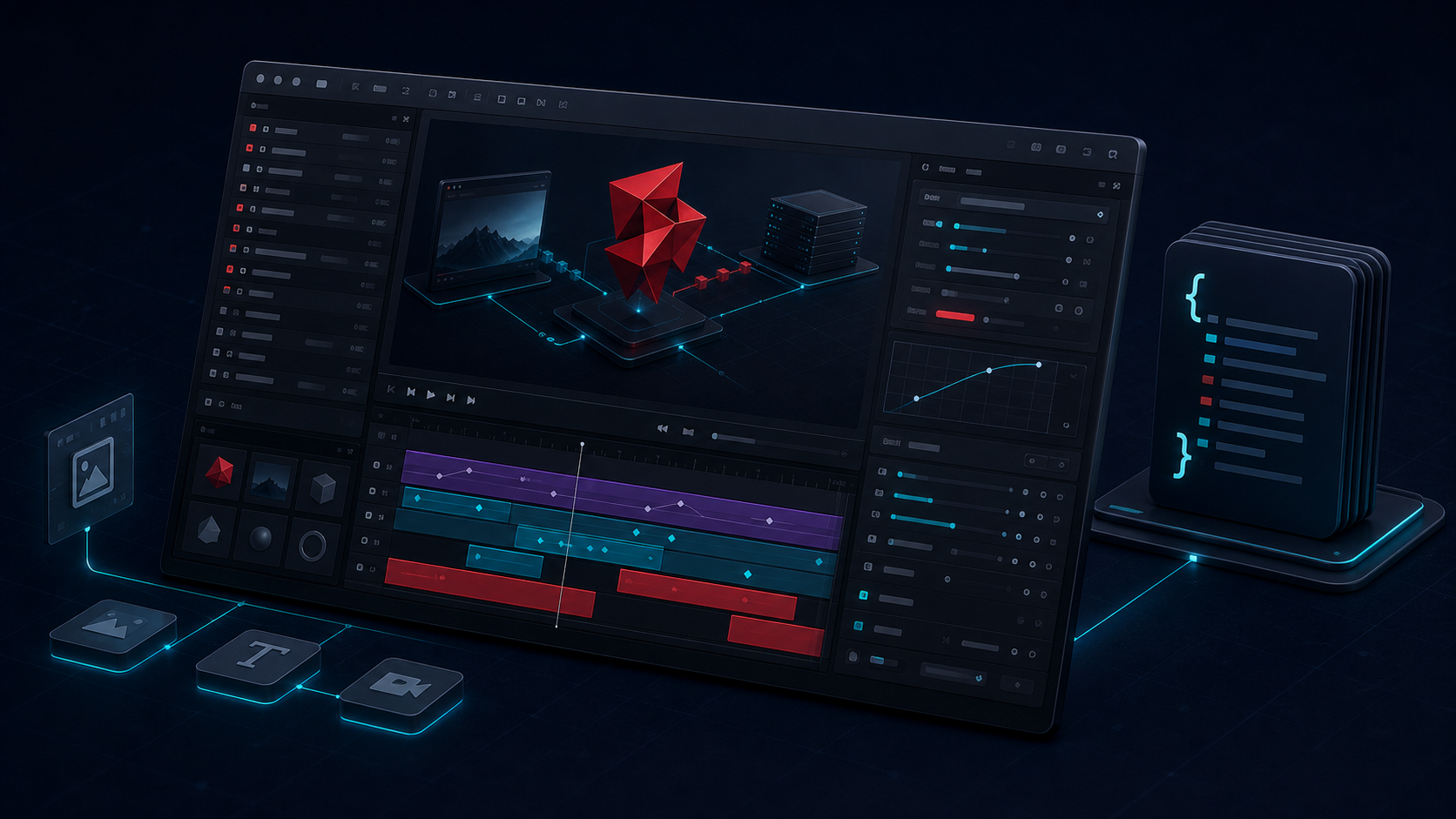
That is also why I liked How to Add a Multi-Track React Video Editor to Your SaaS App. It gets at the product angle directly: once the editor is built on top of the same data, you can let humans tweak the result without abandoning the automated workflow that generated it.
The rule I kept
The rule that made the whole stack feel maintainable was simple: keep the template versionable enough to live in Git.
That sounds obvious, but in practice it changes how you work. If the template can be reviewed like code, then I can catch drift before it turns into a render mismatch. It also makes the work easier to hand to automation later, because the model can generate or modify JSON instead of trying to manipulate a timeline directly.
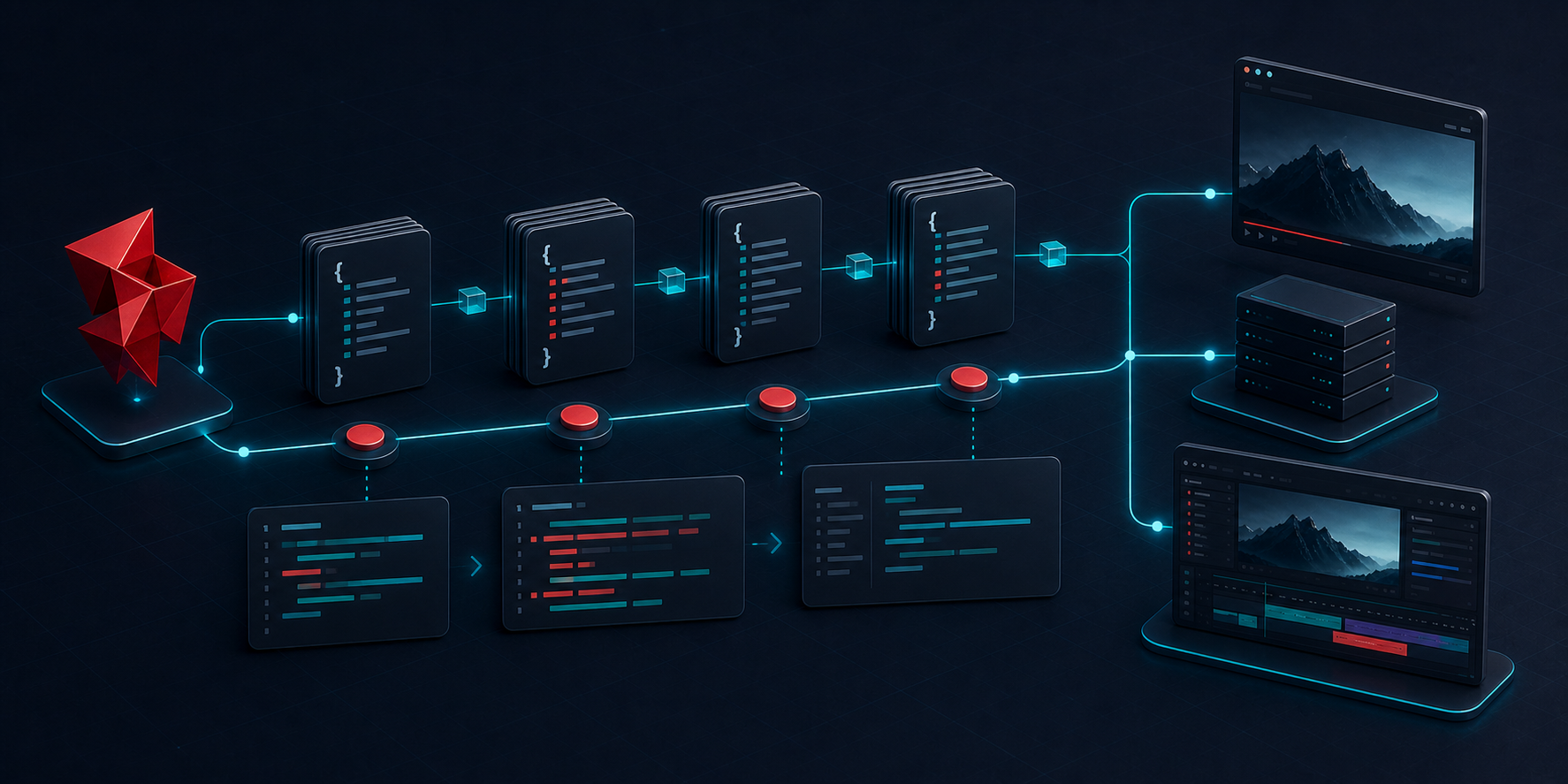
I keep coming back to How to Keep One Video JSON Source of Truth for Preview, Edit, and Export and How to Build a Video Template System Around a Single JSON Source of Truth because they describe the same operational benefit from different directions. The outcome I care about is not that video feels more technical. It is that I spend less time translating the same idea between tools.
What I would do first now
If I were starting from scratch, I would do three things:
- Build the smallest useful template in
@videoflow/core. - Choose one renderer that matches the current workload instead of trying to solve every surface at once.
- Add the editor only when a human review step is actually needed.
That is the point where VideoFlow stopped feeling like an interesting developer tool and started feeling like infrastructure. The structure stays portable, the render target becomes a choice, and the team spends less time reconciling versions.
For me, that is enough of a reason to choose the JSON-first workflow. The rest of the stack becomes easier to justify once the scene itself stops drifting.
If you want to sanity-check the model before you commit to a build, the playground is the quickest place to see whether a portable scene definition matches the way you want to work.