
How I Built a Browser-to-Server Video Workflow With VideoFlow
I kept running into the same problem: the edit surface and the render surface drifted apart. Someone would change the preview code, then the export path would lag behind, or the server job would behave differently from the browser. VideoFlow fixed that for me because it treats the project as portable JSON, so the same scene can preview in the browser, render on a server, or play back in a live DOM preview without rewriting the template.
If you are building programmatic video, that is the part that actually matters. You do not just want a video tool. You want one source of truth that can survive product changes.
What I wanted out of the stack
I wanted four things:
- a code-first way to author scenes with
@videoflow/core - a browser export path for user-facing save flows
- a server render path for batch jobs and APIs
- an editor that non-developers could use without forking the pipeline
VideoFlow gives you that split cleanly. The core docs focus on building the video and compiling to VideoJSON. The renderers docs cover browser, server, and DOM playback. The React video editor sits on top when you need a timeline UI.
This same pattern is what I explored in How to Turn Video JSON Into Browser Preview and MP4 Export and How to Build a Three-Renderer Video Workflow With VideoFlow.
The workflow I settled on
- Author in
@videoflow/core. - Compile the scene to VideoJSON.
- Use DOM preview while I am still iterating.
- Use browser rendering when the export should stay on the client.
- Use server rendering when the job belongs in a queue.
- Add the React editor only when the user really needs a visual timeline.
A tiny example looks like this:
import VideoFlow from "@videoflow/core";

import BrowserRenderer from "@videoflow/renderer-browser";

import ServerRenderer from "@videoflow/renderer-server";


const $ = new VideoFlow({

  name: "Launch Demo",

  width: 1920,

  height: 1080,

  fps: 30,

});


$.addText(

  { text: "New product demo", fontSize: 7, fontWeight: 800 },

  { transitionIn: { transition: "overshootPop", duration: "500ms" } }

);


const videoJSON = await $.compile();


const blob = await BrowserRenderer.render(videoJSON, {

  worker: true,

  onProgress: (p) => console.log(p),

});


await ServerRenderer.render(videoJSON, { output: "demo.mp4" });
The point is not the exact API shape. The point is that the same JSON can drive more than one surface.

Why JSON-first has been worth it
The biggest gain for me is versionability. When the video is data, it behaves more like code:
- I can diff it.
- I can template it.
- I can generate it from a script or an agent.
- I can store it next to the app code.
- I can render it later without reopening a timeline.
That matters because VideoFlow is not React-first. The core runs in Node and browsers, and the docs make a point of saying the same VideoJSON can render across backends. That keeps the model simple: author once, render wherever the job belongs.
There is also a practical speed win. The browser renderer supports progress callbacks,
AbortController, and worker offload, so a user-facing export flow does not have to freeze the UI. The server renderer is the obvious fit for batch jobs or APIs. The DOM renderer gives you a live preview that is still tied to the same project data.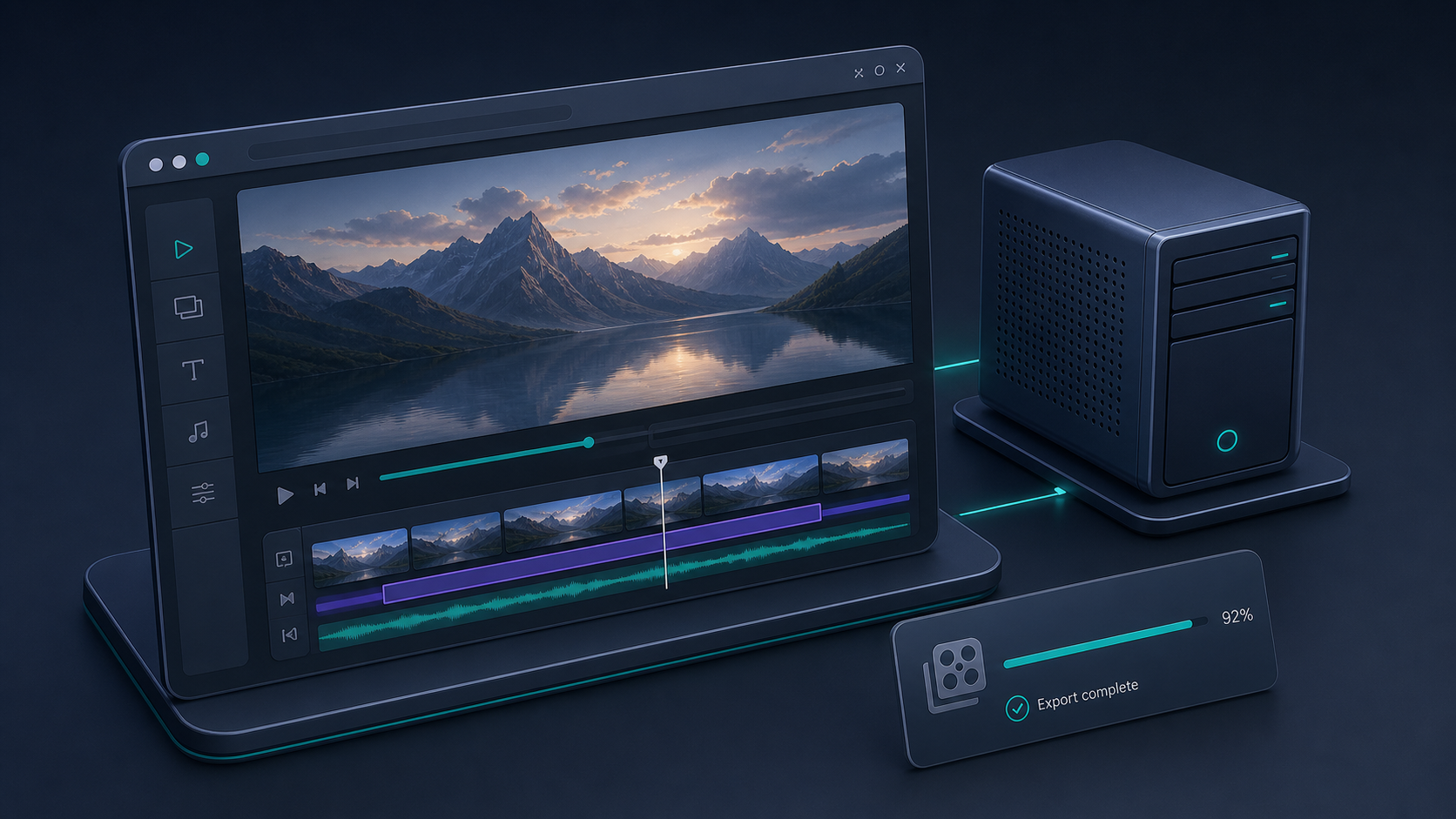
Where the React editor fits
I would not start with the editor unless the product needs it. But when it does, the React video editor is the piece that keeps the stack usable for more than one kind of user.
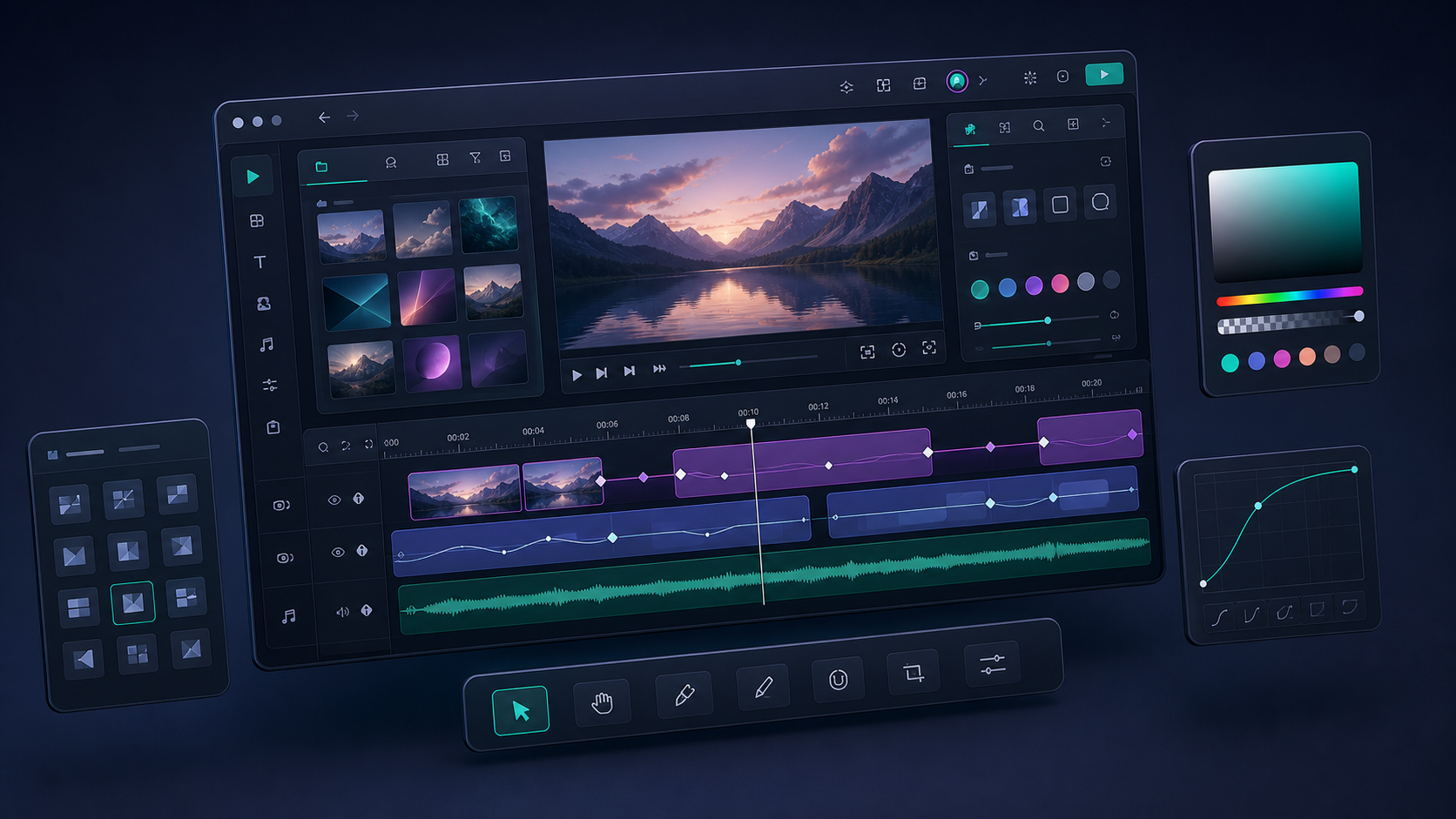
The editor gives you:
- a multi-track timeline
- keyframe animations
- transitions and effects from the same core model
- a live preview
- four built-in themes
- MP4 export
That combination is useful when product or marketing teams need to adjust a template without asking engineering to change the authoring code. The editor stays in step with the same JSON your render pipeline already understands, which avoids the usual visual-editor-plus-code-pipeline mismatch.
I also like that the editor is a component rather than a separate product category. It feels like a layer, not a fork.
What changed for me
The biggest change was that I stopped treating preview, edit, and export as separate projects. They are just different consumers of the same document.
That means:
- the browser can export when I want low friction
- the server can render when I want scale or repeatability
- the editor can sit on top when I want human-friendly adjustments
- the JSON can stay in Git when I want change control
If you want the portability side in more detail, the closest adjacent reads are How I Keep One Video Workflow Portable Across Browser, Server, and React and How I Keep One Video JSON Source of Truth for Preview, Edit, and Export. Those go deeper on the source-of-truth discipline and the renderer split.
If you want to try it
Start with the playground and the docs, then move through the core, renderers, and React video editor pages in that order. That sequence matches the way the product is meant to be used: build the scene, choose the render target, then add editing UI only if you need it.
If you are building a programmatic video system, that is the cleanest path I have found so far.